71
Display Menu
Youcan storepresetsonthe display menufor such settingsas
brightness, Font size, LED, Time form etc.
1.
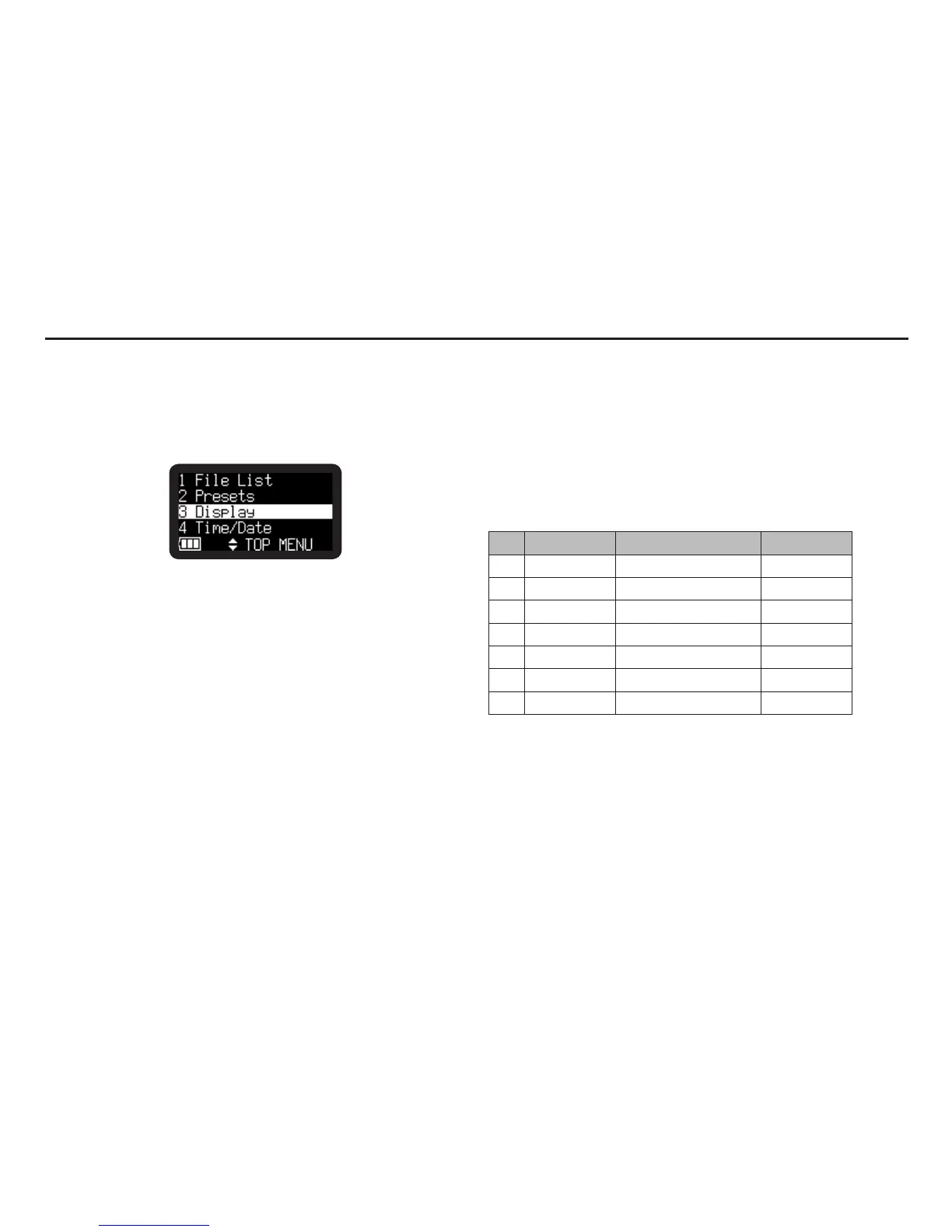
From Stop, press and hold the DISPLAY button for one
second.
• Menulistappearsinthedisplay.
• Theselecteditemishighlighted.
• Whenthefirstitemisselected,pressVOL + button to jump
to the last item.
• Whenthelastitemisselected,pressVOL – button to jump
to the first item.
2.
Press the VOL + or VOL – button to select “Display”. Then
press the 1/3/ENTER button.
• Thenumberofaselecteditemblinks.
• Thechoiceoftheselecteditemishighlighted.
• During Display menu mode, press the STOP/CANCEL
button to return to Stop mode.
3.
Press the VOL + or VOL – button to select an item.
Then press the 8 or 9 button to tab through the choices.
4.
Press the VOL + or VOL – button to select other Menu
choices. When changing the Display menu is complete,
press the DISPLAY button to store the changes, or press the
STOP/CANCEL button to exit Menu mode without storing any
changes.
Display Menu Functions
# Display Selection items Default
1 Brightness 1 to 10 5
2 Font Size Large / Small Small
3 LED On / Off On
4 Time Form 12H / 24H 12H
5 Date Form M/D/Y/D/M/Y M/D/Y
6 File Sort Alphabet / Time/Date Time/Date
7 Default – –
*Factorydefaultof“DateForm”settingforEuropeisD/M/Y.



 To Next Page