47
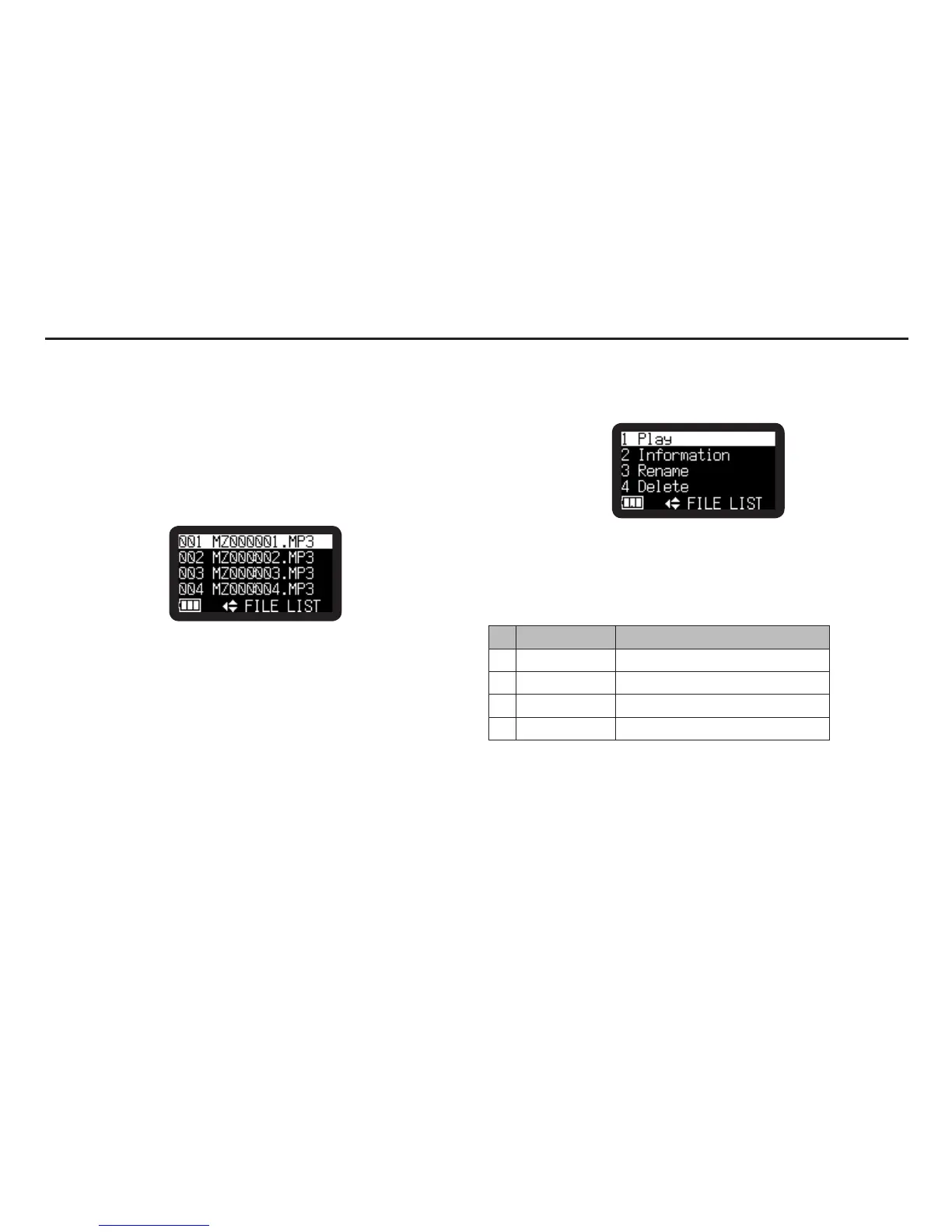
File list displays a list of file titles, MP3 and WAV in ‘MPGLANG1’
folder. The selected file can be played, renamed and deleted.
The file information can be displayed.
1.
From Stop, press and hold the DISPLAY button for one
second.
2.
Press the VOL + or VOL – button to select “File List”. Then
press the 1/3/ENTER button to accept.
• Filelistappearsinthedisplay.
• Theselecteditemishighlighted.
• Whenthefirstitemisselected,pressVOL + button to jump
to the last item.
• Whenthelastitemisselected,pressVOL – button to jump
to the first item.
3.
Press the VOL + or VOL – button to select the file you want to
access. Then press the 1/3/ENTER button to enter the File
list Menu.
• During File list menu mode, press the STOP/CANCEL
button to return to Stop mode.
• Pressthe8 button to return to File list.
File list Functions
# Display Description
1 Play Play the file
2 Information Display information of the file
3 Rename Rename the file title
4 Delete Delete the file
File List



 To Next Page