31
3.
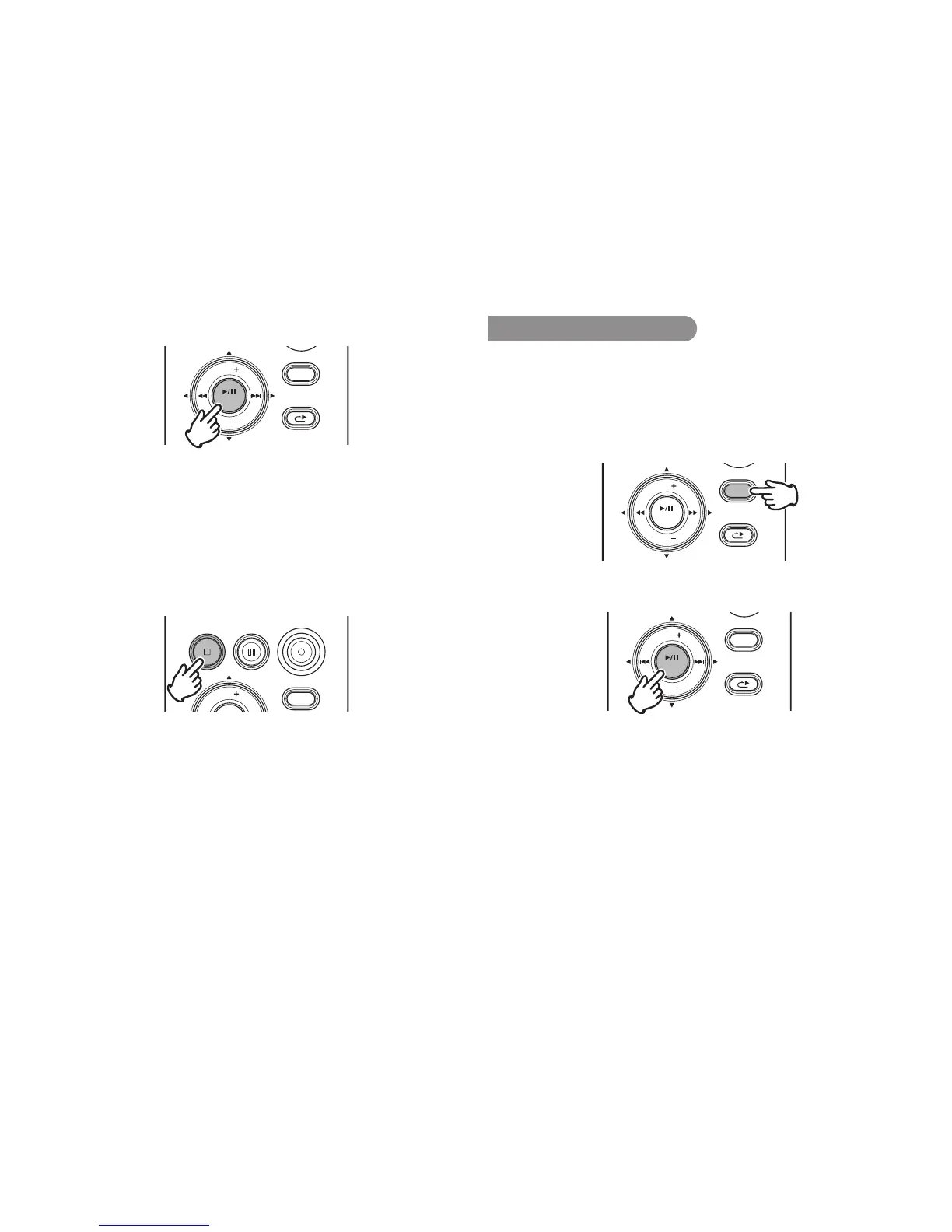
Press the 1/3/ENTER button to begin playback.
DISPLAY
MENU/STORE
SKIP BACK
VOL
ENTER
VOL
RETAKE
• When the selected file has been recorded with encrypted
recording, the correct passcode must be input. (
v P.33)
• Filesrecordedwithencryptedrecordinghavetheextension
WAS for WAV files or MPS for MP3 files.
• Ifanincorrectpasscodeisinput,thefileisnotplayed.
4.
Press the 1/3/ENTER button again to pause playback.
5.
Press the STOP/CANCEL button to stop playback.
REC
DISPLAY
VOL
REC PAUSESTOP/CANCEL
You can press the 1/3/ENTER button to play the just played
file, or push the STOP button again to enter Stop mode. Then
pressing the 1/3/ENTER button will play the beginning of the
first audio file.
Note:
Thefilesortordercanbechangedusingthepreset“FileSort”.(
v
P.74)
When settoAlphabet, filesare sorted inorderof symbol, number, and
alphabet.WhensettoTime/Date,audiofilesaresortedintotheorderinwhich
theywerecreated.
Access from File List
There are 2 ways to select the file you want to playback. Either
use the 8 or 9 buttons during Stop mode, or select the
files from the File List.
1.
From Stop, press and hold the DISPLAY button for one
second.
DISPLAY
MENU/STORE
SKIP
RETAKE
BACK
VOL
ENTER
VOL
2.
Press the 1/3/ENTER button to display the file list.
DISPLAY
MENU/STORE
SKIP BACK
VOL
ENTER
VOL
RETAKE



 To Next Page