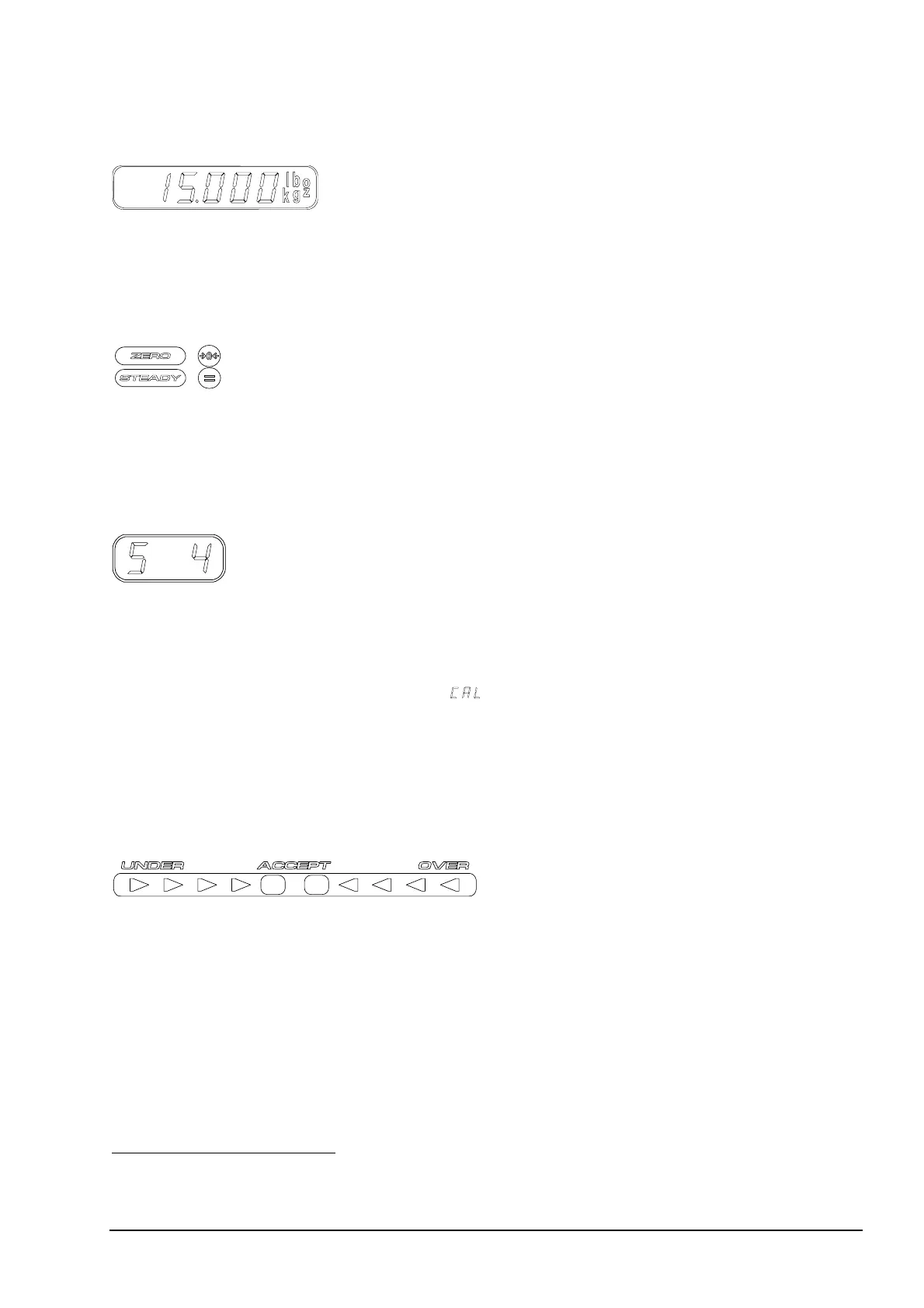
Weight Display
Figure 2 The Weight Display
The Weight Display shows the weight on the platform. If tare is in use, the
net weight is shown. To the right on the display a lighted indicator shows the
current unit of weight.
4
Zero and Steady Indicators
Figure 3 Indicators.
Below the Weight Display there are two indicators, Zero and Steady.
• The Zero indicator (green) lights up when the scale is at the zero point.
• The Steady indicator (green) lights up when the load indication is steady.
Config Display
Figure 4 Config Display.
The Config Display is located below the Weight Display.
This display shows which packing memory or grading memory is currently
in use. Use the
UP and DOWN arrow keys to select a memory
(see “Operation” on page 15).
The Config Display is also used to display
• configuration commands when the scale is in Setup Mode
• the blinking message, “marine calibration required”.
Weight Target
The Weight Target indicator is located above the Weight Display. This
indicator consists of three parts, the Under, Accept, and Over indicators.
Figure 5 Weight Target indicator.
• The Accept indicator in the center lights up (green), if the weight on
the platform is within the set weight limits.
• The Under and Over
indicators (red) on either side of the Accept
indicator light up if the weight is outside the weight limits.
The deviation is shown in steps, the step between two lights being
two scale divisions. A deviation of one division is indicated by two
simultaneous lights.
4
Note! Due to local restrictions in some market areas and limitations caused by scale capacity, all units may not be
available.
User’s Guide The M1100 Scale • 11



 To Next Page