The innermost arrows will light up first, but when the outermost arrows
light up the deviation from the weight limit is equal to or greater than
seven scale divisions.
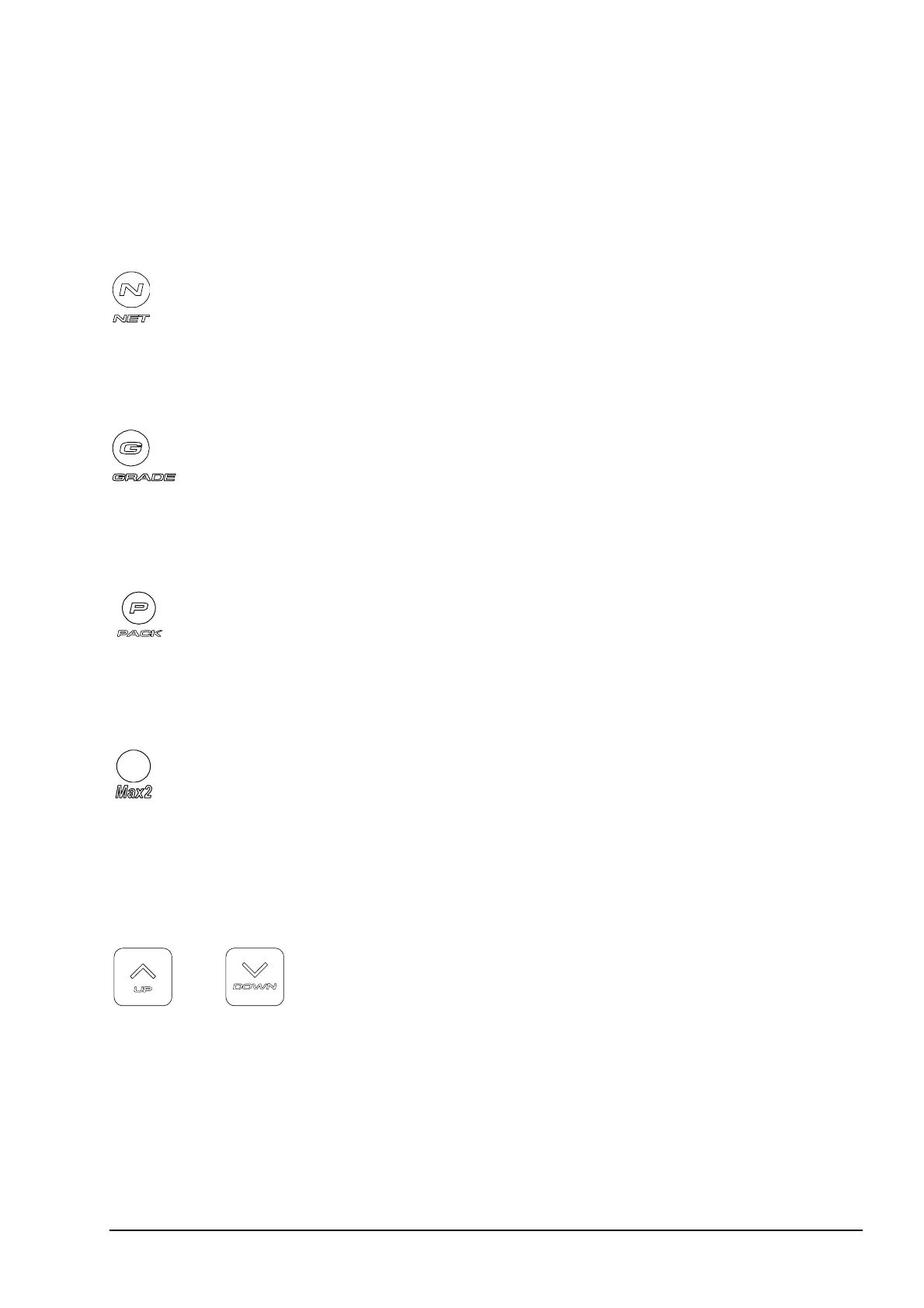
Net Indicator
Figure 6 Net indicator.
The Net indicator lights up whenever tare is in use.
Grading Indicator
Figure 7 Grading indicator.
The Grading indicator lights up to show that the scale is in grading mode.
Packing Indicator
Figure 8 Packing indicator.
The Packing indicator lights up to show that the scale is in packing mode.
Max2 Indicator
Figure 9 Max2 indicator.
The Max2 indicator lights up
• on multiple range scales to show that the scale is in the higher weighing
range
• on battery operated scales to show that the scale is in power down mode.
Arrow Keys
Figure 10 UP Arrow, DOWN
Arrow.
The arrow keys are used to select packing or grading memories. They are
also used to enter numerical values and to select menu items when the scale
is in Setup Mode.
12 • The M1100 Scale M1100, U2 & C2-3.3



 To Next Page