MXIII SINGLE PROGRAMMING GUIDE
MAINTENANCE
43
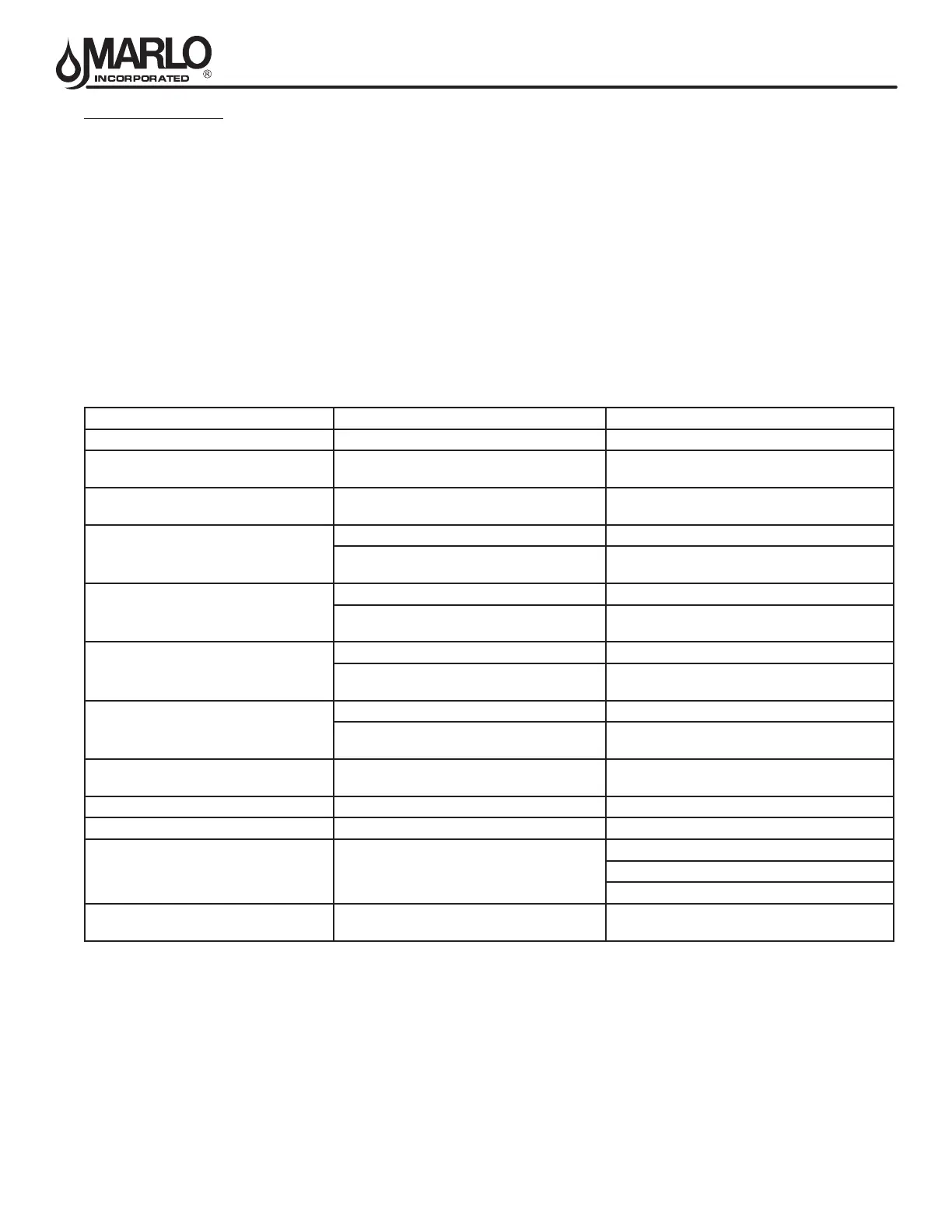
ERROR MESSAGE CAUSE FOR ERROR CORRECTION
Flashing Time Power outage. Program time by holding UP on Unit #1.
Detected Error = Matching Address
Two or more units programmed with the same
valve address number
Program each unit with unique valve address
number in Master Programming.
Detected Error = Program Mismatch
Master program parameters do not match
between two or more controls.
Conrm Master Programming for each unit.
Detected Error = No Message #1
No power to Control #1. Power Control #1..
Communication Cable to Valve Address #1
bad or missing.
Connect or replace Communication Cable.
Detected Error = No Message #2
No power to Control #2. Power Control #2.
Communication Cable to Valve Address #2
bad or missing.
Connect or replace Communication Cable.
Detected Error = No Message #3
No power to Control #3. Power Control #3
Communication Cable to Valve Address #3
bad or missing.
Connect or replace Communication Cable.
Detected Error = No Message #4
No power to Control #4. Power Control #4.
Communication Cable to Valve Address #4
bad or missing.
Connect or replace Communication Cable.
Detected Error = E2 Reset Unit This message appears after a software reset.
Reprogram control using Master Programming
section.
Test Mode Circuit Board was not programmed at factory. Replace Circuit Board.
Black Squares on screen Bad Circuit Board. Replace Circuit Board.
INI on screen for more than 2 minutes
Circuit board not getting feedback from cycle
switch.
Inspect Motor - should be rotating.
Wire Harness disconnected.
Check Cycle Micro Switch.
CHG on screen for more than 2 minutes
Control programmed incorrectly as 2900 or
3900 valve type.
Reprogram unit as Stager Valve type.
ERROR CODES
If a communication error is detected, an Error Screen will alternate with the main (time of day) screen every few
seconds.
• All units In Service remain in the In Service position.
• All units in Standby go to In Service.
• Any unit in Regeneration when the error occurs completes Regeneration and goes to In Service.
• No units are allowed to start a Regeneration Cycle while the error condition exists, unless they are manually
forced into Regeneration.
• When an error is corrected and the error no longer displays (it may take several seconds for all of the units in a
system to stop displaying the error message), the system returns to normal operation.
NOTE: During the error condition the control continues to monitor the ow meter and update the volume
remaining. Once the error condition is corrected all units return to the operating status they were in prior to
the error. Regeneration queue is rebuilt according to the normal system operation. Or, if more than one unit
has been queued for regeneration, then the queue is rebuilt according to which one communicates rst.



 To Next Page