MR 150M–1050M SINGLE – MXIII CONTROLLER
OPERATION
34
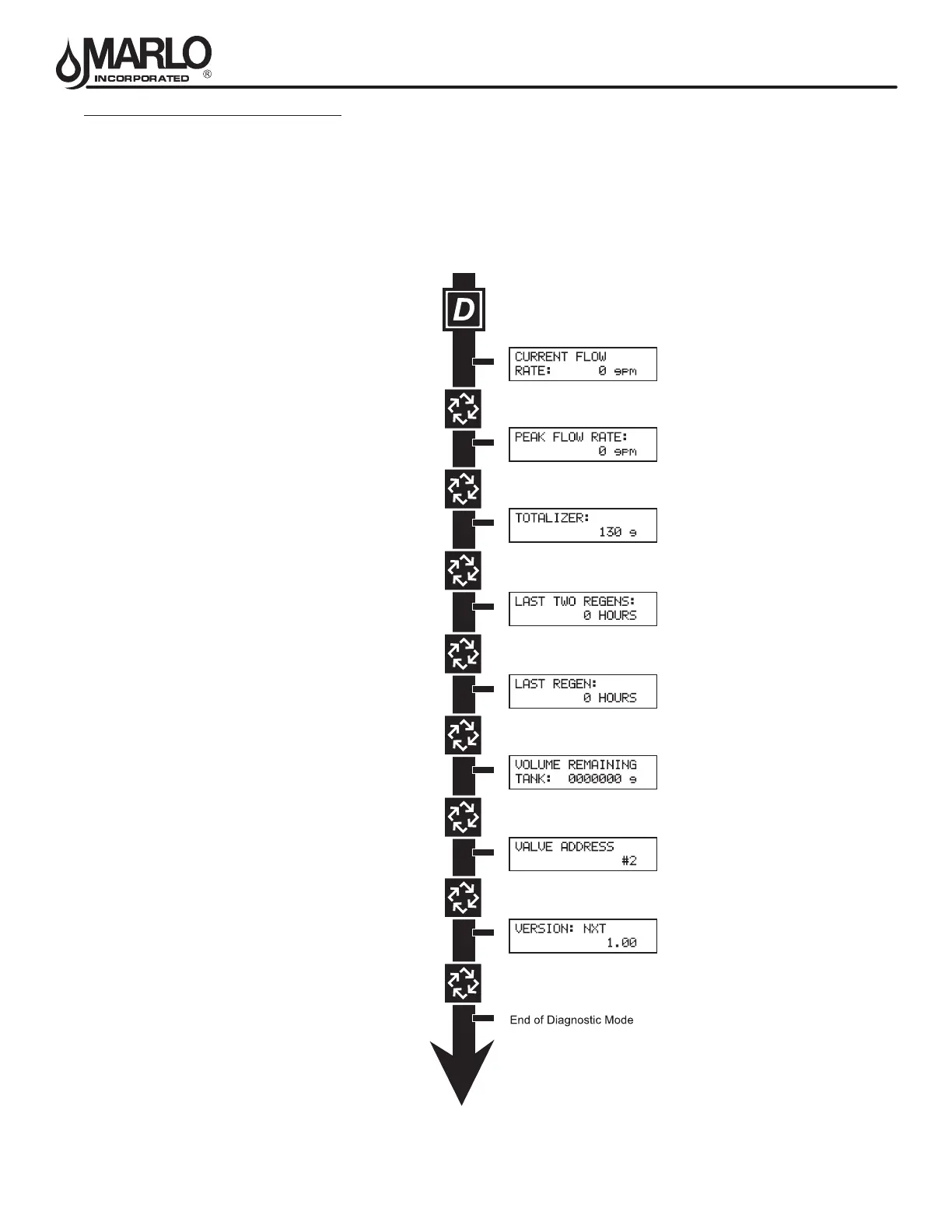
DIAGNOSTIC MODE FLOW CHART
Entering Diagnostic Mode:
1. Push and release the “D” button.
2. Press the Extra Cycle button once per display until all displays are viewed and Normal Display is resumed.
3. Push and release the “D” button at anytime during diagnostic mode and the timer will exit the mode.
4. Depending on current valve programming, certain displays may not be able to be viewed or set.
NOTE: If a System 6, Unit#1 of “Tank
Remaining” will display “System
Remaining).



 To Next Page