3. Click .
Configuring the Uplink Frequency and Power
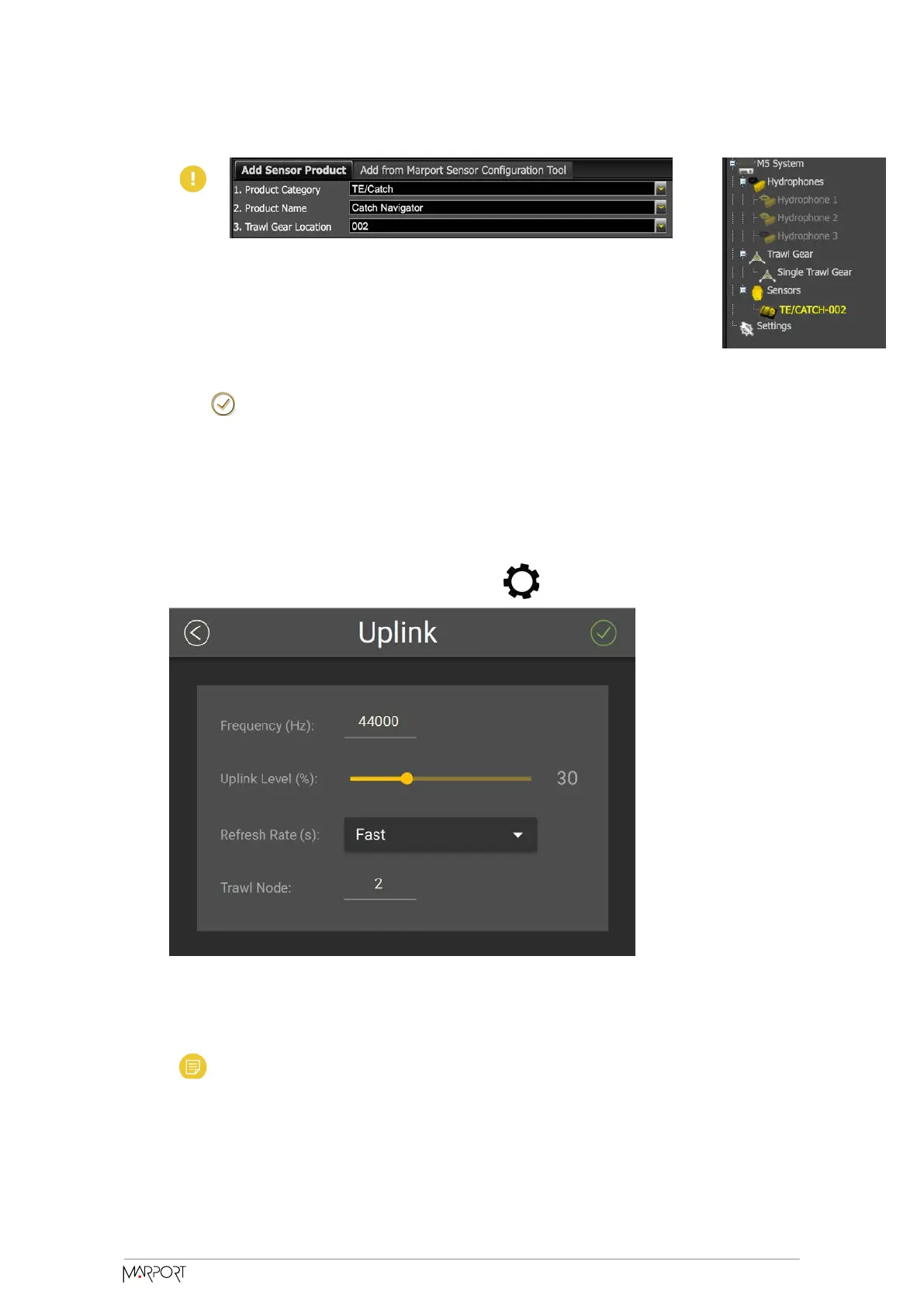
Configure the settings of the communication link between the sensor and the vessel.
1. Go to the Communication page, then click in Uplink.
2. Enter a frequency for the communication with the vessel. Default is 44,000 Hz.
3. Drag the slider to change the power of the uplink signal.
Note: A higher level of uplink power reduces the battery lifetime.
Catch Navigator | V1 | Sensor Configuration
20



 To Next Page