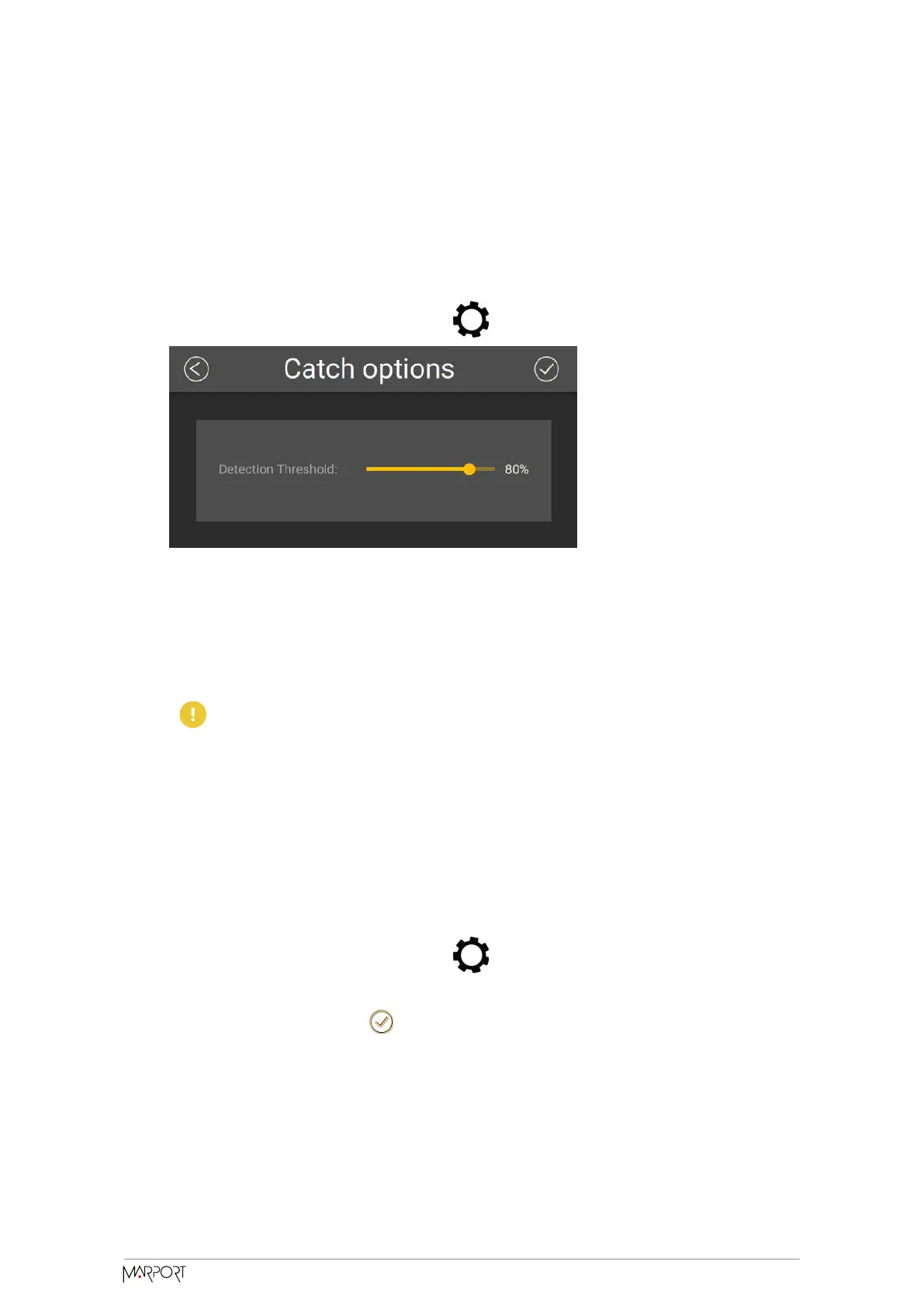
Changing the Detection
Threshold of the Catch Sensor
You can change the threshold at which the catch status becomes full when the cords are
pulled.
1. Go to Measurements page and click next to Catch.
2. Set a value below 75% if you want the catch status to become full when the cords
are not entirely extended.
3. Set a value above 75% if you want the catch status to become full only when the
cords are fully extended.
Important: For proper operation, do not set the percentage below 65%
or above 85%.
Applying Offsets to Measurements
You can apply osets to temperature and depth measurements if the measured values
does not correspond to the environment of the sensor.
1. Go to Measurements page and click next to depth or temperature to apply
osets.
2. Enter a target value. Click .
Catch Navigator | V1 | Sensor Configuration
26



 To Next Page