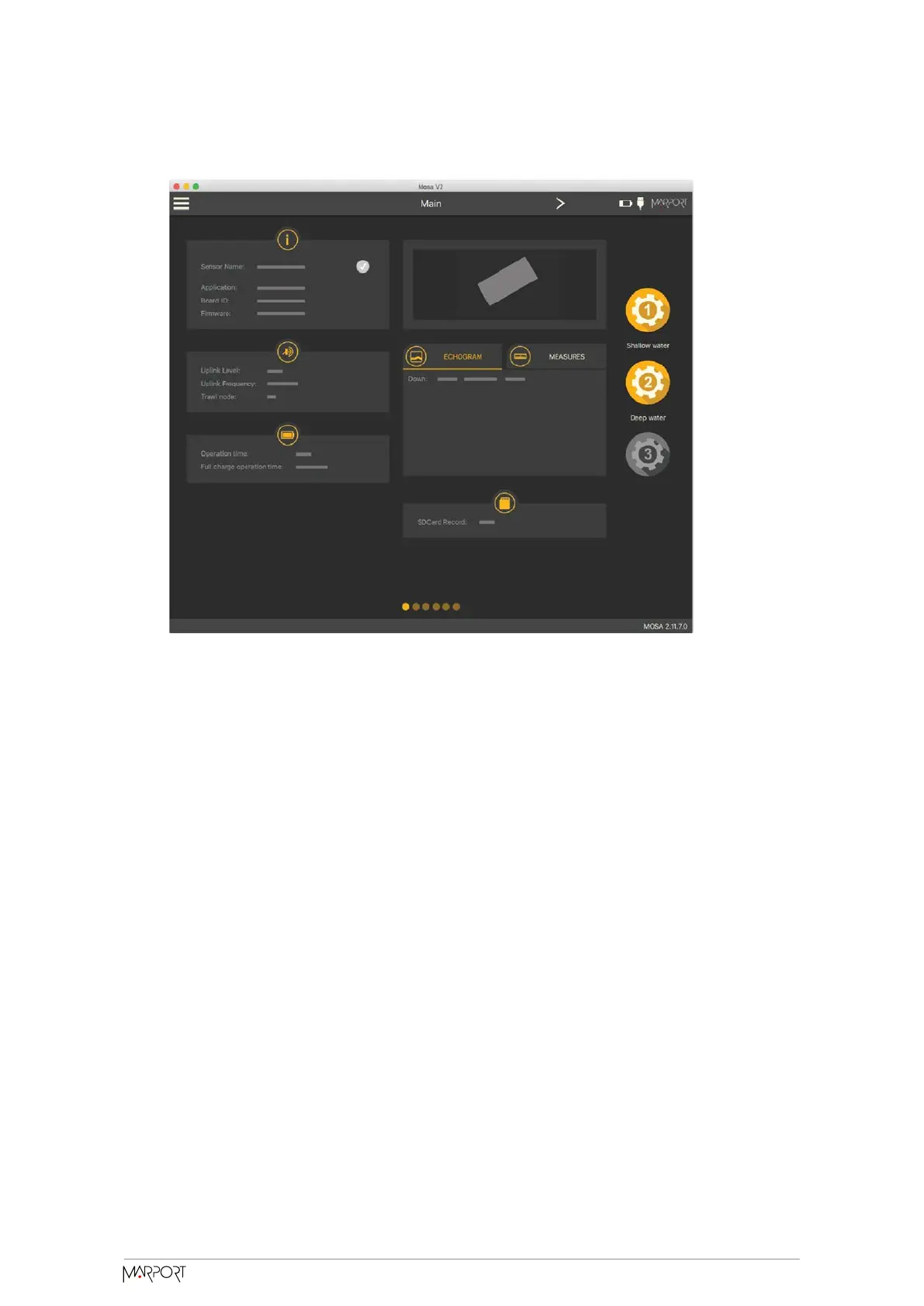
4. When you are finished, click the second wheel icon and save the configuration.
5. If you need to change the sensor configuration back to the first configuration
(shallow water), click the corresponding wheel.
The configuration is applied.
6. If you need to make changes to a configuration:
a. Change settings.
b. Maintain the click on the corresponding wheel until the Manage
Configuration window appears.
c. Click OK in Save Current Configuration.
7. To delete a configuration:
a. Maintain the click on the corresponding wheel until the Manage
Configuration window appears.
b. Click OK in Delete Saved Configuration.
Exporting Sensor Configuration
You can export the sensor settings you configured on Mosa2 on a file. You can aerward
use this file when configuring a similar sensor.
Catch Navigator | V1 | Sensor Configuration
33



 To Next Page