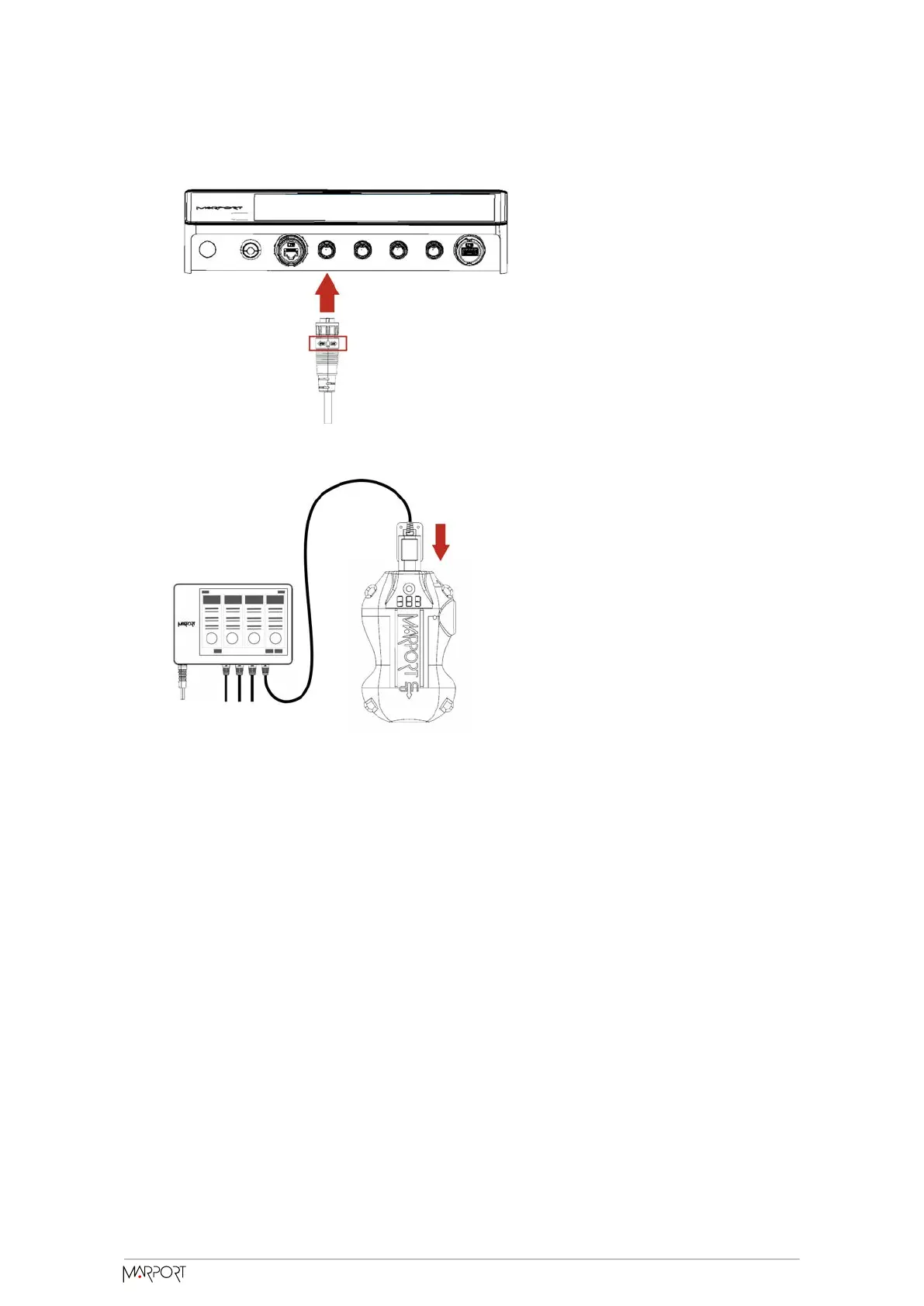
2. Connect the charger plug to one of the 4 charging ports.
3. Connect the 3-pin charging connector to the sensor charging pins.
The Dock screen and Virtual Charger Room display the state of charge of the sensor.
Cleaning the Sensor
You need to regularly clean the sensor for proper performance.
Wash the sensor with fresh water and dry it before you charge or store it.
Regularly check that the sensor is clean. If not:
Catch Navigator | V1 |
Maintenance and Troubleshooting
50



 To Next Page