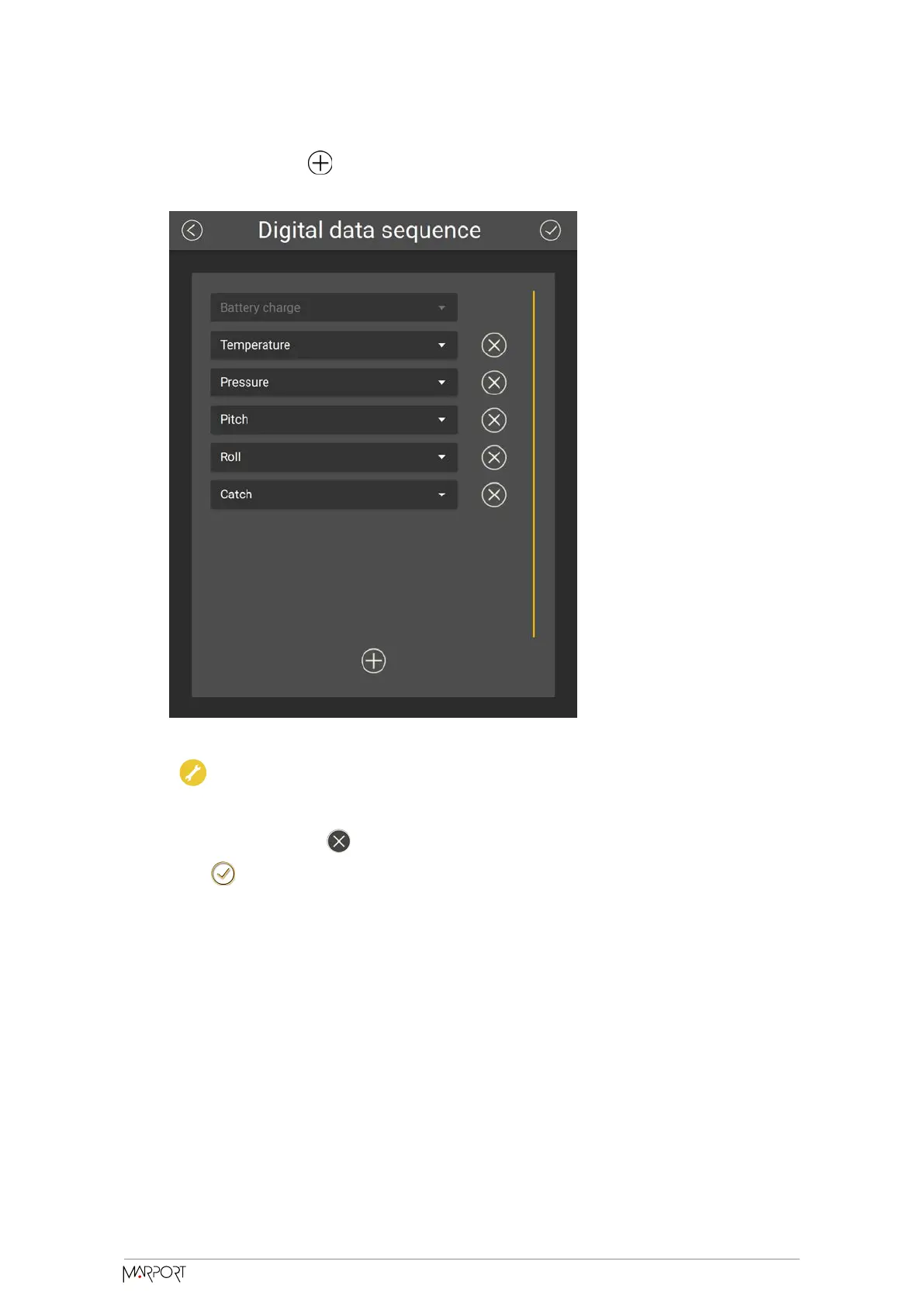
3. To add data, click then select data in the drop-down menu. The sequence
begins by the top.
Trouble: If you do not see some data, it means it is not activated on the
sensor (application file).
4. To delete data, click in front of data.
5. Click .
Configuring the Echo Sounder
Configure the echo sounder settings of the Catch Navigator.
Catch Navigator | V1 | Sensor Configuration
22



 To Next Page