Replaying Data from A2S Files
You can replay data that have been recorded in high definition on the SD card.
Note: Data in high definition is available only when downloading them from
the SD card of the sensors. Data received in Scala2 in live will have a lower
definition.
1. Download A2S files from Mosa2
2. Right-click the timeline and click Change Directory to choose the source
directory where A2S files are stored.
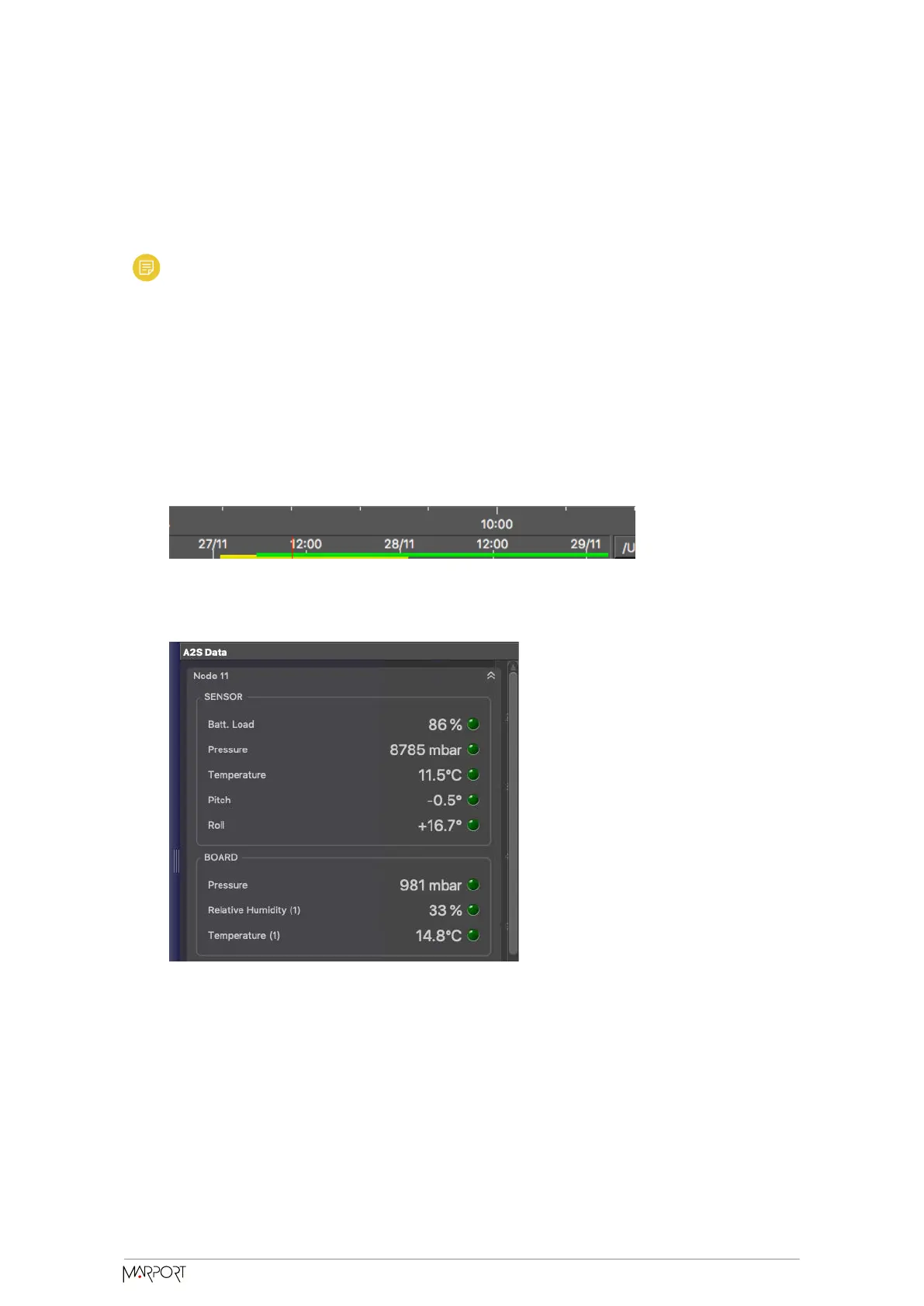
In the replay bar, the recording period of A2S files is displayed in green.
In the control panels, data that were received in live are displayed in the Mx panel
and data recorded on the SD card are displayed in the A2S Data panel.
3. Go to the control panels, then click and drag data from the A2S Data panel to a
page.
Catch Navigator | V1 | System
Configuration and Display
44



 To Next Page