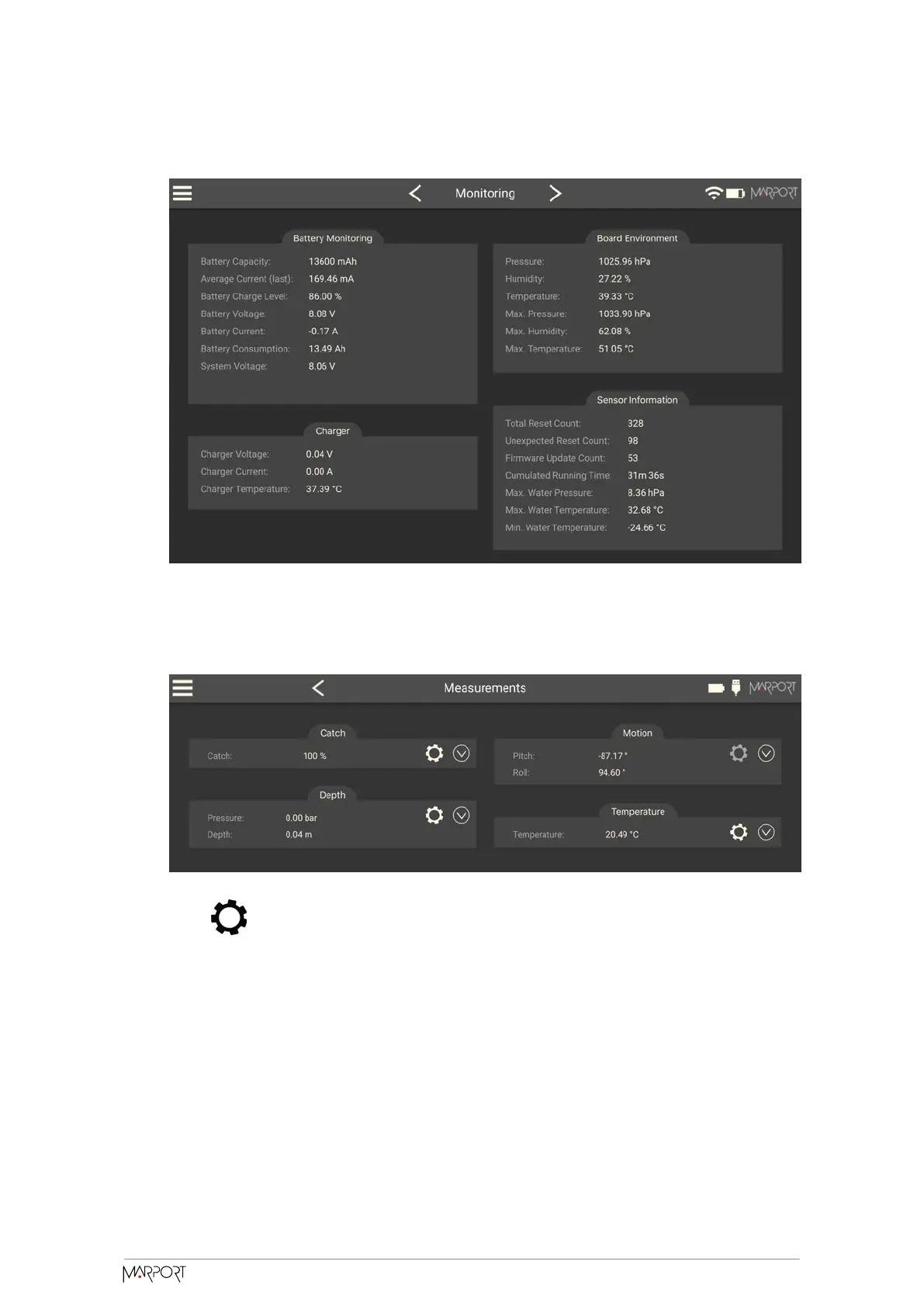
You can check information about the battery, board and sensor.
3. Go to the Measurements page.
You can see the values of the activated measures, such as depth, temperature. If
the sensor is working correctly, measures are updating.
4. Click to check and, if necessary, adjust data measured by the sensor:
◦ Depth: Place your sensor on a desk or on the ground and enter 0 in Target
Depth.
◦ Temperature: Enter the estimated temperature of your environment.
SD Card Recording
This topic explains the SD card recording feature (this feature is optional).
Catch Navigator | V1 | Sensor Configuration
28



 To Next Page