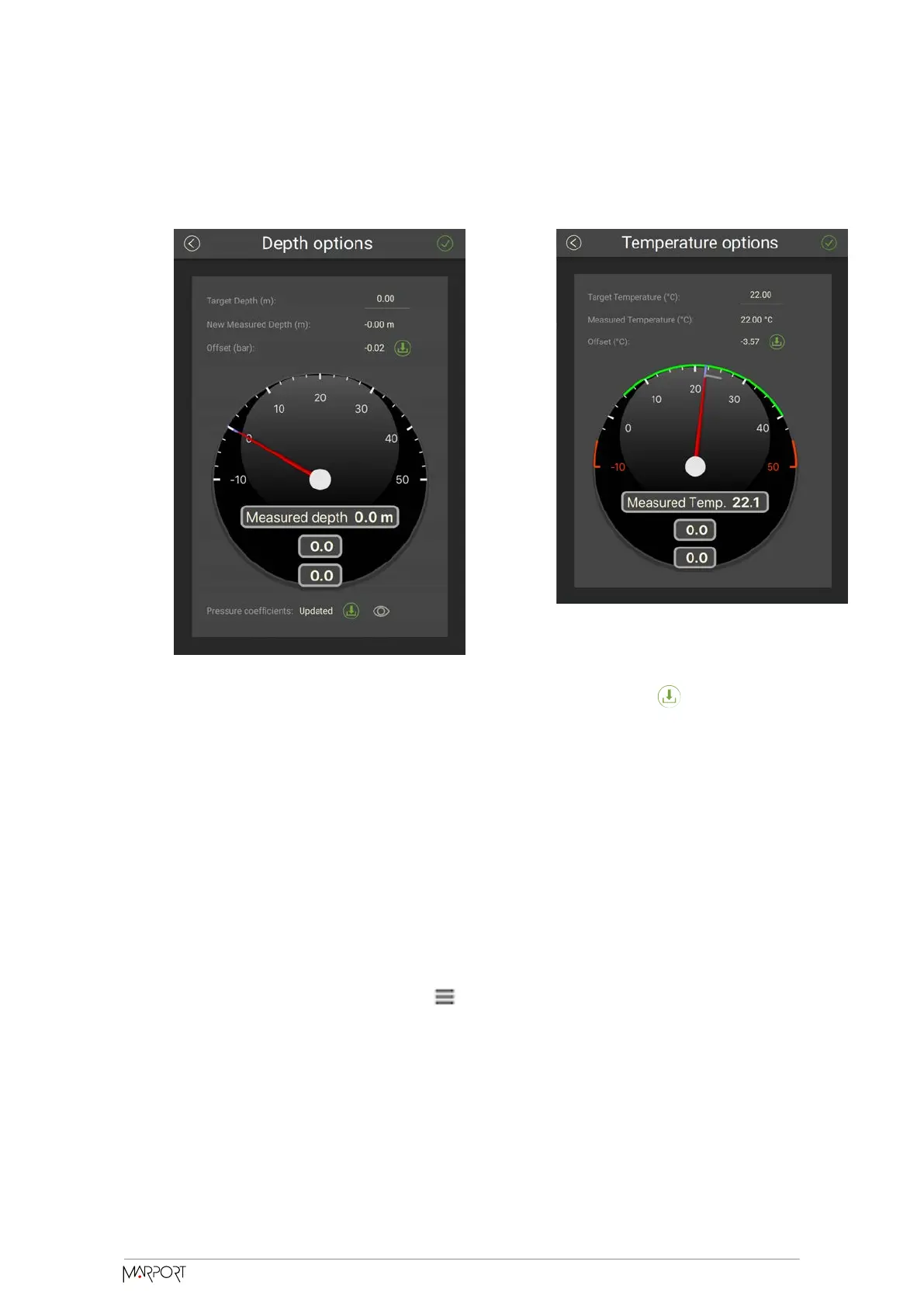
The measured value becomes the same as the target value. The value of the oset
is displayed.
3. If you need to reuse osets from a previous configuration, click then select the
configuration file (*.A2C).
Testing Measures
You can test the measures taken by the sensor (e.g. battery level, temperature, depth)
to check that there are no faults.
You can test the sensor in water or in air. In air, the following measures will be wrong:
height, conductivity.
1. Press command + A or click Menu and click User Mode > Advanced
2. Go to the Monitoring page.
Catch Navigator | V1 | Sensor Configuration
27



 To Next Page