Trawl Explorer | V2 | Sensor Configuration
•
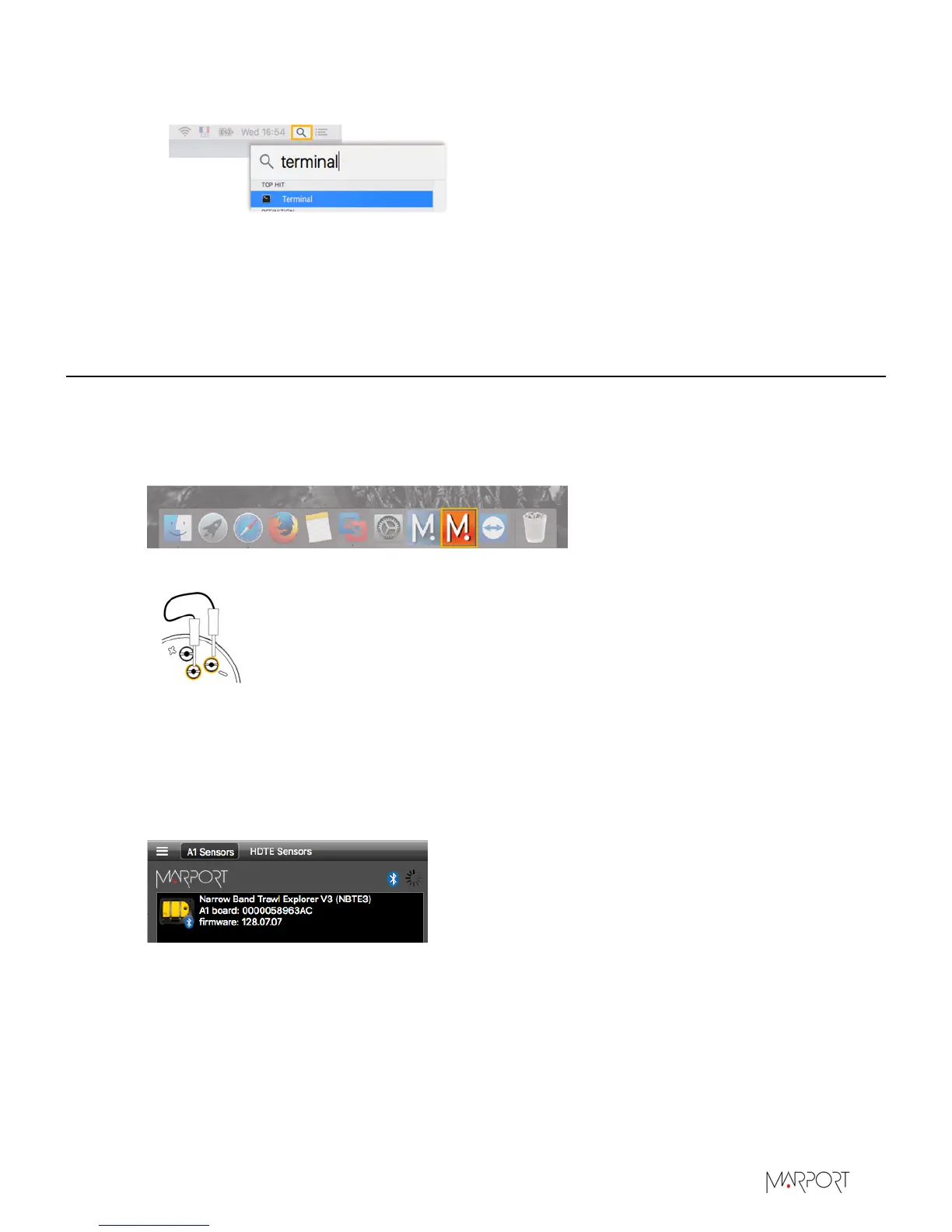
Select Terminal from the results.
• From the terminal, enter sudo spctl --master-disable.
• Press enter.
Anywhere option is now displayed in Security & Privacy preferences.
Connecting the Sensor to Mosa
To configure the sensor, you need to connect it via Bluetooth to Mosa.
Procedure
1.
Open Mosa.
2.
Connect the water-switch.
The LED flashes red.
3.
Disconnect the water-switch.
After a few seconds, the LED flashes green.
4.
From Mosa, wait a few seconds for the sensor to be recognized. The sensor appears from A1
Sensors on the left side of the window.
5.
Click the sensor name.
| 13


 To Next Page