Trawl Explorer | V2 | Sensor Configuration
a)
The red line should follow the same curve.
b)
The 4th point can be placed at the point where the yellow and gray lines go under the noise
floor (green line).
Note: Data below the red line will not appear on the echogram and data above will
appear as a red line on the echogram.
6.
Click Apply and make sure there is a green check mark .
7.
Repeat for Ringing Up, if applicable.
Configuring the Uplink Power
You can increase the uplink power of the sensor to increase the power of the signal transmitted. It
is useful if you have interferences or if the sensor is far from the vessel.
Before you begin
The sensor is connected to Mosa.
Procedure
1.
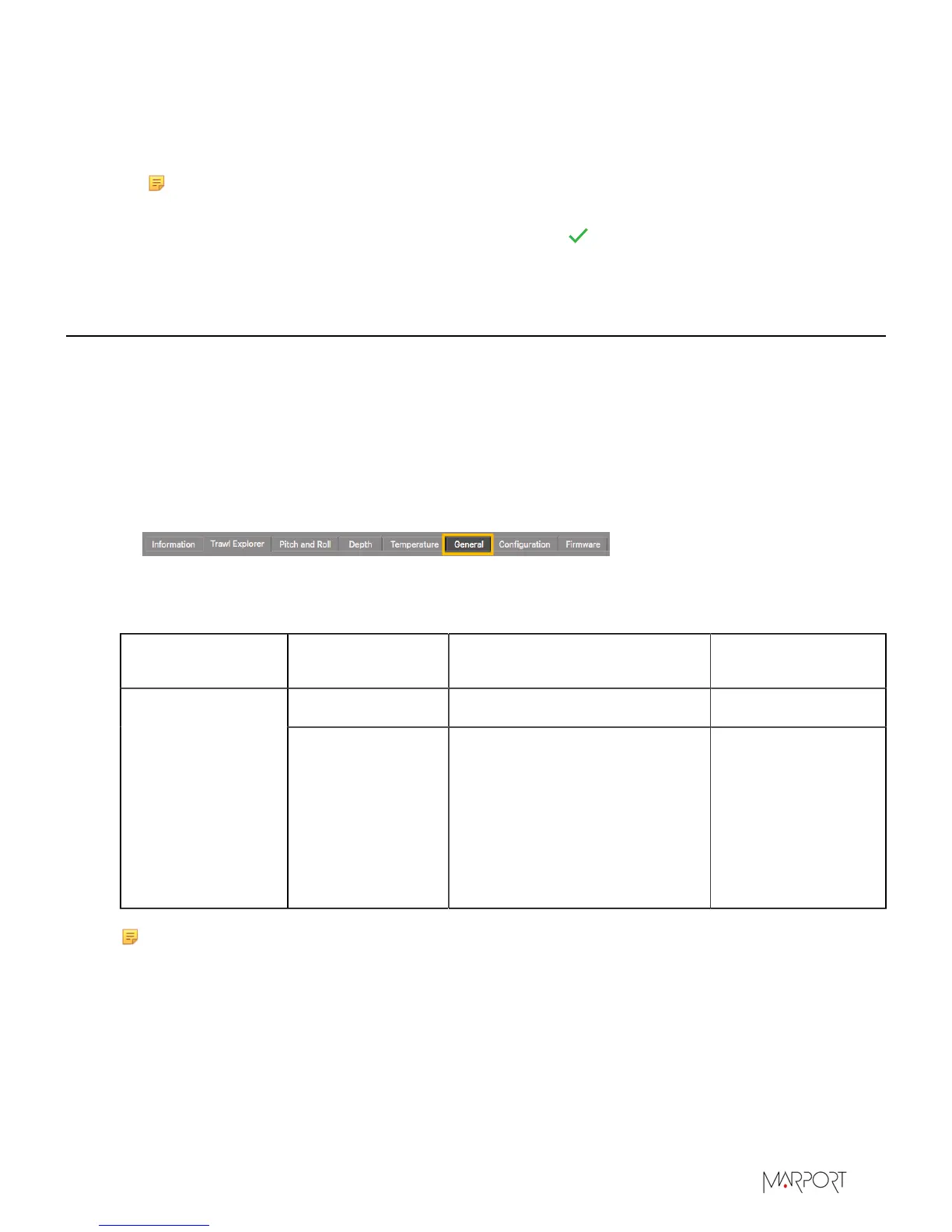
From Mosa, click the tab General.
2.
From Uplink Power Adjustment Level, choose the uplink power (percentage is for Mosa
01.02.00 version and later):
Sensor
Recommended
Uplink Powers
Conditions Battery Life
1000 / 32% Works for most conditions. 60-75 hours
Trawl Explorer
1800 / 58%
• Sensor is far from vessel (e.g.
more than 800 m depending
on conditions, high depth,
placed on codend)
• High level of interferences
• Issues receiving data
• Low SNR
30-40 hours
Note: The average battery life also depends on the uplink frequency, sounding range and
options activated.
| 24


 To Next Page