Trawl Explorer | V2 | System Configuration and Display
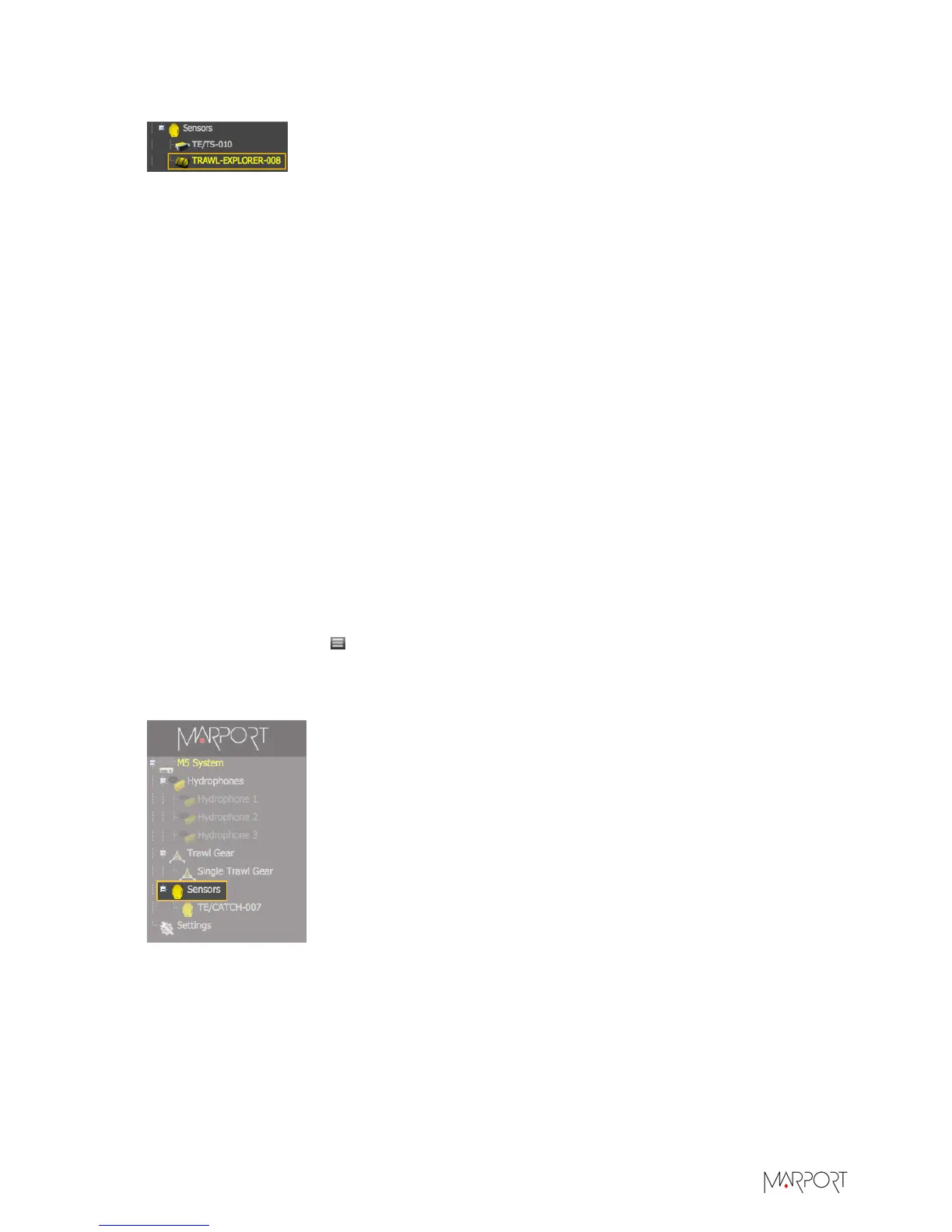
The sensor is added to the system, with all its settings.
Results
You can see incoming data from the control panels, in Sensors Data.
What to do next
• If you want to apply filters on data received by the sensor, see Configuring the Sensor Settings
on page 32.
• You can now configure the display of incoming data in Scala.
Adding the Sensor Manually
You can add the sensor to the receiver from Scala, by entering the same settings as the ones in
Mosa.
Adding the Sensor to the Receiver
About this task
In order to avoid differences of settings between the configuration on Mosa and Scala, we
recommend you to add the sensor to the receiver with an xml configuration file exported from
Mosa.
Procedure
1.
From Scala, click Menu > Expert Mode and enter the password copernic.
2.
Click menu again, then Receivers.
3.
From the left side of the receiver page, click Sensors.
4.
From Product Category, select Trawl Explorer.
5.
From Product Name, select Narrow Band Trawl Explorer with Target Strength (V1)/(V2)/(V3)
(choose accordingly to Firmware on page 8 installed).
| 30


 To Next Page