Chapter 5 INSTRUCTIONS FOR USE 53
5.3.3.5 Factory settings
Initial condition
:
Handle switched Off
.
Access mode
:
Simultaneous pressure of 2 buttons
( red) and
then press of only one of the two buttons ( blue).
Description:
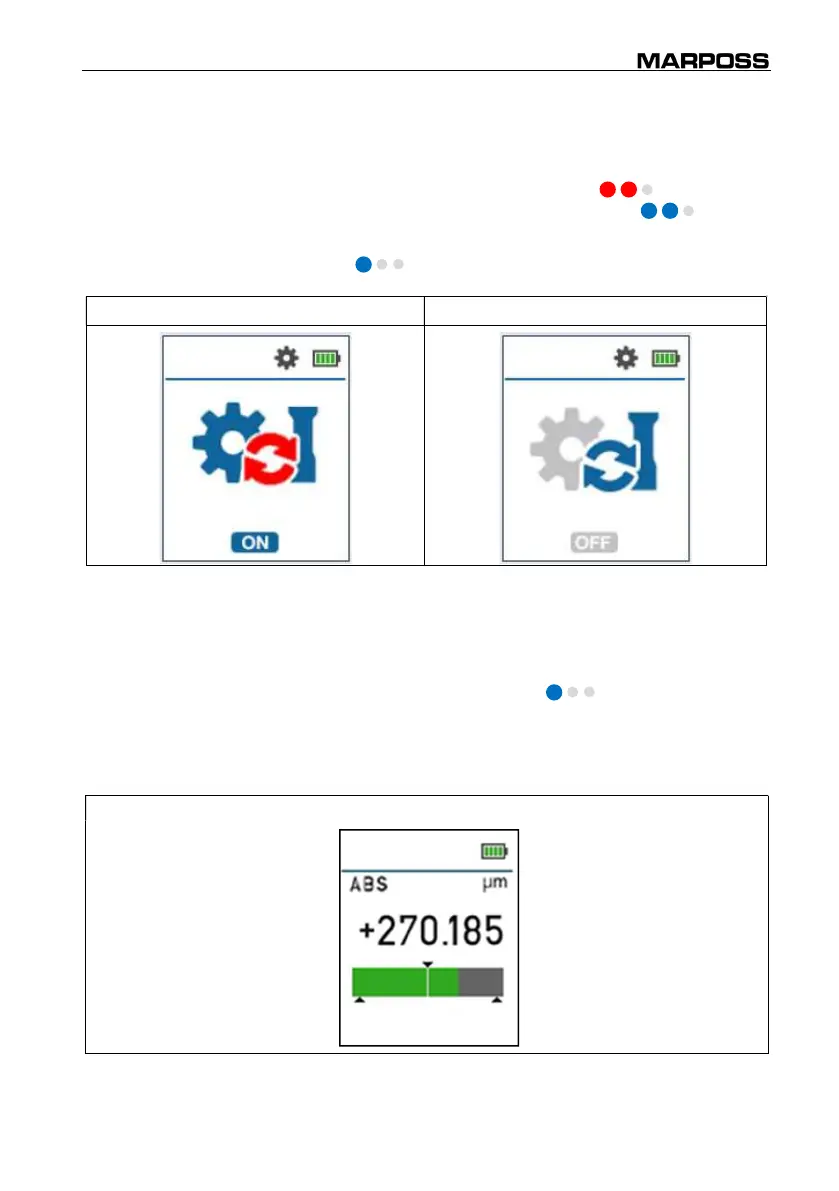
It allows to reset handle to the factory settings.
Level change:
Click ( blue).
Factory Settings ON Factory Settings OFF
5.3.4 Stand alone mode
Initial condition:
Handle switched off and radio mode disabled.
Access mode:
Click one of the two buttons ( blue) or movement
of the handle (If active).
Description:
Allows measurements to be made without the need for a
PC or an electronic unit connected.
Stand Alone measure



 To Next Page