46 / - Instruction Manual
5.3 Operating modes
In paragraph 5.1 are defined the modalities of use of the buttons on the handle.
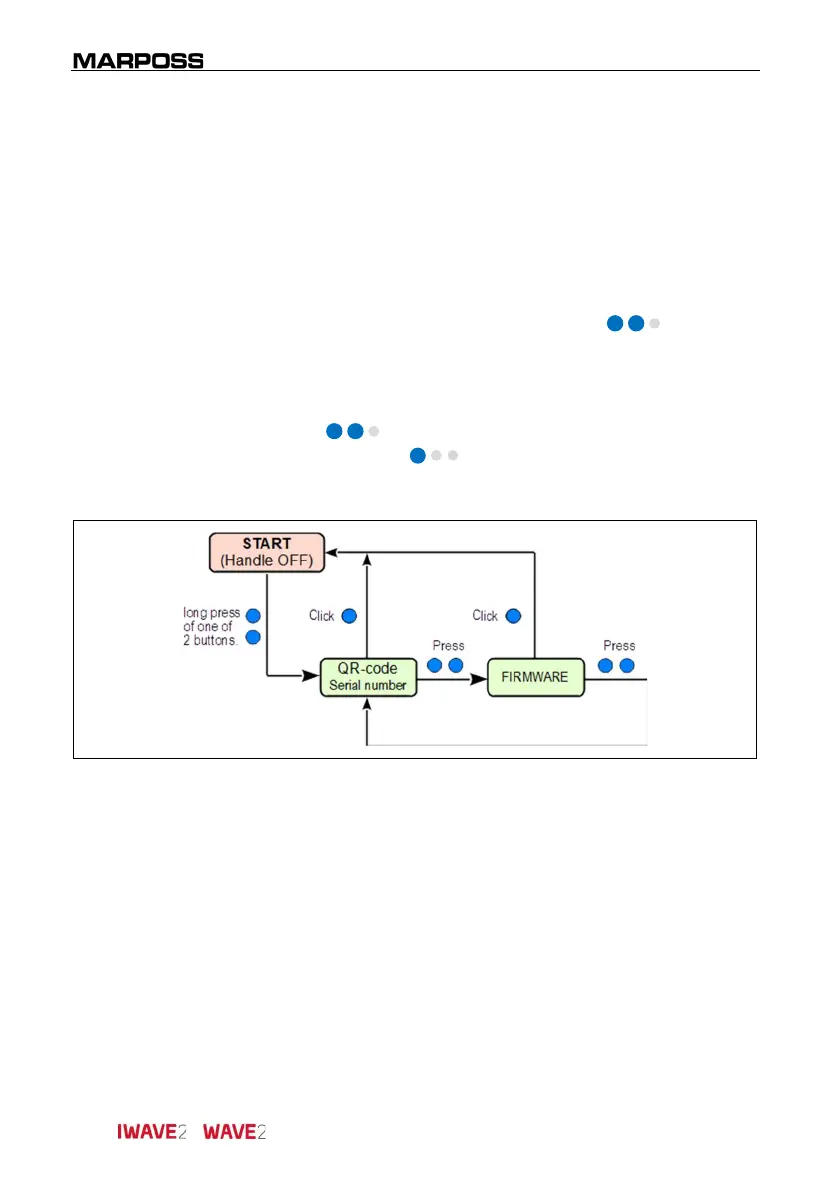
5.3.1 Basic information
Initial condition
:
Handle switched off
.
Access mode
:
Pressure of only one of the two buttons
( blue).
Description:
Visualization of basic information of the handle
(QR code and FW):
Pressure of only one of the two buttons
( blue) to go to the next parameter.
One click ( blue) to exit the INFORMATION
Menu and return to the starting conditions (START).



 To Next Page