50 / - Instruction Manual
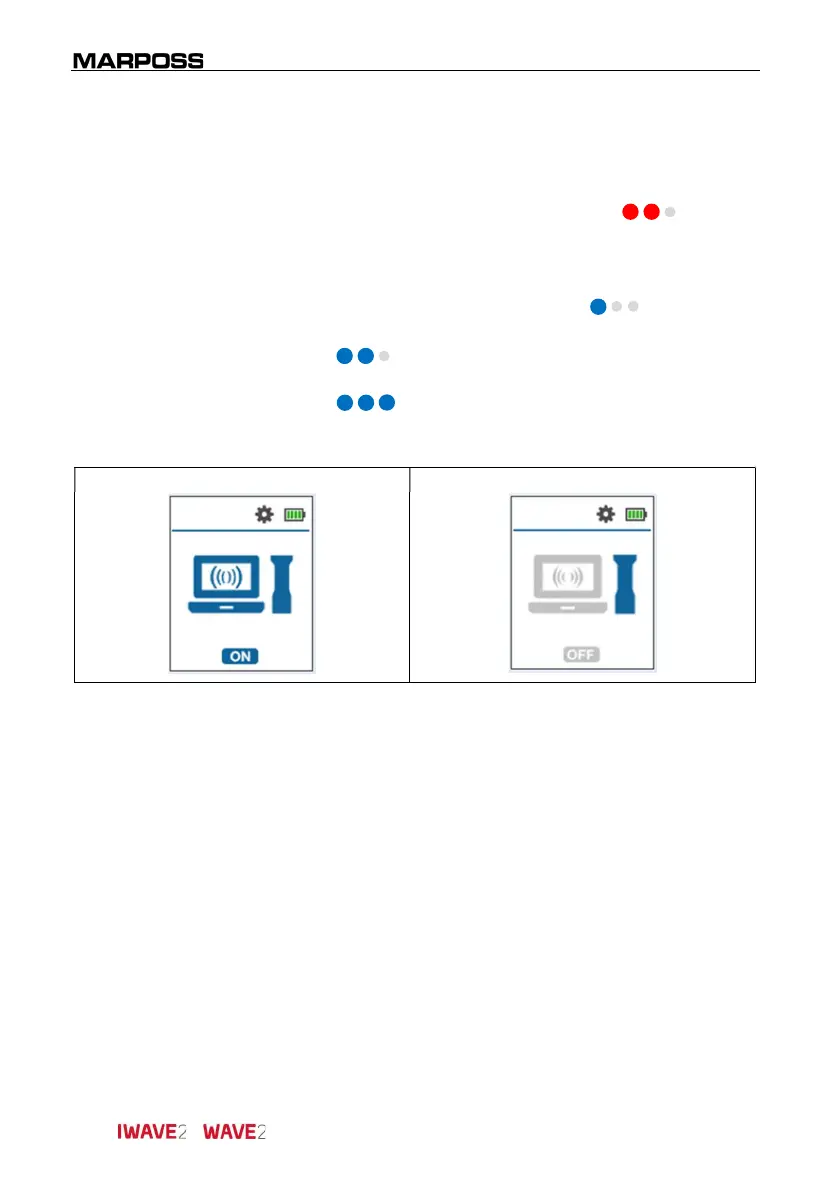
5.3.3.1 Radio mode
Initial condition
:
Handle switched Off
.
Access mode
: Simultaneous pressure of the 2 buttons ( red).
Description:
It allows to enable/disable the radio mode, therefore
it changes between “connected to an electronic unit
mode” and “Stand-Alone mode”:
Status change (On/Off): Click ( blue).
Pressure of only one of the two buttons
( blue) to move to the next parameter.
Long pressure of only one of the two buttons
( blue) to exit the SETUP menu and return
to the start conditions (START).
Radio ON Radio OFF



 To Next Page