EasyManua.ls Logo

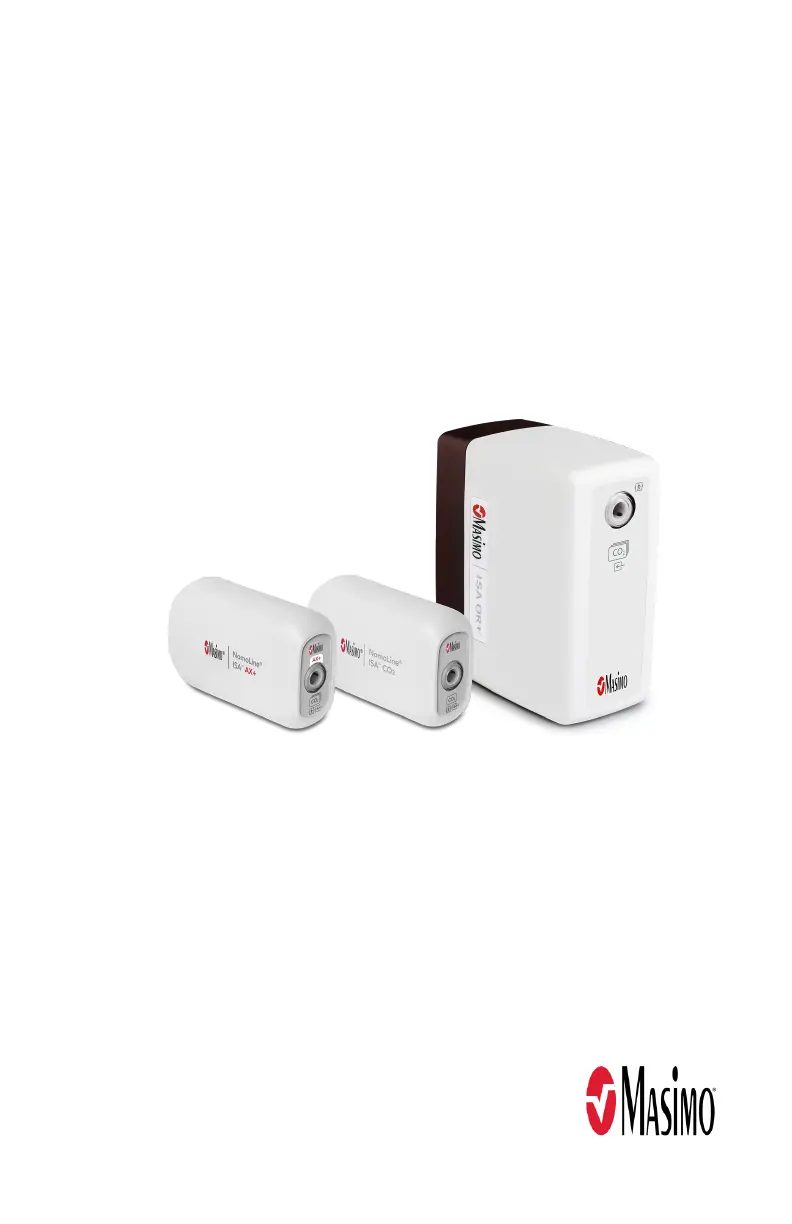
Masimo NomoLine ISA AX+ - User Manual

Masimo NomoLine ISA AX+
44 pages
Print Icon
To Next Page IconTo Next Page
Loading...
Service Manual
NomoLine® ISA™ Maintenance Kit

Questions and Answers

  • V
    Valerie AguilarAug 9, 2025
    What to do if the LEGI indicator is steady red on Masimo NomoLine ISA AX+ Medical Equipment?
    • B
      Betty SullivanAug 9, 2025
      A steady red LEGI indicator on your Masimo Medical Equipment suggests a couple of potential problems. Initially, try power cycling the device by disconnecting and reconnecting the NomoLine ISA device connector at the host device. If the red light persists after power cycling, the NomoLine ISA device may require service.
  • M
    Mary FoxAug 16, 2025
    Why is the LEGI indicator blinking red on my Masimo Medical Equipment?
    • B
      bonniepotterAug 16, 2025
      A blinking red LEGI indicator on your Masimo Medical Equipment often indicates a problem with the sampling line. Inspect the sampling line for any occlusion, such as a blockage or kink. If no occlusion is found, replace the sampling line.
  • M
    Melanie SmithAug 21, 2025
    Why are gas readings questionable on my Masimo Medical Equipment?
    • G
      Gabrielle BoyerAug 21, 2025
      Questionable gas readings on your Masimo Medical Equipment can stem from several issues. First, ensure you're using the correct sampling line. If the correct line is in use, try disconnecting and reconnecting it to the device. Also, check the sampling line for any leaks. If the issue persists, the NomoLine ISA device may require service.
  • M
    Michael GarciaAug 27, 2025
    How to fix NomoLine ISA values not displayed on Masimo Medical Equipment?
    • J
      johnjonesAug 27, 2025
      If the NomoLine ISA values aren't showing up on the host monitor, there are a couple of things to check. First, try power cycling the NomoLine ISA device by disconnecting and then reconnecting the device connector at the host. If that doesn't work, verify that the host device is correctly configured and compatible with the NomoLine ISA device.
  • A
    Amanda CollinsSep 3, 2025
    What to do if LEGI indicator is dark on Masimo NomoLine ISA AX+ Medical Equipment?
    • T
      tonya81Sep 3, 2025
      If the LEGI indicator is dark (off), start by checking the connection of the NomoLine ISA device to the host monitor. Make sure it's securely plugged in. Next, verify that the sampling line is completely plugged into the NomoLine ISA device; disconnect and reconnect it to ensure a good connection. If the indicator remains dark, the NomoLine ISA device may require service.

Summary

Safety Information, Warnings and Cautions

General Safety Warnings and Precautions

Lists critical safety warnings and precautions for handling the NomoLine ISA devices.

Chapter 1: Description

Maintenance Kit Components

Additional Equipment Required

Chapter 2: Maintenance Procedures

Cleaning Procedures

Instructions for cleaning the NomoLine ISA devices using approved solutions.

Operational Check Procedure

Steps to verify the correct operation and functionality of the ISA device.

Zeroing Procedure

Process to establish a zero reference level for gas measurements.

Gas Span Check Procedure

Steps to calibrate gas concentration readings using calibration gas.

Chapter 3: Troubleshooting

NomoLine ISA Device Troubleshooting Guide

Lists common symptoms, possible causes, and corrections for ISA device issues.

Masimo NomoLine ISA AX+ Specifications

General IconGeneral
BrandMasimo
ModelNomoLine ISA AX+
CategoryMedical Equipment
LanguageEnglish

Related product manuals