EasyManua.ls Logo

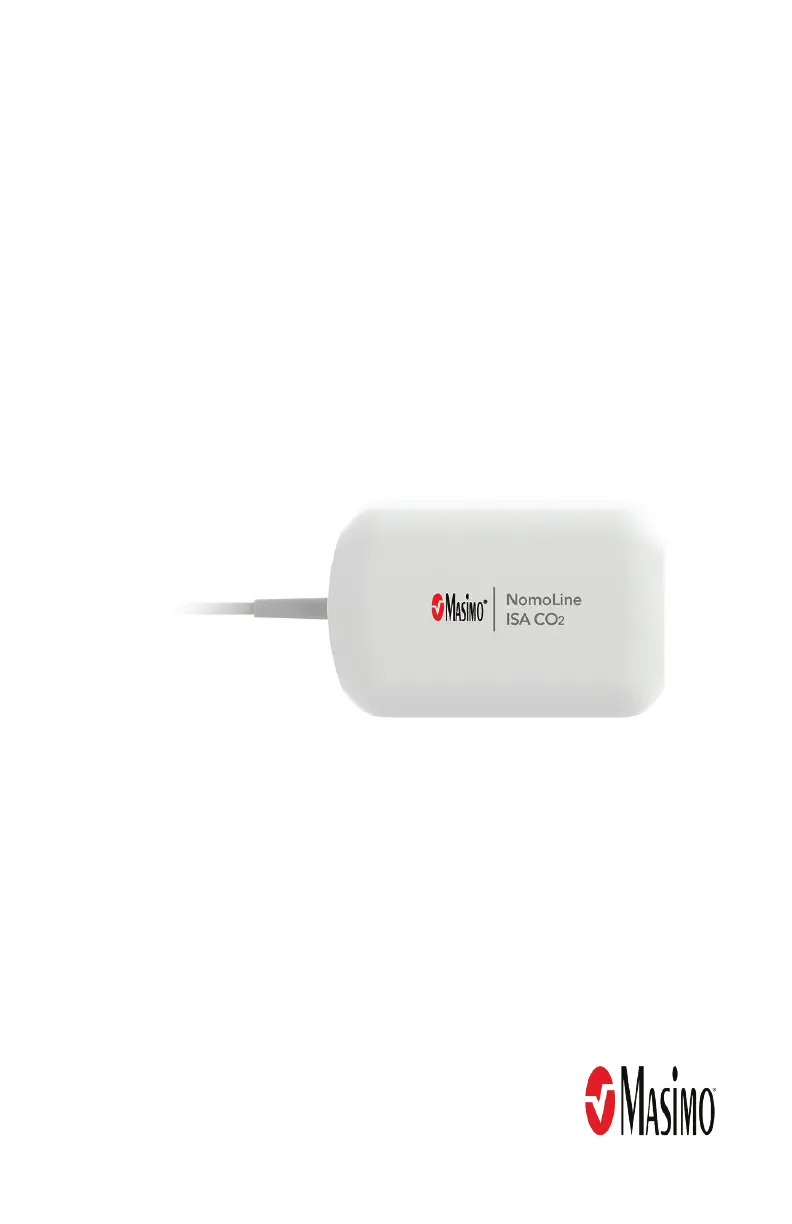
Masimo NomoLine ISA CO2 - User Manual

Masimo NomoLine ISA CO2
40 pages
Print Icon
To Next Page IconTo Next Page
Loading...
Operator's Manual
NomoLine
®
ISA™ CO2 Sidestream Gas Analyzer

Other manuals for Masimo NomoLine ISA CO2

Questions and Answers

  • N
    Nicole SmithAug 15, 2025
    What to do if the LEGI indicator is steady red on Masimo Medical Equipment?
    • L
      Lisa BlackAug 15, 2025
      A steady red LEGI indicator on your Masimo Medical Equipment suggests a couple of potential problems. Initially, try power cycling the device by disconnecting and reconnecting the NomoLine ISA device connector at the host device. If the red light persists after power cycling, the NomoLine ISA device may require service.
  • E
    Erin MasonAug 18, 2025
    Why is the LEGI indicator blinking red on my Masimo NomoLine ISA CO2?
    • A
      aguilarjeremyAug 18, 2025
      A blinking red LEGI indicator on your Masimo Medical Equipment often indicates a problem with the sampling line. Inspect the sampling line for any occlusion, such as a blockage or kink. If no occlusion is found, replace the sampling line.
  • J
    John BellAug 21, 2025
    Why are gas readings questionable on my Masimo NomoLine ISA CO2 Medical Equipment?
    • C
      Cynthia AtkinsonAug 21, 2025
      Questionable gas readings on your Masimo Medical Equipment can stem from several issues. First, ensure you're using the correct sampling line. If the correct line is in use, try disconnecting and reconnecting it to the device. Also, check the sampling line for any leaks. If the issue persists, the NomoLine ISA device may require service.
  • M
    Mark BrownAug 25, 2025
    How to fix NomoLine ISA values not displayed on Masimo NomoLine ISA CO2?
    • N
      Nicole ParsonsAug 26, 2025
      If the NomoLine ISA values aren't showing up on the host monitor, there are a couple of things to check. First, try power cycling the NomoLine ISA device by disconnecting and then reconnecting the device connector at the host. If that doesn't work, verify that the host device is correctly configured and compatible with the NomoLine ISA device.
  • D
    dsingletonAug 28, 2025
    What to do if LEGI indicator is dark on Masimo NomoLine ISA CO2 Medical Equipment?
    • S
      Shaun BuchananAug 28, 2025
      If the LEGI indicator is dark (off), start by checking the connection of the NomoLine ISA device to the host monitor. Make sure it's securely plugged in. Next, verify that the sampling line is completely plugged into the NomoLine ISA device; disconnect and reconnect it to ensure a good connection. If the indicator remains dark, the NomoLine ISA device may require service.
  • R
    Richard CruzAug 31, 2025
    What to do if gas readings are questionable on Masimo Measuring Instruments?
    • S
      Sergio ClarkAug 31, 2025
      If the gas readings from your Masimo Measuring Instruments NomoLine ISA CO2 seem questionable, first ensure you are using the correct sampling line. Next, disconnect and reconnect the sampling line to the NomoLine ISA CO2. Check the sampling line for any leaks. If the problem persists, the NomoLine ISA CO2 may require service.
  • E
    Edwin HancockSep 3, 2025
    What to do if LEGI indicator is steady red on Masimo Measuring Instruments?
    • E
      Emma CareySep 3, 2025
      If the LEGI indicator on your Masimo Measuring Instruments NomoLine ISA CO2 is steady red, try disconnecting and reconnecting the NomoLine ISA CO2 connector at the host device. If the issue continues, the NomoLine ISA CO2 may require service.
  • U
    ujonesSep 7, 2025
    What to do if LEGI indicator is blinking red on Masimo Measuring Instruments?
    • B
      Brendan ReyesSep 7, 2025
      If the LEGI indicator on your Masimo Measuring Instruments NomoLine ISA CO2 is blinking red, inspect the sampling line for any occlusion, such as blockages or kinks. If no occlusion is found, replace the sampling line.
  • J
    Jordan HarrisonSep 10, 2025
    Why is the LEGI indicator dark on Masimo Measuring Instruments?
    • J
      Jamie SchwartzSep 12, 2025
      If the LEGI indicator on your Masimo Measuring Instruments NomoLine ISA CO2 is dark, first verify that the NomoLine ISA CO2 is properly plugged into the host monitor connector. Next, ensure the sampling line is completely plugged into the NomoLine ISA CO2. If the problem persists, the NomoLine ISA CO2 may require service.

Summary

About This Manual

Product Description, Features and Indications for Use

Details the NomoLine ISA CO2 product, its features, and intended uses.

Intended Use

Specifies the intended purpose and patient population for the device.

Safety Information, Warnings and Cautions

Provides crucial safety guidelines, warnings, and cautions for device operation.

Performance Warnings and Cautions

Outlines warnings and cautions related to the device's performance.

Cleaning and Service Warnings and Cautions

Lists warnings and cautions for cleaning and servicing the device.

Compliance Warnings and Cautions

Details warnings and cautions related to regulatory compliance.

Chapter 1: Description

General System Description

Provides an overview of the NomoLine ISA CO2 system components.

Features

Highlights the key features of the NomoLine ISA CO2 device.

NomoLine Sampling Lines

Describes the NomoLine Family sampling lines and their use.

Chapter 2: Setting Up

System Setup

Guides users through the initial setup procedure for the NomoLine ISA CO2.

Chapter 3: Operation

LEGI Indicator

Explains the function and status indications of the LEGI indicator.

Capnography Display

Describes how capnography parameters are displayed on the host device.

Chapter 4: Troubleshooting

Troubleshooting NomoLine ISA CO2

Lists common symptoms, possible causes, and corrections for issues.

Chapter 5: Specifications

Accuracy

Details the accuracy specifications under various conditions.

Environmental

Lists the environmental operating and storage conditions.

Physical Characteristics

Provides physical dimensions and weight of the device.

Electrical

Outlines the electrical specifications, including power supply.

Compliance

Lists safety standards and EMC compliance information.

Additional Specifications

Covers other technical specifications like interface and flow rate.

Symbols

Explains symbols used on the product labeling and packaging.

Chapter 6: Service and Maintenance

Cleaning

Provides instructions and cautions for cleaning the device.

Maintenance

Recommends annual maintenance procedures for the device.

Zeroing

Explains the device's zeroing process and its indication.

Repair Policy

Outlines the policy for warranty repair and service.

Return Procedure

Provides instructions for returning the device for service.

Sales & End-User License Agreement

Details the legal agreement for product purchase and software use.

Operational Check

Details steps for performing an operational check of the device.

Limited Warranty

Specifies the warranty period and terms for the product.

Exclusions

Lists conditions under which the warranty does not apply.

Limitation of Warranty

Defines the limitations of Masimo's warranty liability.

End-User License

Grants the license for using the incorporated software and documentation.

No Implied License

Clarifies that possession does not grant implied licenses for unauthorized use.

Masimo NomoLine ISA CO2 Specifications

General IconGeneral
BrandMasimo
ModelNomoLine ISA CO2
CategoryMedical Equipment
LanguageEnglish

Related product manuals