Radical-7 Chapter 4: Operation
www.masimo.com 118 Masimo
1. On the
Password
screen, enter the following numbers: 6 2 7 4
No numbers will be displayed, only asterisks (****).
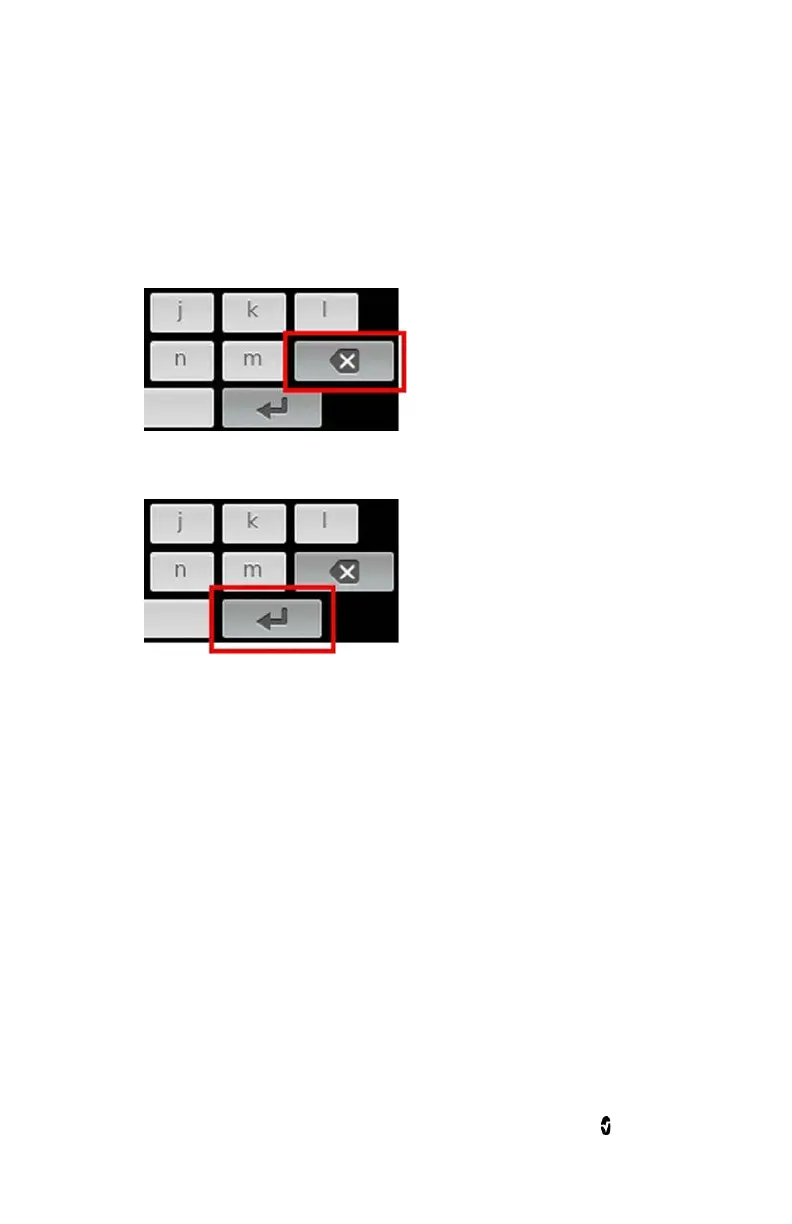
2. Touch Enter.
3. To undo numbers, touch Backspace.
Settings
From the
Access Control
screen, change any of the following options:



 To Next Page