Radical-7 Chapter 4: Operation
www.masimo.com 68 Masimo
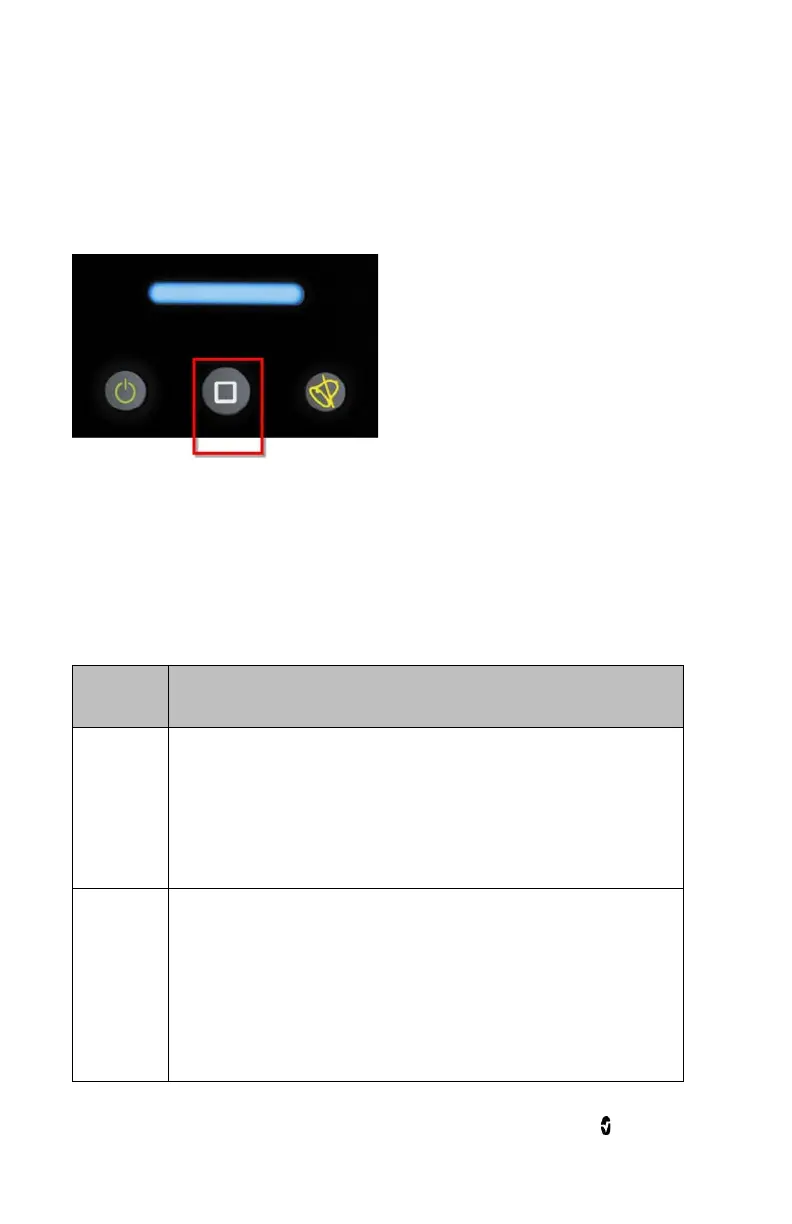
Using the Home Button
One option to return to
Display View
is by using the Home button.
To return to Display View using the Home button
• From any screen, press Home.
Standby and Power Off
To put Radical-7 in Standby Mode or to Power Off, follow these steps:
State Description
Standby
Mode
Press and hold the Power Button for two (2) seconds until a
single audible tone sounds.
Standby Mode conserves power while enabling a quicker
startup sequence.
Power Off
Press and hold the Power Button for eight (8) seconds, until
two (2) audible tones sound. The Home Button will flash on
and off, and the Power Button will flash orange.
Power Off completely shuts down Root and results in a
longer startup sequence.



 To Next Page