Radical-7 Chapter 4: Operation
www.masimo.com 67 Masimo
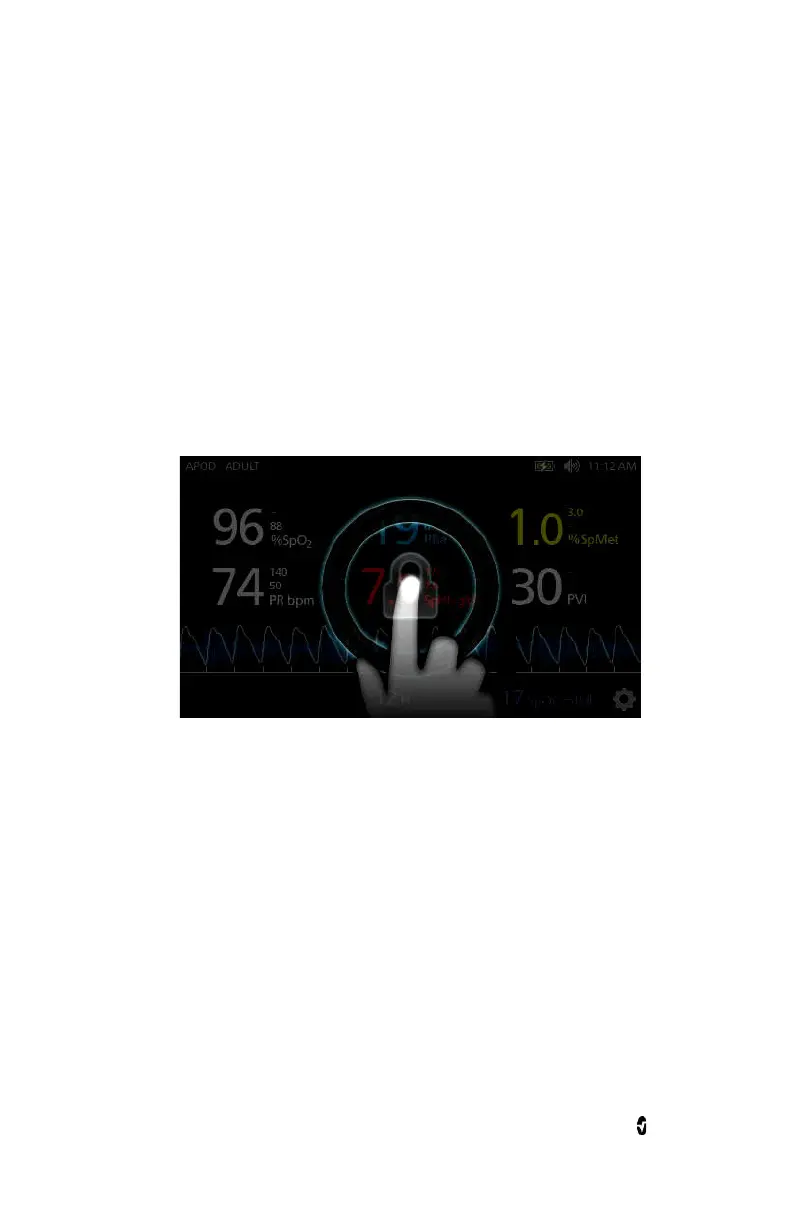
Using Screen Lock
When turned on, the
Screen Lock
feature may prevent unintentional
interaction with
Display View
.
Using the Screen Lock feature
1. When turned on, any interaction with the
Display View
triggers
the Screen Lock feature.
2. To bypass
Screen Lock
when it appears, press and hold the Lock
icon until it unlocks.
3. To turn on or turn off
Screen Lock
, see
Access Control
on page
117.



 To Next Page