Radical-7 Chapter 4: Operation
www.masimo.com 87 Masimo
Parameter Settings
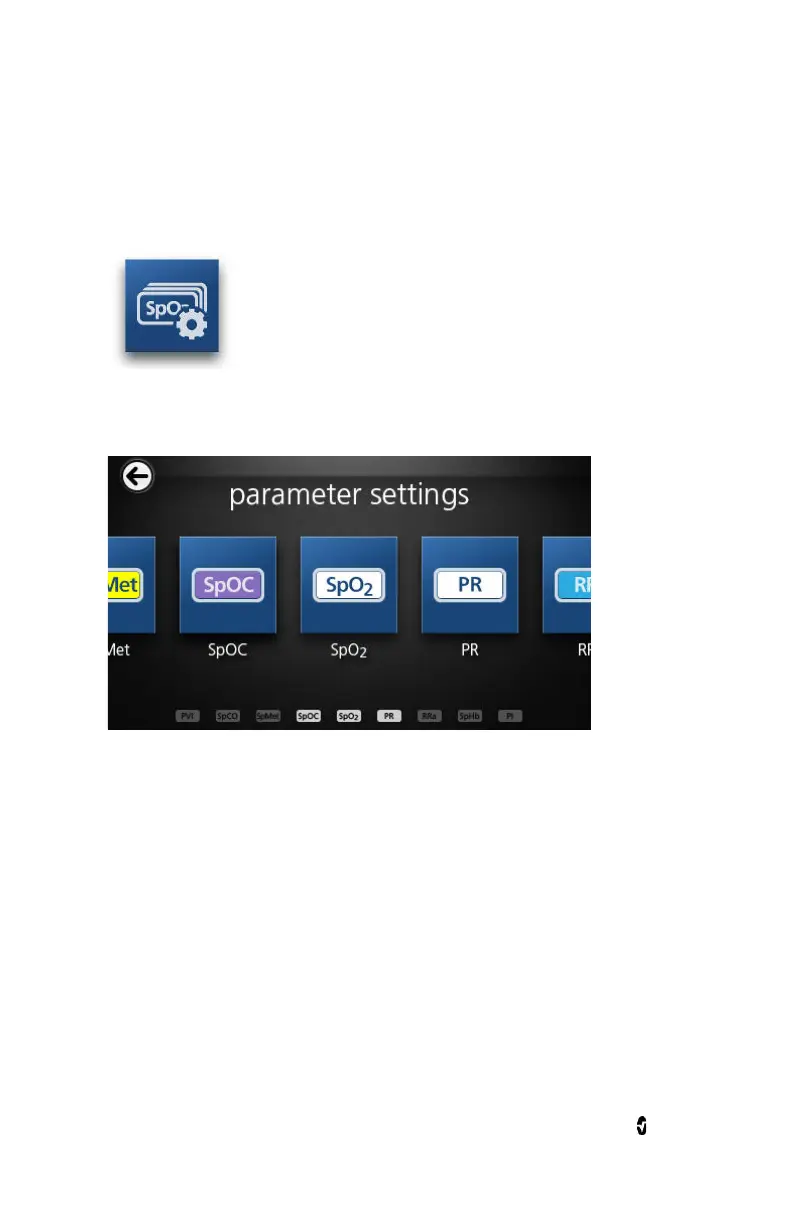
The following is an example of the
Parameter Settings
screen. Only
parameters that have been loaded onto the system will be visible.
To access any of the available parameter setting screens
1. From the
Parameter Settings
screen, to access the desired
parameter, flick the on-screen icons left or right.
2. Touch the icon of the desired parameter. For details, see any of
the following sections.
SpO2 Settings
on page 91.
SpHb Settings
on page 94.
PVI Settings
on page 106.
PR Settings
on page 98.



 To Next Page