Radical-7 Chapter 5: Profiles
www.masimo.com 151 Masimo
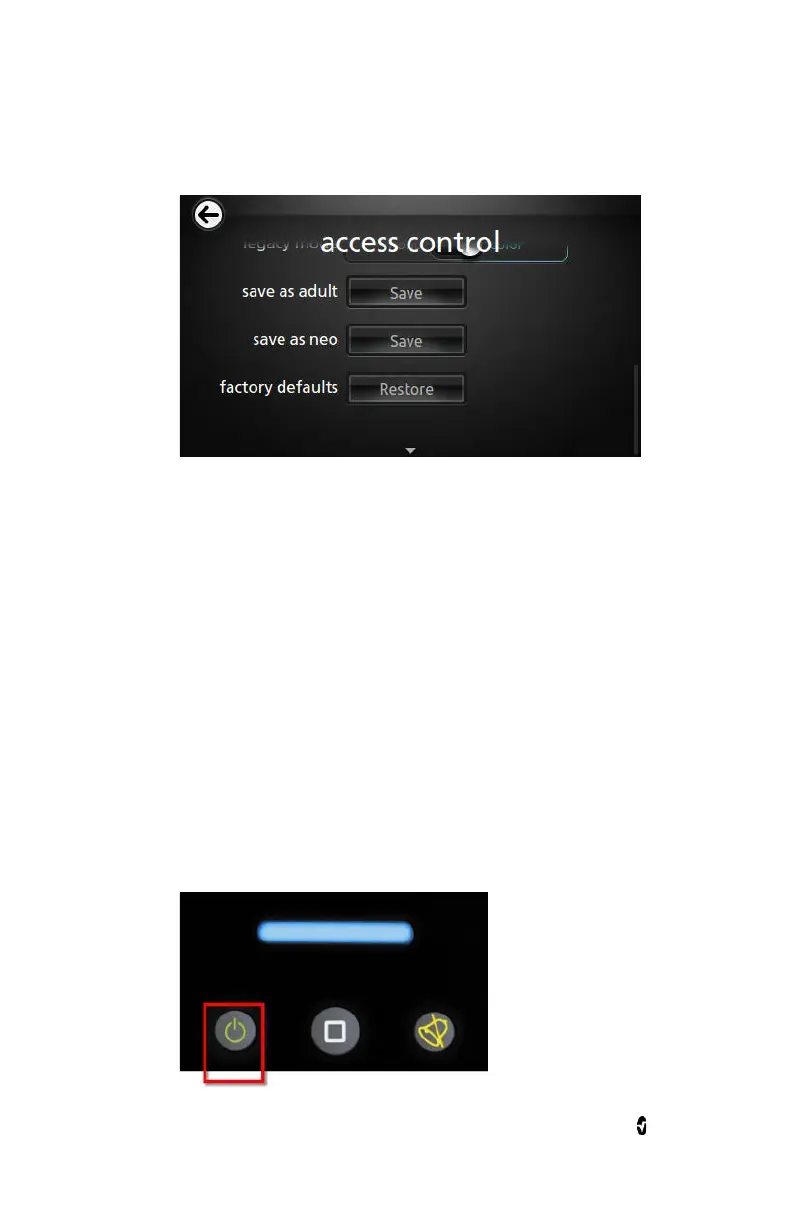
3. For either Adult or Neonatal, touch Save.
4. Touch Ok.
5. Alternatively, the user can restore all
Profile
settings to their
factory default values by touching Restore, and then touching
Ok.
6. Confirm the changes by powering off and powering on the
Radical-7 and then verifying settings.
Powering Off the Radical-7
When turning off the Radical-7, the device remembers the preferred
settings.
To turn off the Radical-7
1. Press and hold the button for more than 2 seconds.



 To Next Page