Radical-7 Chapter 4: Operation
www.masimo.com 72 Masimo
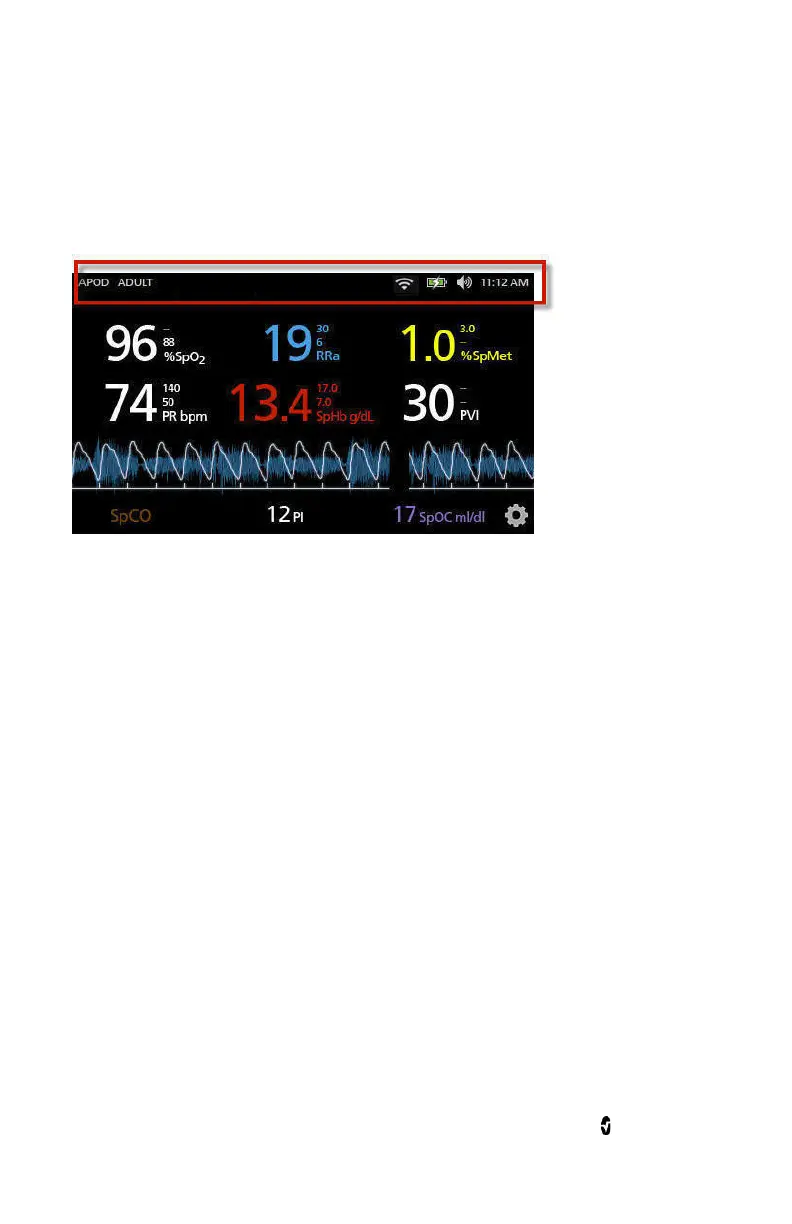
About the Status Bar
The Status Bar is visible on the top portion of the
Display View
.
Status Bar
Access additional screens, more information, or toggle features by
touching directly on any of the following indicators in the Status Bar.
• Sensitivity Modes. See
Sensitivity Modes Overview
on page 81.
• Profiles. See
Profiles Overview
on page 145.
•
Messages
on page 161.
•
WiFi
on page 124.
•
Battery
on page 125.
•
Sounds
on page 113.
• Time settings. See
Localization
on page 121.



 To Next Page