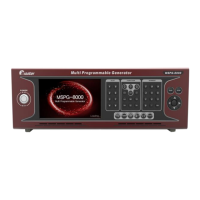
Slot Type Multi Video Signal Generator MSPG-8000
www.Ltdmaster.com 24
4.2 Time(resolution)
You can use various type timings and edit them yourself.
4.2.1 How to call timing
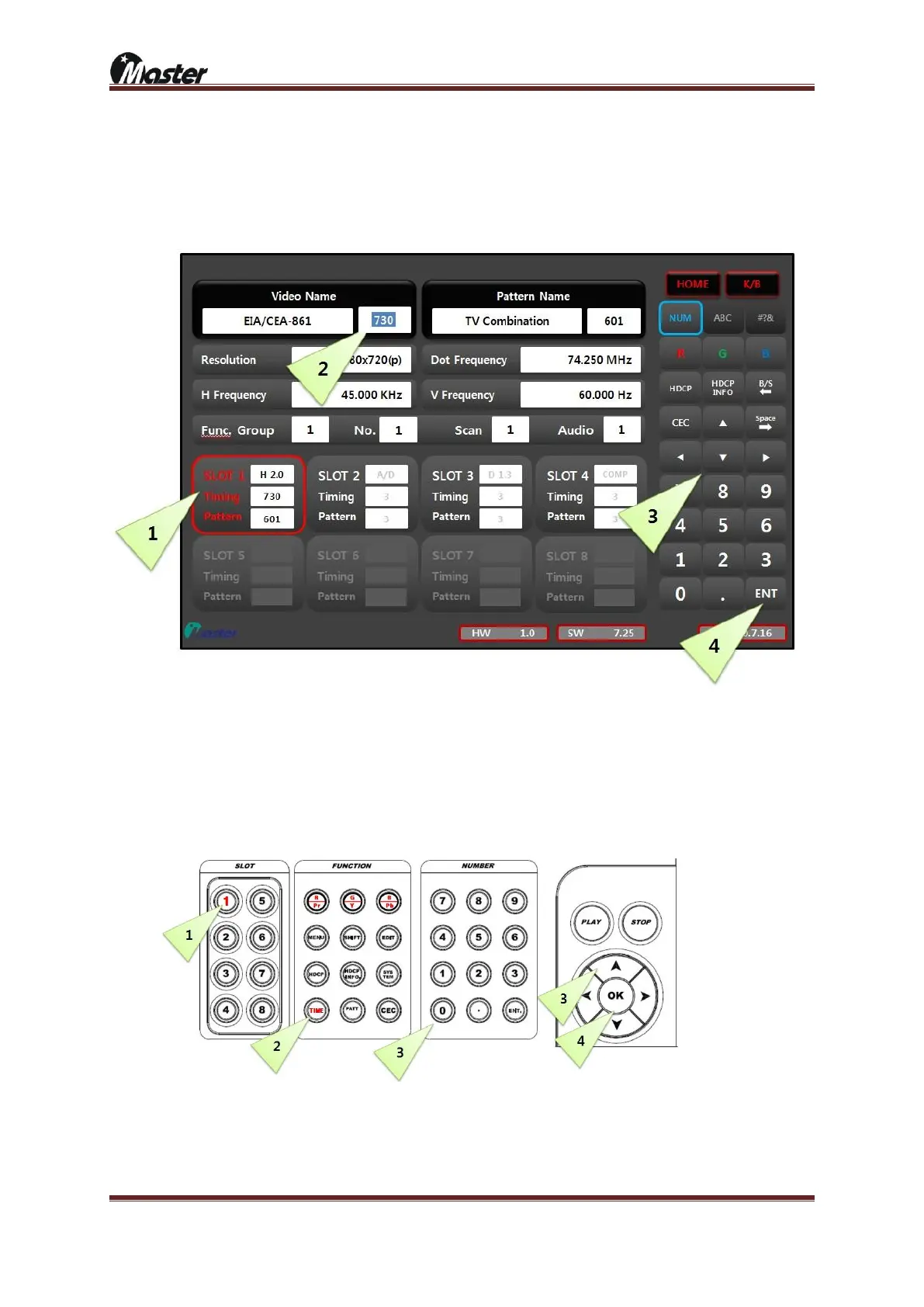
1) Timing call using the touch screen
① Select slot number which you want to change timing Selected slot will change red and activate.
② Select Video Name box Cursor will activate.
③ Check the timing sticker and select timing number.
④ Press “ENT” button to run Selected timing will output to display equipment.
2) Timing call using keypad
① Select slot number which you want to change timing Selected slot will change red and activate.
② Select TIME button TIME button will change to red.
③ Check the timing sticker and select timing number.
④ Press “OK” button to run Selected timing will output to display equipment.





 To Next Page