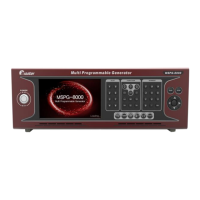
Slot Type Multi Video Signal Generator MSPG-8000
www.Ltdmaster.com 85
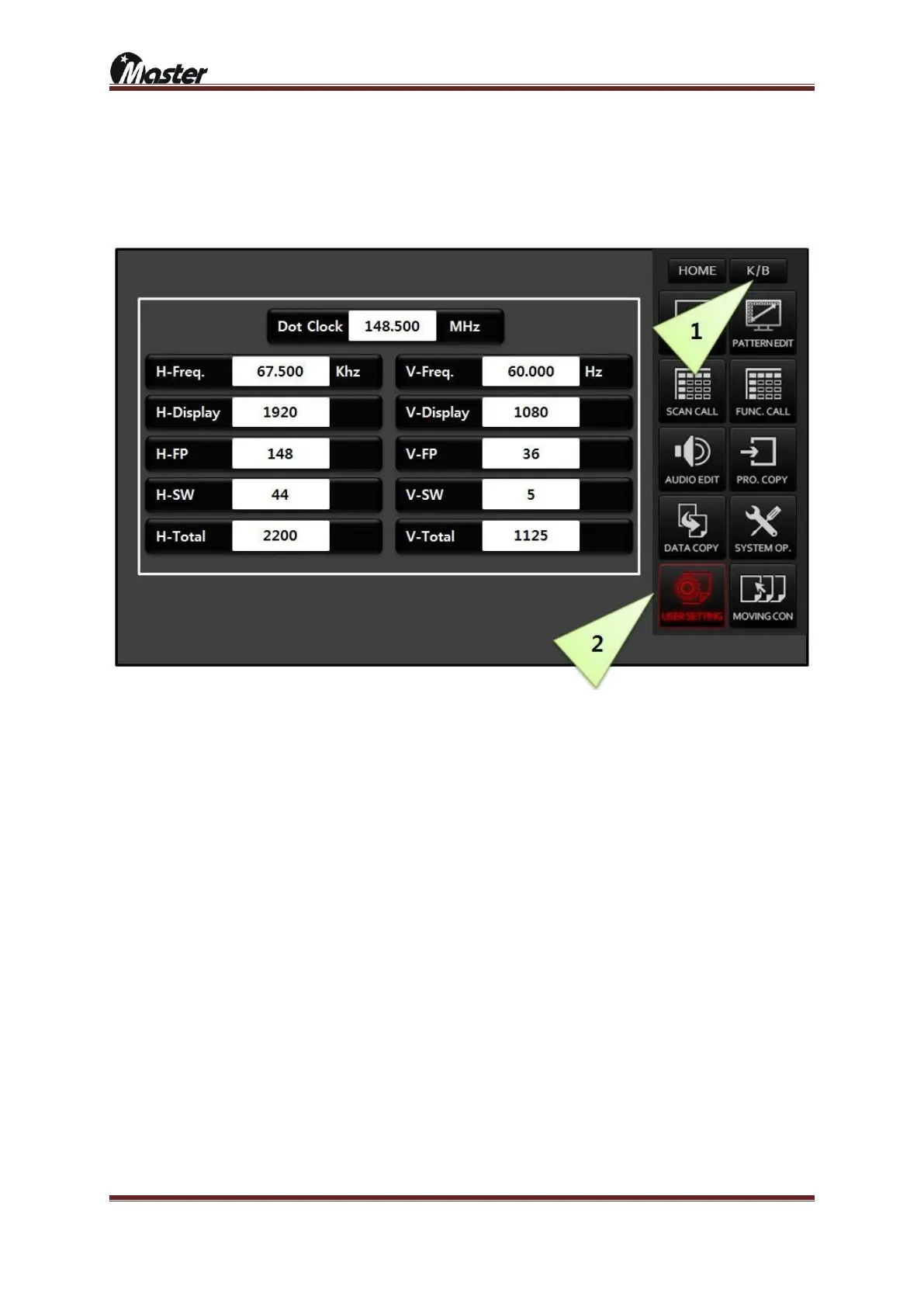
4.10 User setting
You can change the timing settings you called in real time. H-Freq & V-Freq are auto
calculate.
1) Press the K/B button and press the USER SETTING button.
2) You can change setting value of Dot Clock, Horizontal Display, Vertical Display, Horizontal front porch,
Vertical Front porch, Horizontal Sync Width, Vertical Sync width, Horizontal Total and Vertical Total. Use the
arrow up and down buttons or digit number.
3) The changed timing setting will showing the monitor, the changed timing will not be saved.





 To Next Page