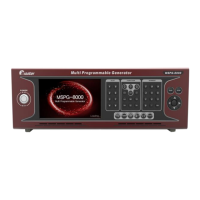
Slot Type Multi Video Signal Generator MSPG-8000
www.Ltdmaster.com 78
4.8 Data copy (Pattern, Timing, Audio, Function, Scan and System update)
You can use USB memory stick to update/back up all data, such as pattern, timing,
audio, function, scan and system set up data.
1) All data update from USB memory stick to MSPG-8000
① Please receive firmware file from Master Co., Ltd and un-zip save to USB memory stick on root folder.
*Must save to ROOT folder, so MSPG-8000 can recognize.
② Connect USB stick to MSPG-8000’s rear USB port and wait 5second for recognize USB.
③ Press the K/B button and press the DATA COPY button.





 To Next Page