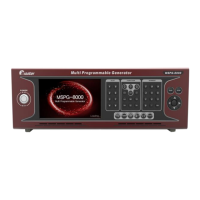
Slot Type Multi Video Signal Generator MSPG-8000
www.Ltdmaster.com 79
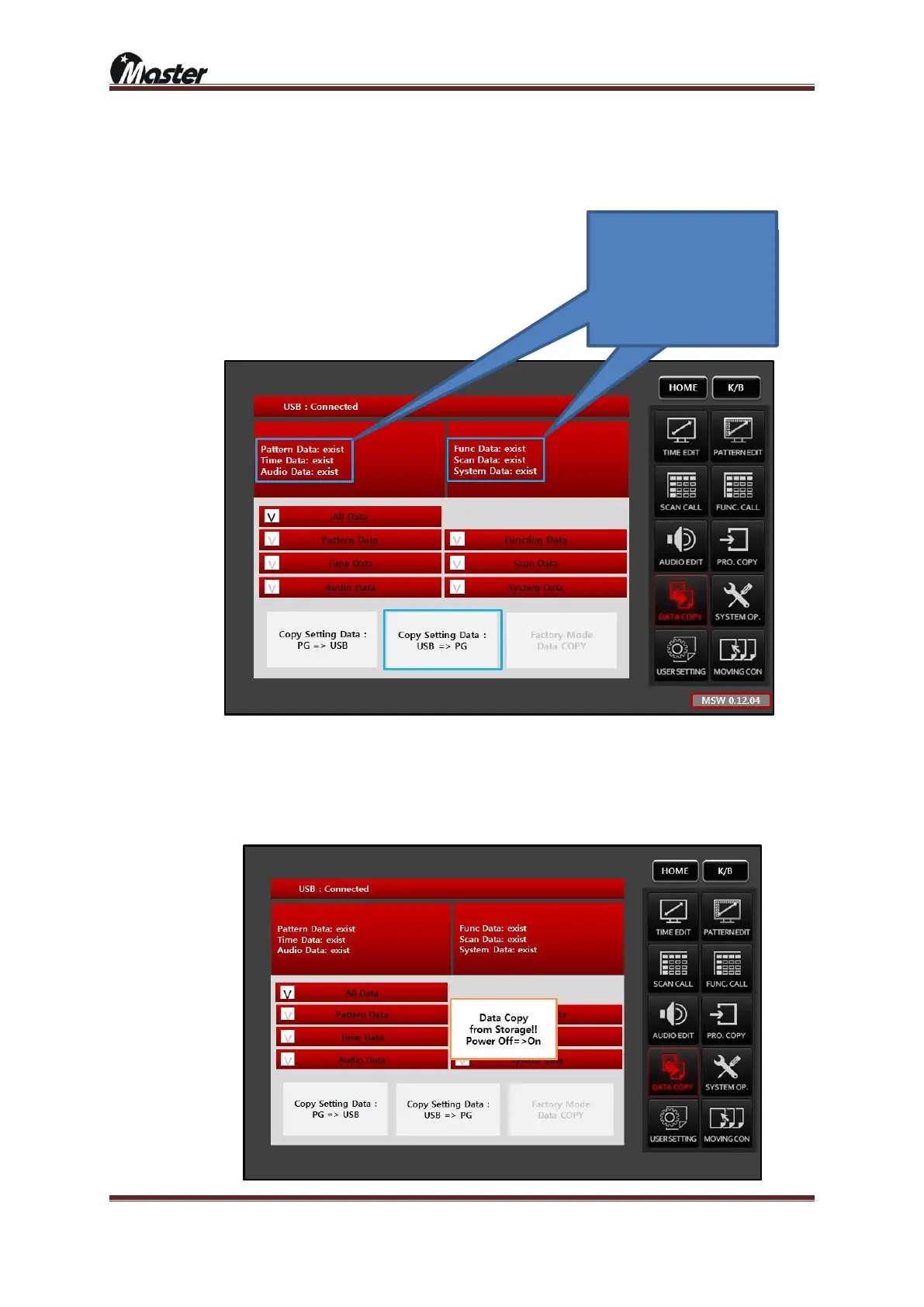
④ Select the ALL Data for update all data.
a. All data: pattern, time, audio, function, scan and system data
b. Pattern data: Only pattern data
c. Time data: Only timing data
d. Audio data: Only audio data
e. Function data: Only function data
f. Scan data: Only scan data
g. System data: Only system data
⑤ Select the “Copy Setting Data: USB => PG”, it means all USB data copy to MSPG-8000. Existing data
will be overwritten.(Password is “8880”)
⑥ MSPG-8000 will confirm to copy, press ok button.
⑦ After 5 second update will finish as below, please turn off and turn on the MSPG-8000 for finish update.
If there
If there are “not exist” than
please check to un-zip and
root folder save on USB.





 To Next Page