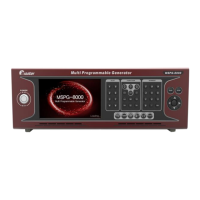
Slot Type Multi Video Signal Generator MSPG-8000
www.Ltdmaster.com 80
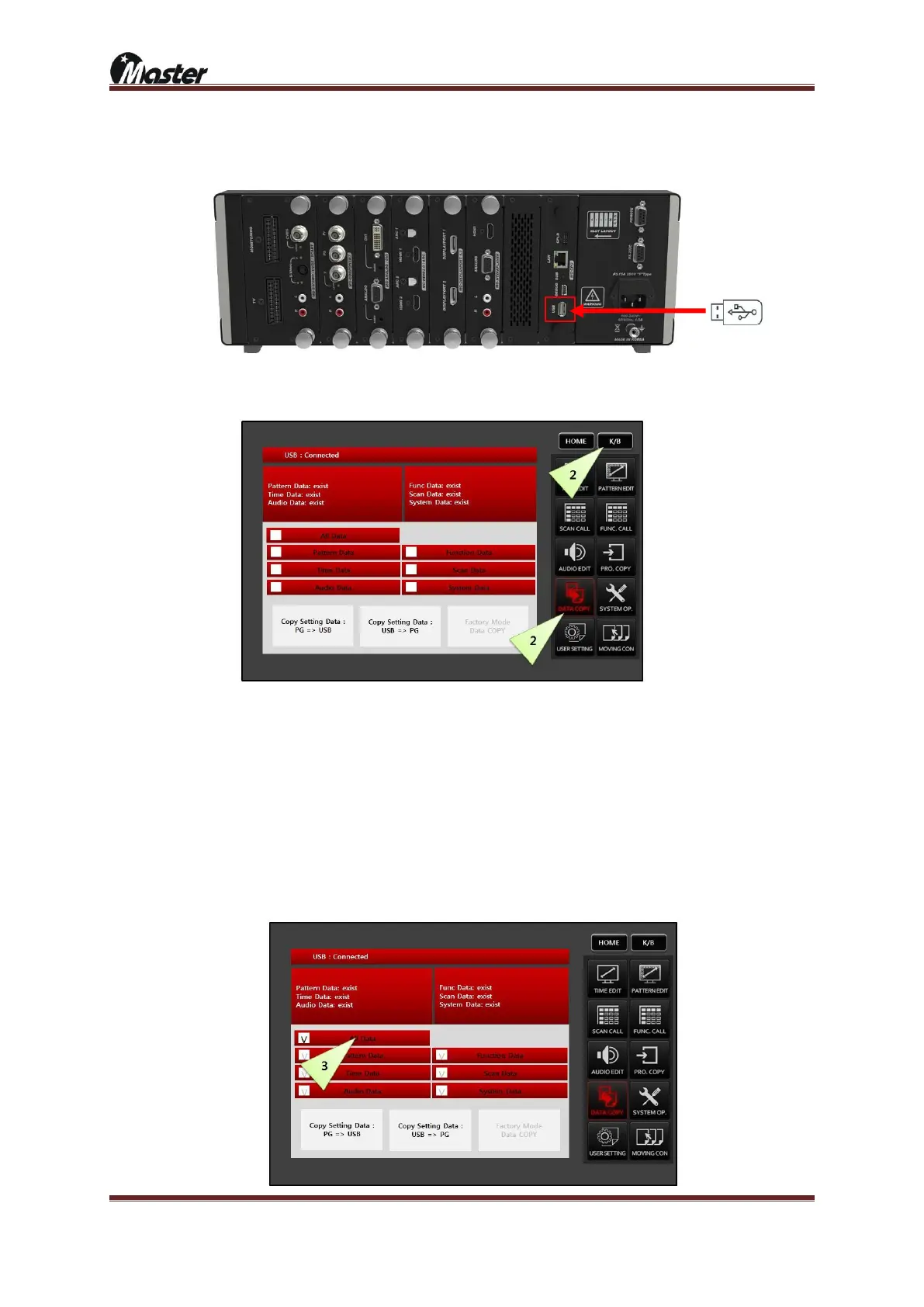
2) All data back up from MSPG-8000 to USB memory stick.
① Connect USB stick to MSPG-8000’s rear USB port and wait 5second for recognize USB.
② Press the K/B button and press the “DATA COPY” button.
③ Select the ALL Data for update all data.
a. All data: pattern, time, audio, function, scan and system data
b. Pattern data: Only pattern data
c. Time data: Only timing data
d. Audio data: Only audio data
e. Function data: Only function data
f. Scan data: Only scan data
g. System data: Only system data





 To Next Page