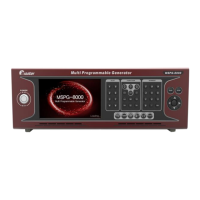
Slot Type Multi Video Signal Generator MSPG-8000
www.Ltdmaster.com 43
4.3.2 How to edit pattern
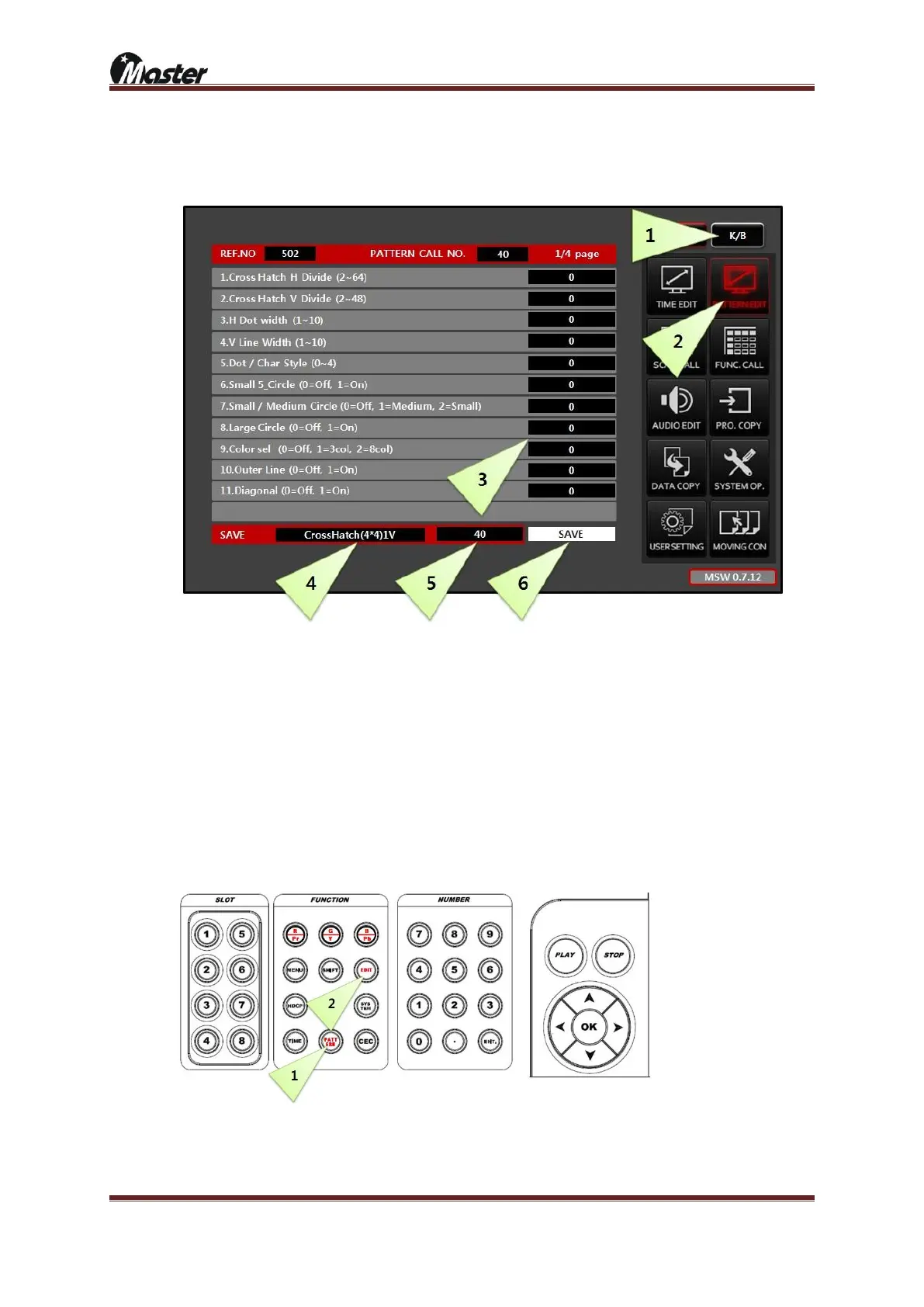
1) Pattern edit using touch screen
⑦ Press “K/B” button to activate edit list.
⑧ Press “PATTERN EDIT” button to activate pattern edit list.
⑨ Use direction button for change pattern value as you wanted..
⑩ Change pattern name as you wanted. Drag number 4. and press “K/B” button for character.
⑪ Change pattern number as you wanted empty pattern number at 1~500.
⑫ Password is “8880”.
2) Pattern edit using keypad





 To Next Page