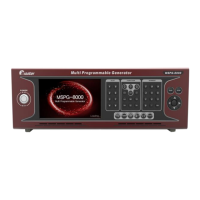
Slot Type Multi Video Signal Generator MSPG-8000
www.Ltdmaster.com 83
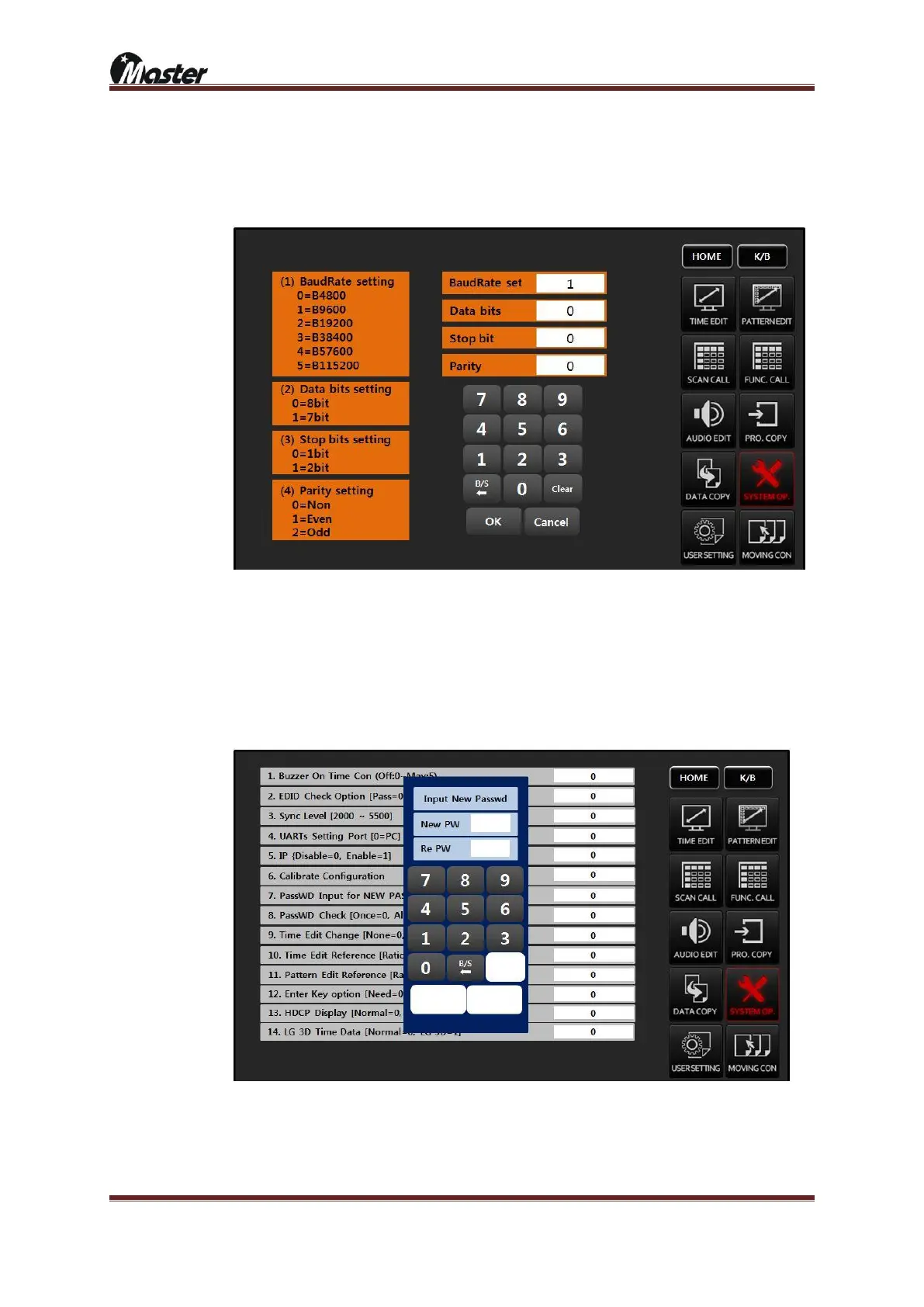
④ UART setting Port[0]: Press OK/ENTER button for into set up
Connect PC to MSPG-8000’s RS-232 port via RS-232(cross type) cable. Set up baud rate, data bit,
stop bits and parity same as PC and UART setting.(password is “8880”)
⑤ IP [Disable=0, Enable=1]: Reserved
⑥ Calibrate Configuration: It can control proper location of touch screen in LCD screen.
⑦ PassWD Input for NEW PASSWD: Change new password.
a. Enter default password “8880” and press enter
b. Input new password 1~8 digit number.
c. Input same new password 1~8 digit number once more.
⑧ PassWD Check: Set password checking frequency
a. Once[0]: MSPG-8000 power on and ask the password only once
b. Always[1]: Ask the password always
c. None[2]: Do not ask the password





 To Next Page