Matica Lamination Module MC-L2 User Manual
17
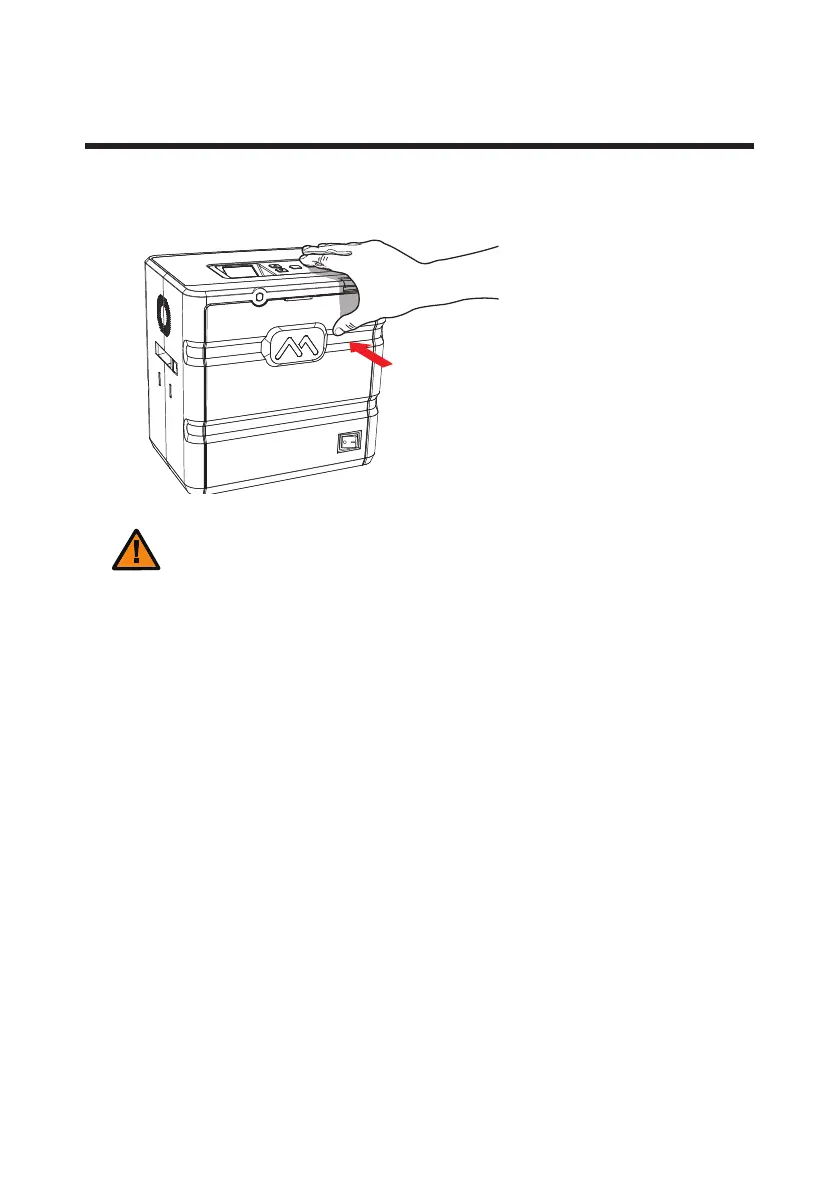
Close Front Cover
- Do not force the Front Cover in when the cartridge is not loaded correctly
as it can damage the product.
- Cards will not be laminated properly if the Front Cover is not fully closed.
(Make sure it is closed.)
- If the Front Cover is not closed completely, the LCD Display Panel indicates
the message: “COVER OPEN”.
Caution
1. Push the Front Cover in until it “clicks” .


 To Next Page