Matica Lamination Module MC-L2 User Manual
51
You can cancel the laminating during the 'Warming-up'. You can't cancel the laminating
job when the laminating is operated.
Note
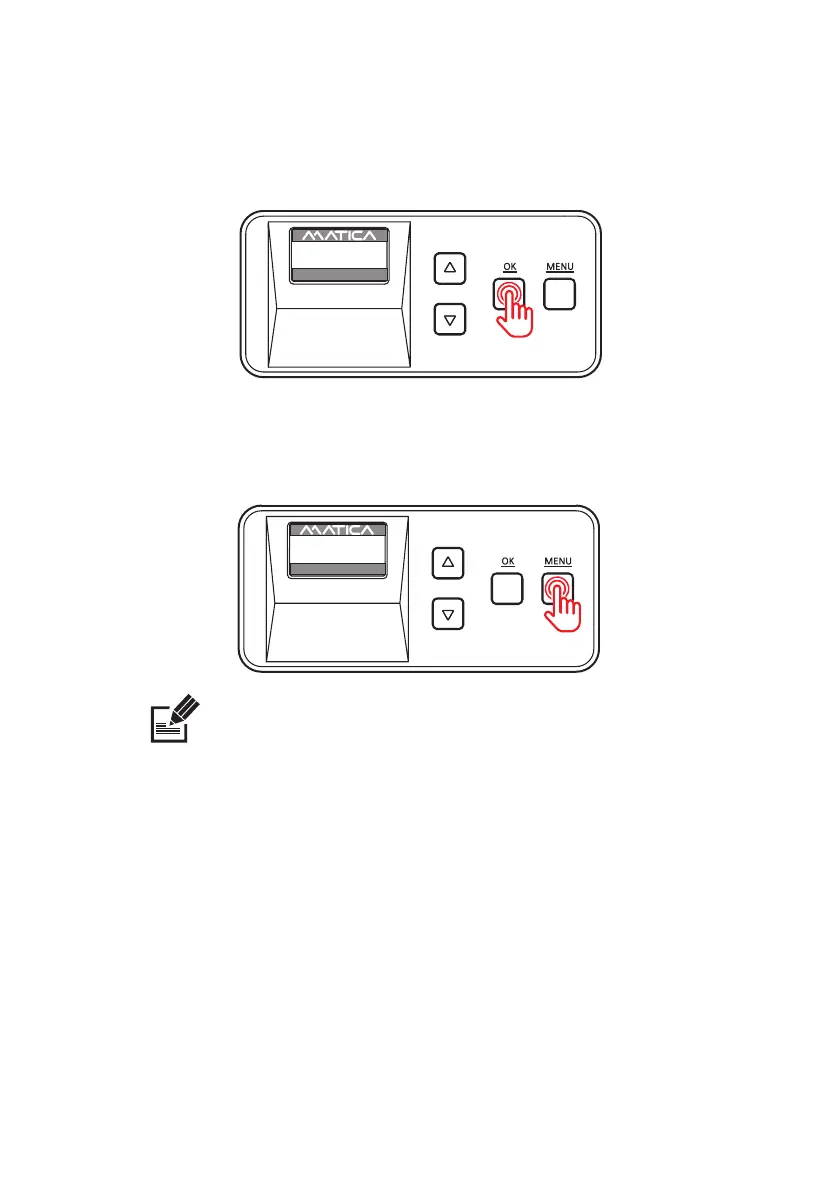
2. Press ‘MENU’ button to cancel the laminating during the issuance.
-Card issuance and cancel
1. When you nish the setting, press 'OK' button to issue the card.
UP 500 / LO 500
W30 / READY
2019.07.29(V0XX)
UP 500 / LO 500
W30 / Warm up
2019.07.29(V0XX)


 To Next Page