Matica Lamination Module MC-L2 User Manual
41
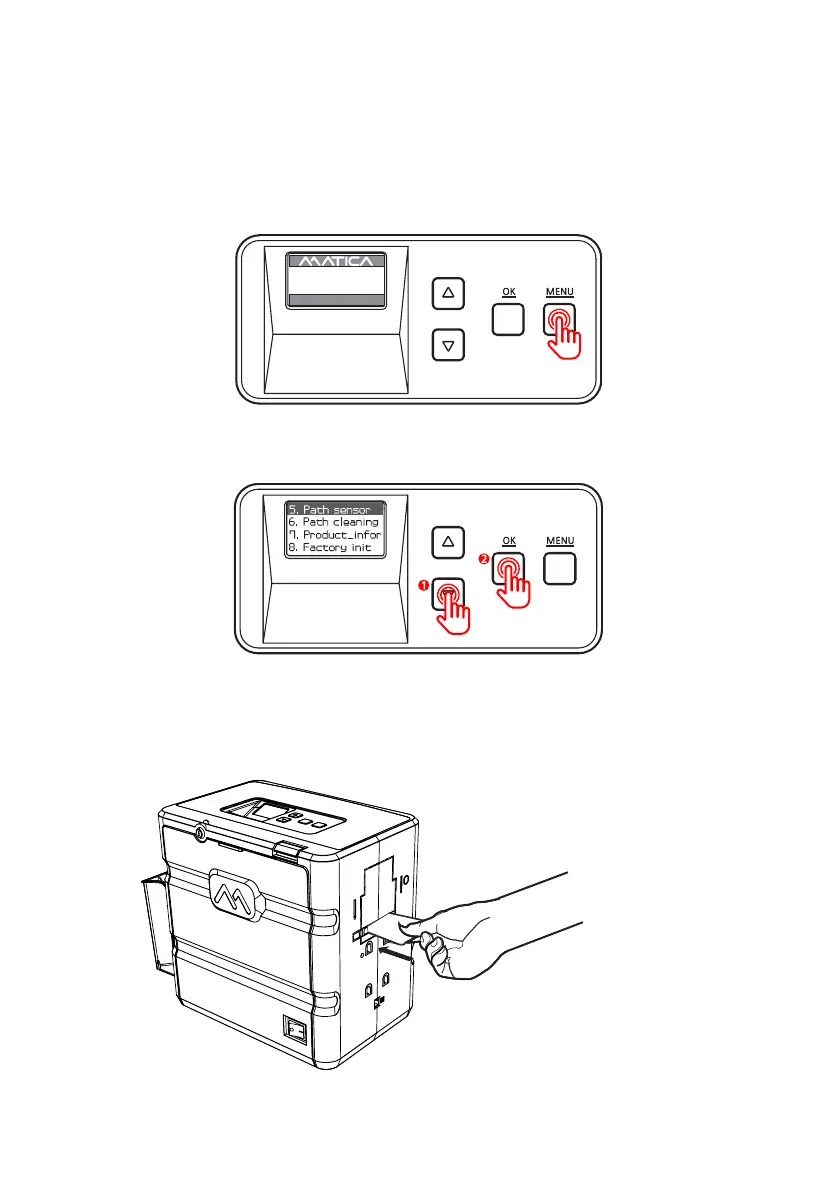
1. Press ‘MENU’ to enter the menu mode.
-Path Sensor
Function : Check whether the path sensor works correctly.
2. Press the Menu Navigation Button to select ‘5. Path sensor’ and press ‘OK’.
3. Insert a blank card into the Card Slot.
(Make sure to hold the card until the operation starts.)
UP 500 / LO 500
W30 / READY
2019.07.29(V0XX)


 To Next Page