ⓒ2021 Matica Technologies Group. All rights reserved
42
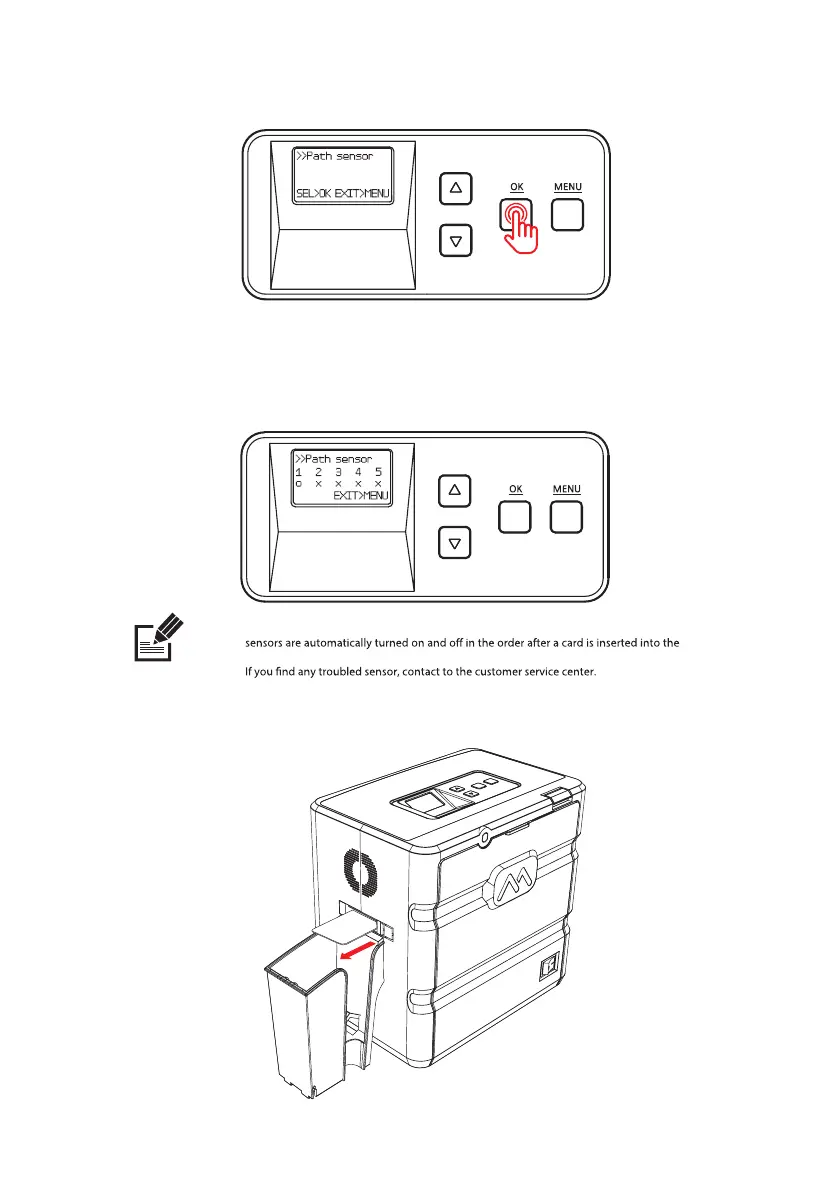
4. Press ‘OK’ while holding the card and it goes in.
5. The card will move back and forth 5-6 times. Each time the card passes
the sensor, the indicator changes from X to O.
6. The laminator releases the card upon completion.
O : Card detected, X : No Card detected
1st sensor turns on when a card is inserted through the feeding slot. #2,#3,#4,#5
Laminator. When you have a card jam issue, please check the status of all path sensors.
Note


 To Next Page