User Guide
3-1
MC310 USER GUIDE I 4-1
4 Installing the Software and Configuring the Printer
The USB stick that comes with the printer contains the following:
Windows Vista, Win7, Win8, Win8.1 (32 and 64 bit), Win10 printer driver for USB, Ethernet LAN and
Wireless connections (if supported by the purchased model)
PDF User Guide
Driver Installer (XPS DRIVER)
4.1 Connecting the Printer to the Computer and Installing the Software
4.1.1 Printer connection through USB
1) Download/ save a copy of MC310 driver installer software into your PC/Laptop.
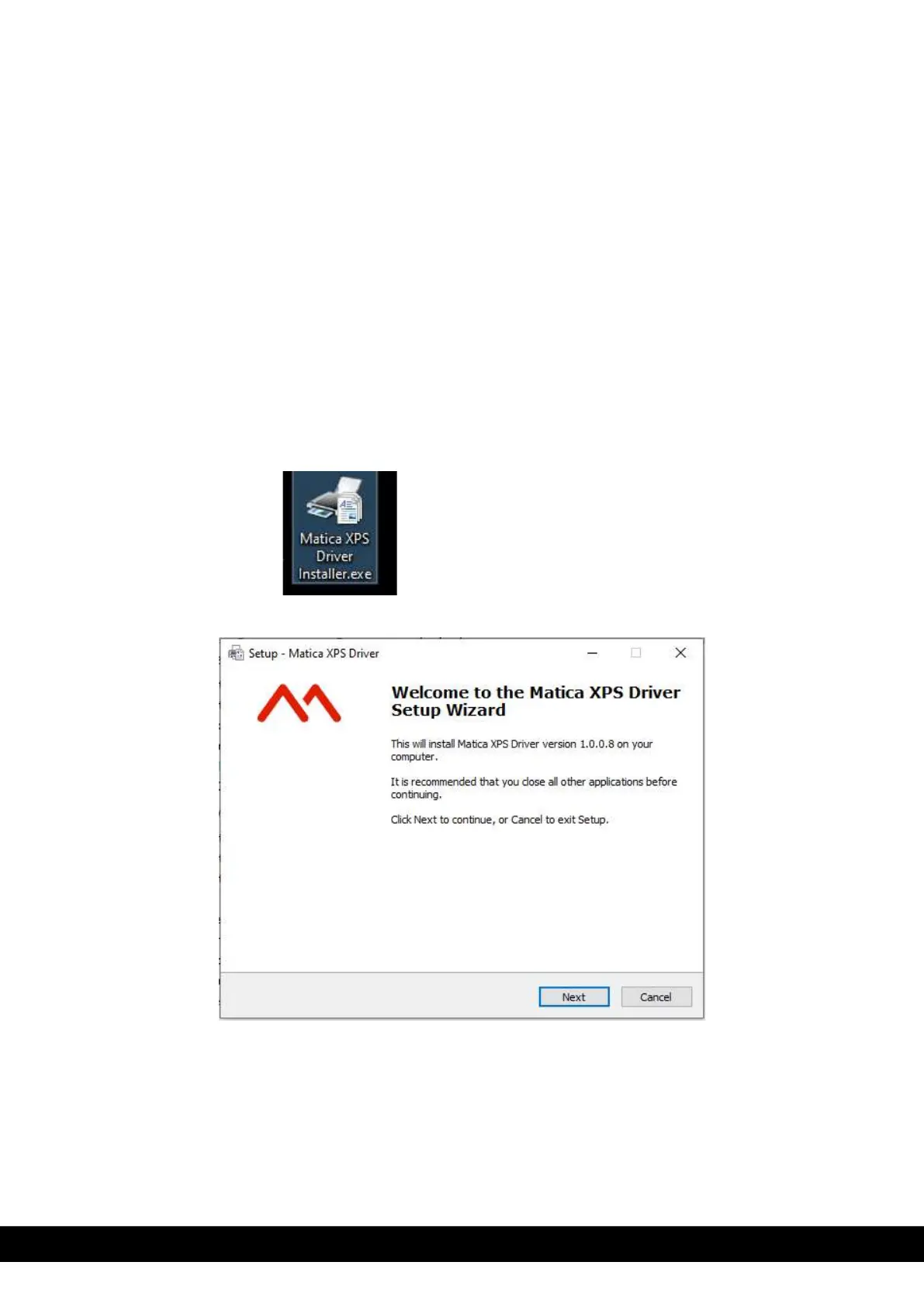
2) Double click on the Matica XPS Driver installer.exe application to setup the Wizard.
3) Set up wizard displayed. Click ´Next´ button.



 To Next Page