MC310 USER GUIDE 2-3
2.2 Functional Description
2.2.1 Front View
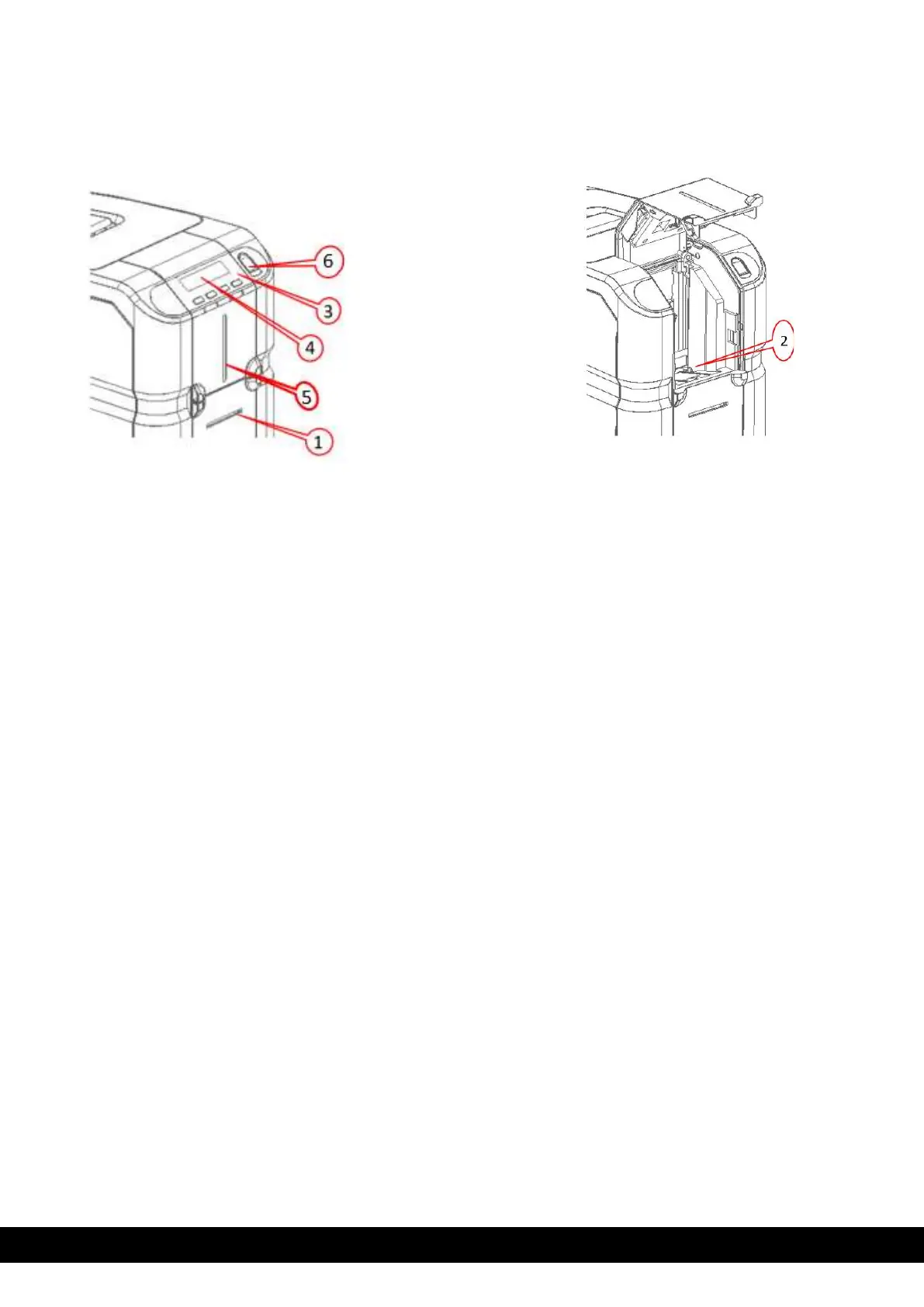
The front of the printer is the operator side and has following features:
1)
Front slot for Single card Manual Feeding.
2)
Input Hopper
3)
Operator panel and printer status indicators: ON/OFF key and 3 functional keys
4)
LCD display
5)
LED light indicating card availability status in the input hopper.
6)
Biometric lock option (Only for MC310s, S3110 (Financial version))



 To Next Page