User Guide
3-1
MC310 USER GUIDE I 4-1
4.1.2 Printer connection through LAN/Ethernet
The M310 printer can be connect to Network i.e. LAN/Ethernet connection through 2 types of connection
a) DCP
b) Static IP
4.1.2.1 DCP
If the printer already installed through USB connection, disconnect the USB connection of the printer and
Switch OFF the printer.
1) Download/ save a copy of MC310 driver installer software into your PC/Laptop.
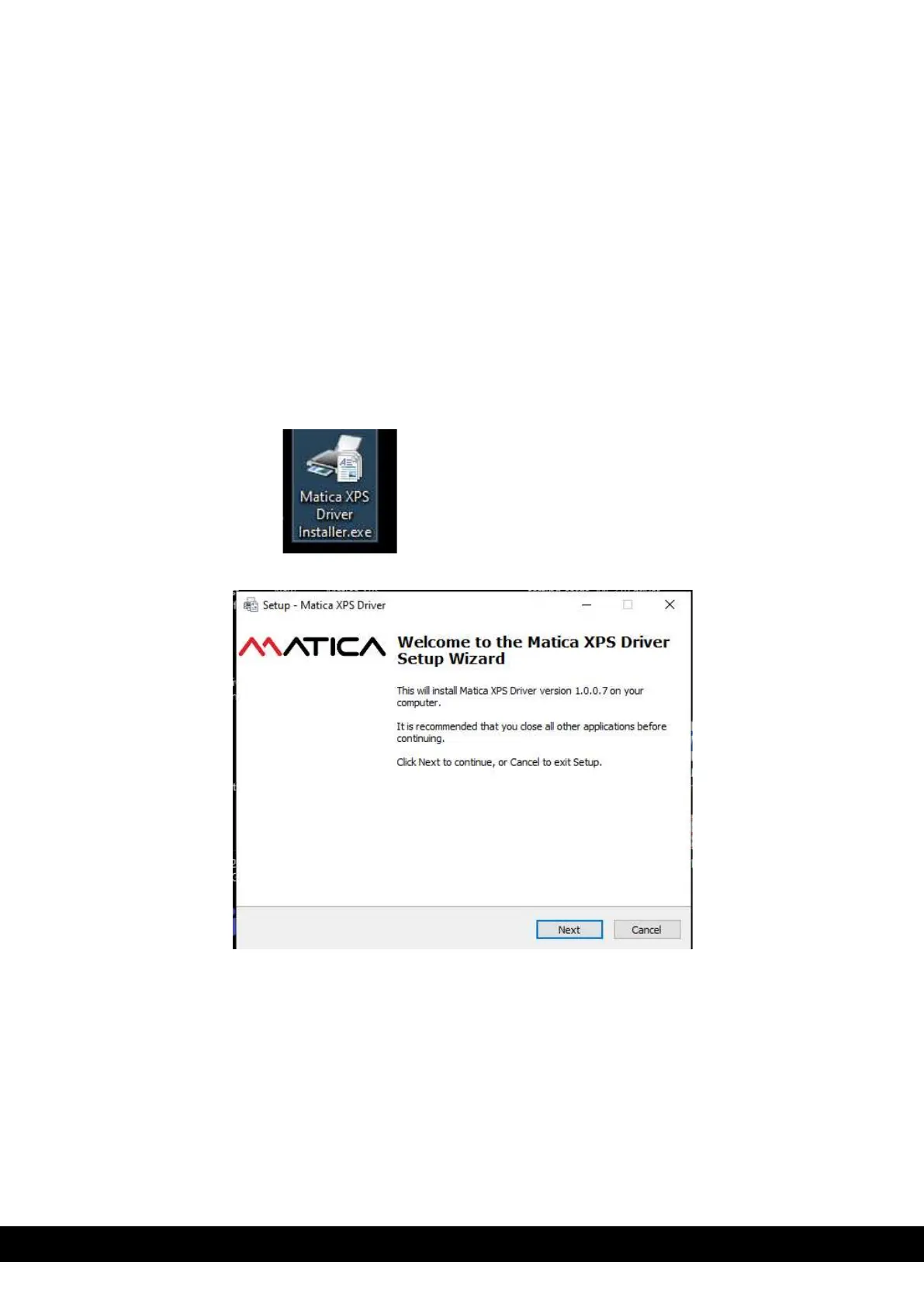
2) Double click on the Matica XPS Driver installer.exe application to setup the Wizard.
3) Set up wizard displayed. Click ´Next´ button.



 To Next Page