MC310 USER GUIDE I 6-9
6.6 Print head replacement procedure
As the print head is the most important component of the printer, it is advisable to carry out the recommended
cleaning procedures in order to guarantee maximum quality at all times and longest possible service life.
However, the print head may become worn and must be replaced after a certain period of time.
6.6.1 Replacement procedure
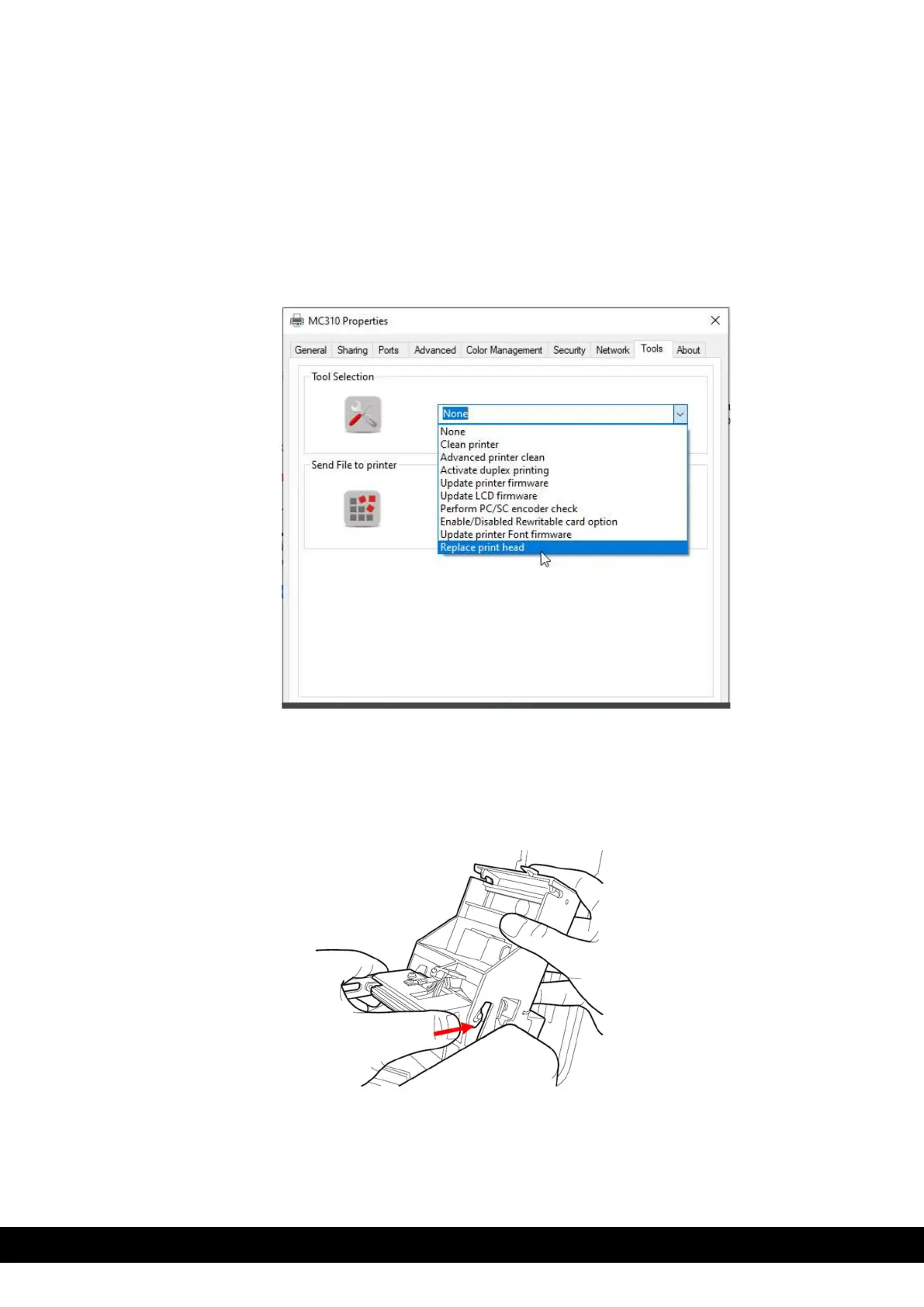
1) To perform the Printhead replacement, select ‘Replace Printhead’ from the Tool menu,
2) Unplug the Printer from the Power supply, Open the Top cover. Remove the Printhead as instructed below,
i. To remove the print head. Press in the direction
indicated by the arrow to loosen the spring and to
release this from its housing and
Click ‘Next’ to continue in the Printer Manager wizard



 To Next Page