41
Device page
anyone to see. If so, you can disable SSDP to prevent the Monarch HDX from
appearing as a UPnP device.
°To prevent the Monarch HDX from appearing:
1 Access the Monarch HDX Command Center (see “Accessing the Command
Center” on page 19).
2 Choose Device > IP Setup.
3 Clear Display this Monarch HDX on the network as a UPnP device.
4 Click Apply.
The Monarch HDX will no longer be visible in Windows Explorer as a UPnP
device. You may need to restart Windows Explorer for Monarch HDX to no
longer appear on the network.
¦NoteBy using this option, this Monarch device will not automatically appear
on the Monarch HDX Utils list of connected devices. You must use the
Find All
button for the Monarch HDX to appear.
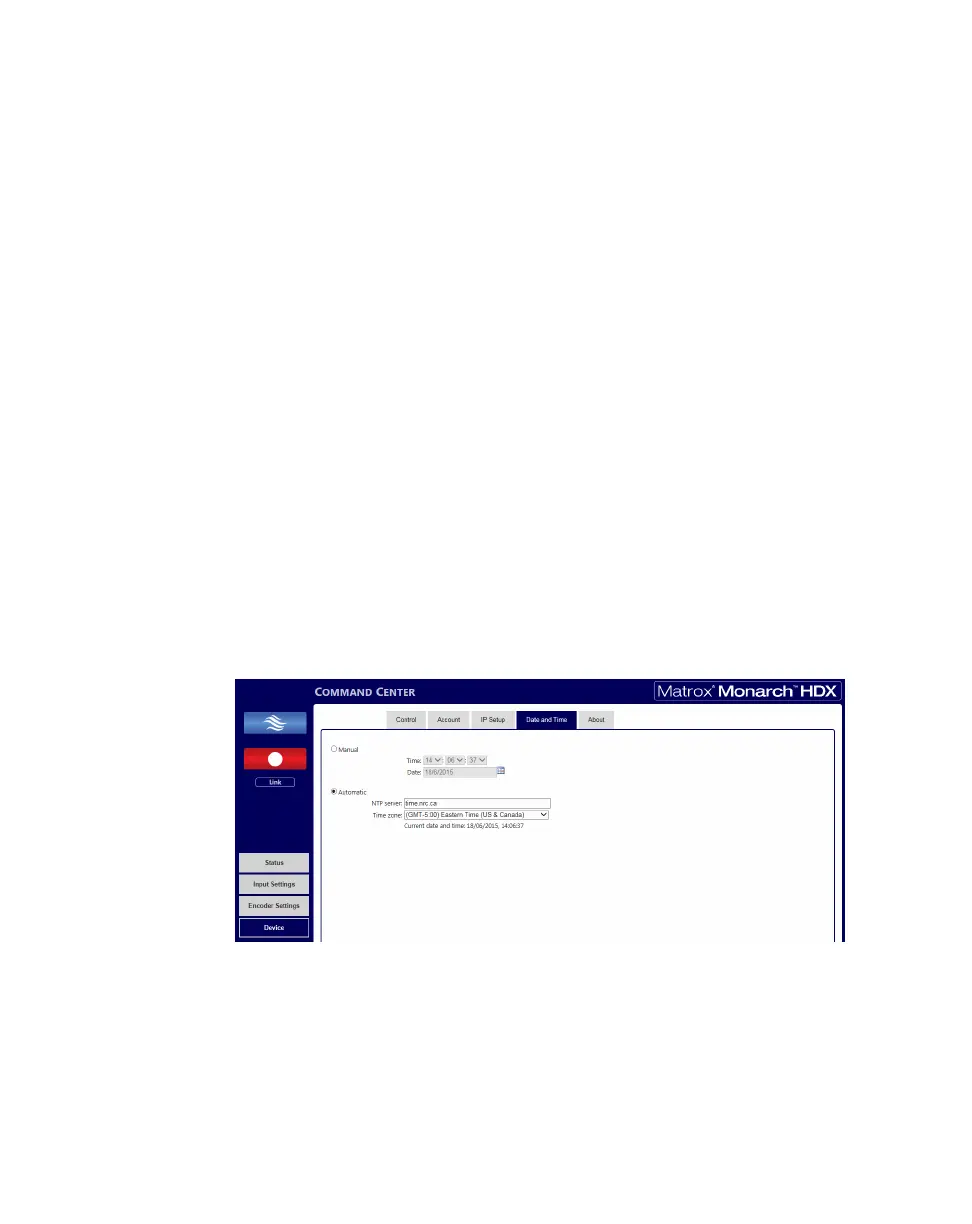
Date and Time tab
The Date and Time tab in the Command Center lets you set the date and time
for your Monarch HDX device. The date and time are used in the naming of the
recorded files (see “Path and filename” on page 35).
To access the
Date and Time tab, open the Monarch HDX Command Center,
and then choose
Device > Date and Time.



 To Next Page