43
Device page
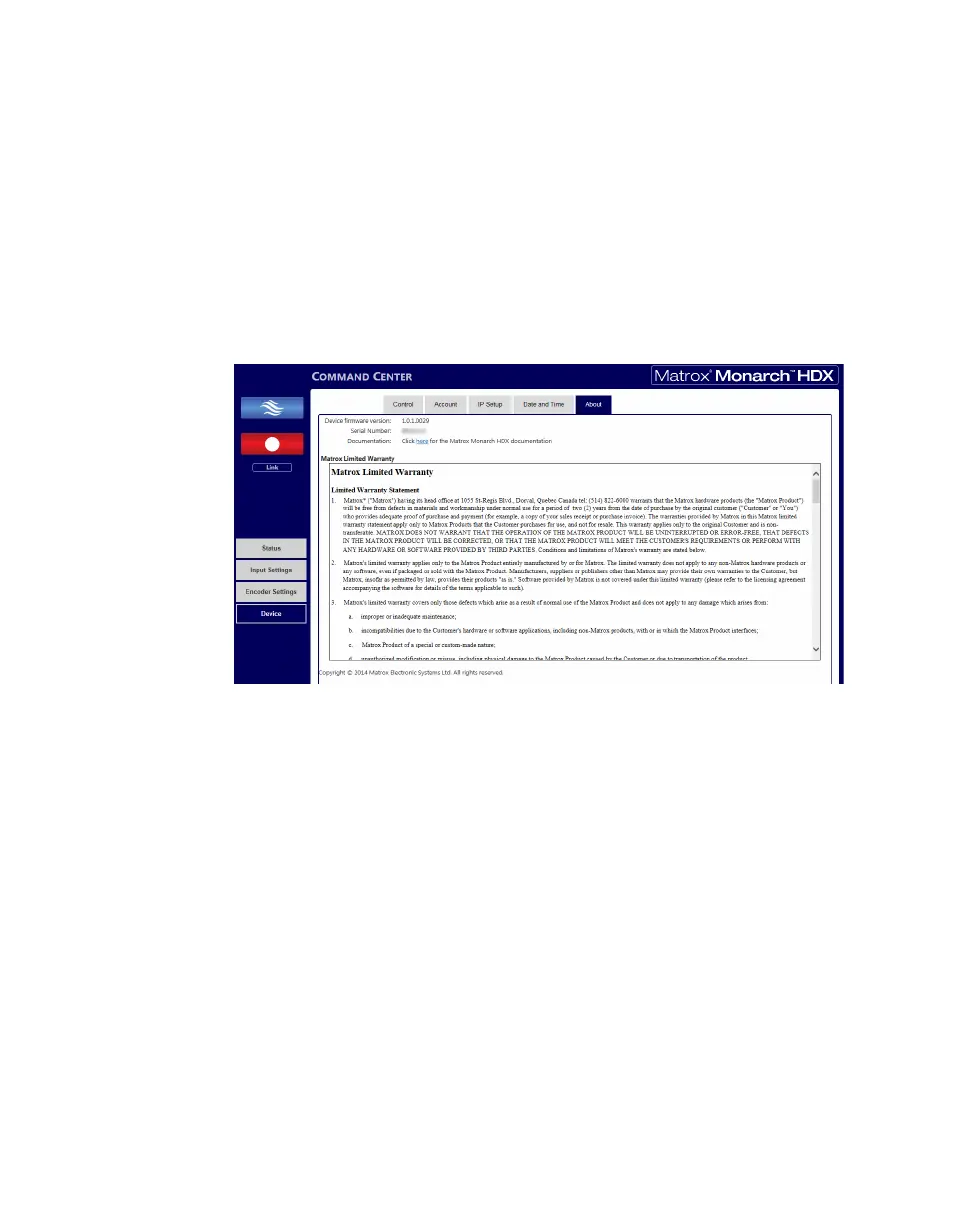
About tab
The About tab in the Command Center lets you see the serial number and current
firmware version of your Monarch HDX device, provides a link to the latest
Monarch HDX documentation (an Internet connection is required), and displays
the Matrox Limited Warranty for Monarch HDX.
¦NoteTo update the Monarch HDX firmware, see “Updating the Monarch
HDX firmware” on page 20.
To access the
About tab, open the Monarch HDX Command Center, and then
choose
Device > About.



 To Next Page