48
4 Checking method
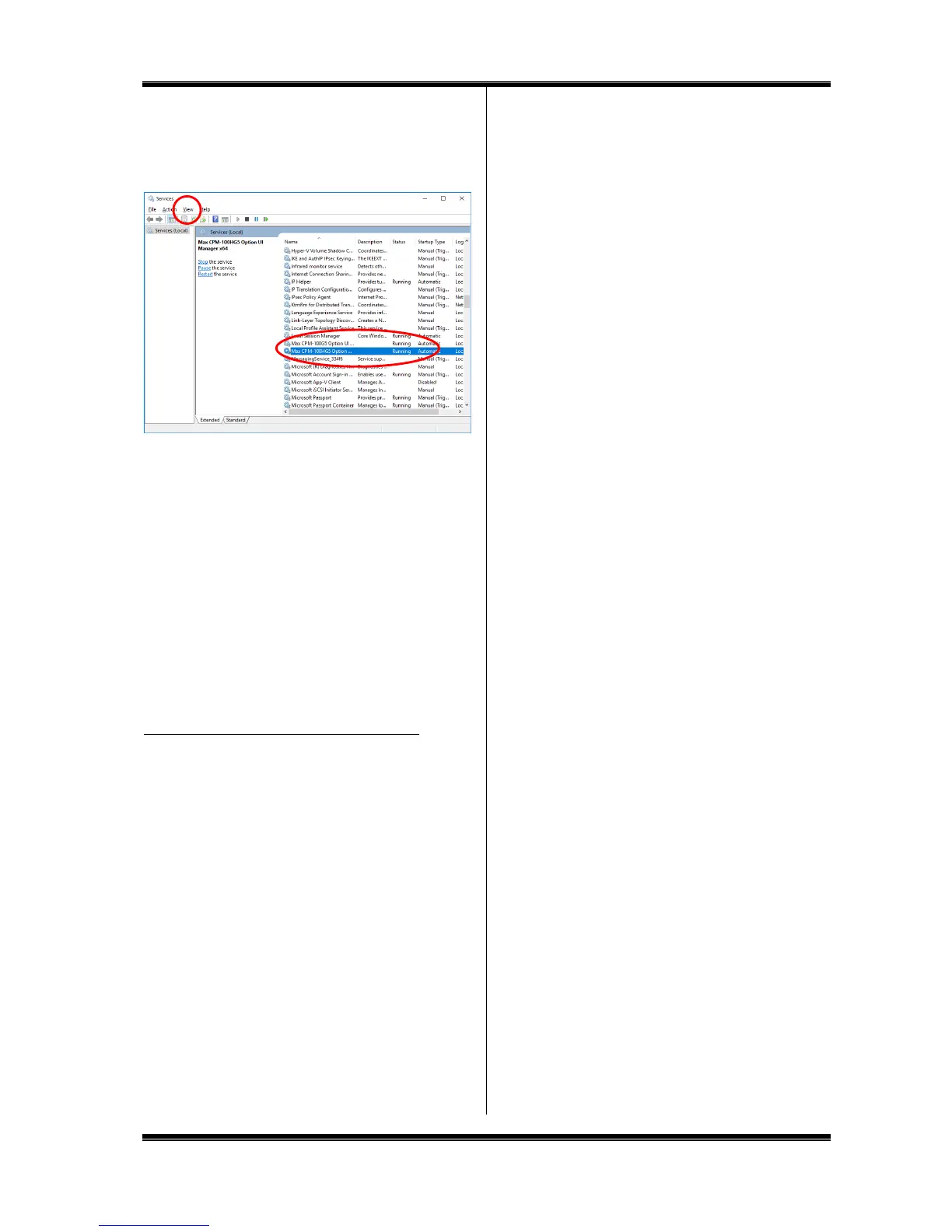
Check that the following is included in the indicated service in 1.
Checking the symptom:
For the CPM-100HG5: MAX CPM-100HG5 Option UI Manager
For the CPM-100G5: MAX CPM-100G5 Option UI Manager
If Status = Start and Type of Startup = Auto, installation of the
status monitor is completed. (If it is manually installed with the
service window left opened, check after updating the display.)
If nothing is displayed now, repeat Steps 2 and 3 after restarting,
and uninstall the printer driver.
After restarting, repeat Steps 2 and 3, and implement regular
installation.
If regular installation fails, implement manual installation as
described in 3.
5 After installation is completed, restart.
3. Other Troubles
The printer cannot be recognized by LAN connection.
Check if the IP address of the printer has been set correctly.
The IP address of the PC port is set in installing the printer
driver.
It is also necessary to set the IP address for the printer main
body. Connect with the USB cable and set the IP address, using
the “IP address setting” tool.
For details, see “9. Setting the IP Address of the CPM-100HG5”
(Page 29).



 To Next Page