43
10.2 Outputting to Bepop
1 Set a tape roll in this machine.
2 Click on [ ].
3 Click on the [Start print] button.
4 Output starts.
After initial operation (feeds the tape roll by about 7.625”
(19 cm) and returns), the machine performs printing, and
cutting later.
10.3 Checking the Remaining Tape Roll
Length
The remaining length of the tape roll loaded into the
CPM-100G5/CPM-100HG5 can be checked with the status monitor
of the CPM-100G5/CPM-100HG5. This function can be
conveniently used for checking beforehand if the tape roll is long
enough for output length, and replenishing and managing the tape
roll.
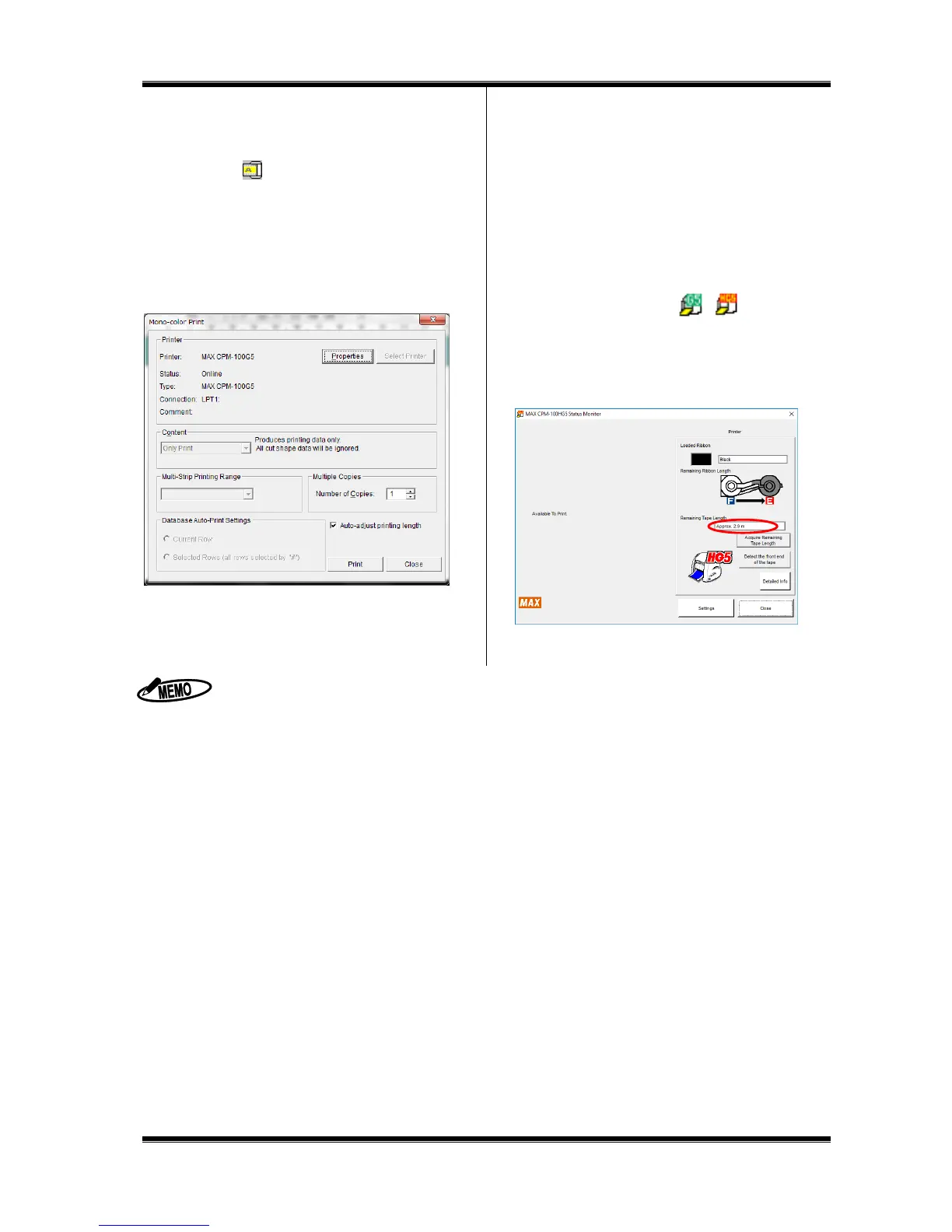
1 Double-click on an icon [ ] located at the
lower right part of the PC to display the status monitor.
2 Click on the [Acquire Remaining Tape roll Length] button.
Feed the tape roll and acquire the remaining tape roll
length.
3 The approximate remaining tape roll length is displayed.
When setting a vinyl, you can feed/return it with Feed key.
CPM-100G5/CPM-100HG5: Feed key on the side of the machine
If you click on the [Properties] button in 10.2 Step 2 above, you can make detailed settings related to output.
To cancel output halfway, click the [Cancel Print] button of the status monitor, or turn off the
CPM-100G5/CPM-100HG5, click on the [Cancel Print] button of the status monitor to delete a print job, and turn on
the power again.
The remaining vinyl length may be displayed different from the actual length by 15 to 30 cm, depending on the
remaining meter value and vinyl loading condition. Once the vinyl is separated from the roll, the remaining vinyl length
is not correctly displayed.
Be sure to use the specified vinyl for the CPM-100G5/CPM-100HG5.



 To Next Page