MAXDATA PLATINUM Server Board
POST and BIOS Setup UtilitiesPOST and BIOS Setup Utilities
POST and BIOS Setup Utilities
This chapter describes the POST and BIOS setup utilities provided with the MAXDATA
PLATINUM Server Board. It includes information about the Adaptec SCSI Utility and the
Promise FastBuild Utility.
Use the numeric pad of the keyboard to enter numbers and symbols.
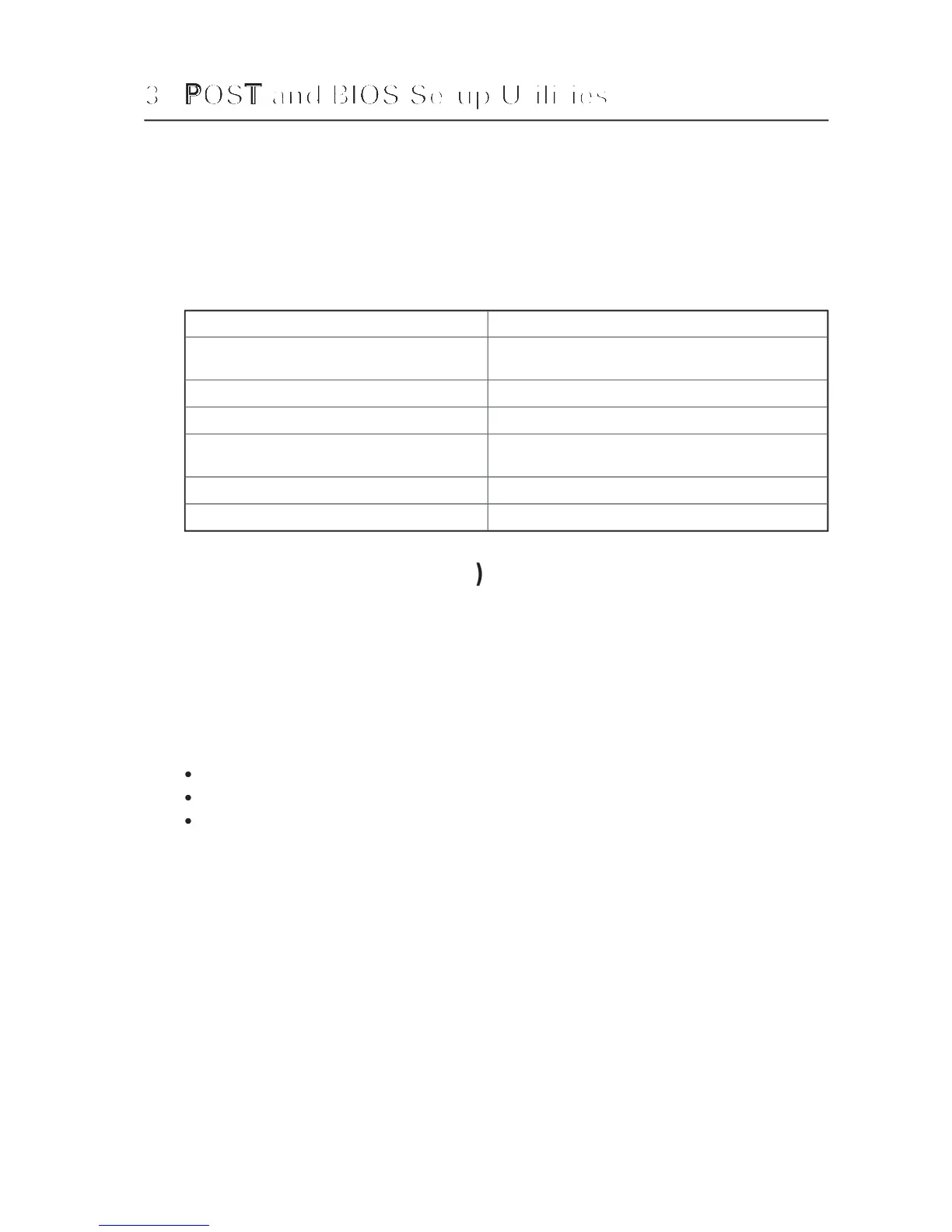
Table 4. Hot Keys
Secure your system immediately.
<Ctrl+Alt>+hot key (Set your hot key combination with
Enter the Adaptec SCSI Utility during POST.
Enter BIOS Setup during POST.
Abort memory test during POST.
<ESC> (Press while BIOS is updating memory size on
Display a menu for selecting the boot device.
<ESC> (Press anytime after memory check)
To remove the splash screen.
Each time you turn on the system, the BIOS begins executing the Power-On Self-Test (POST
which is stored in flash memory. POST discovers, configures, and tests the processors,
memory, keyboard, and most installed peripheral devices. During the memory test, POST
displays the amount of memory that it is able to access and test. The time needed to test
memory depends on the amount of memory installed.
Turn on your server and monitor. After a few seconds, POST begins to run and displays
While the splash screen is displayed, make one of the following selections:
Press <F2> to enter the BIOS Setup.
Press <Ctrl-A> to enter the Adaptec SCSISelect Utility.
diagnostic messages and change the boot device priority for
If you do not make one of the above selections and do NOT have a device with an opera-
ting system loaded, the boot process continues and the system beeps once. The following
Operating System not found
What appears on the screen after this depends on whether you have an operating system
loaded and if so, which one.
If the system halts before POST completes running, it emits a beep code indicating a fatal
system error that requires immediate attention. If POST can display a message on the video
display screen, it causes the speaker to beep twice as the message appears.
Write down both the screen display and the beep code you hear; this information is useful
for your service representative. For a listing of common beep codes and error messages
that POST can generate, see the “Solving Problems” chapter in this manual.



 To Next Page