EasyManua.ls Logo

MAXDATA PLATINUM - POST Error Codes and Messages; Standard POST Error Messages and Codes

MAXDATA PLATINUM
64 pages
Print Icon
To Next Page IconTo Next Page
To Previous Page IconTo Previous Page
Loading...
58
Technical Reference
Table 12. Post Codes (continued)
Post
Code
Diagnostic LED Decoder
Description
G=Green, R=Red,
A=Amber
MSB
LSB
Aah
A
Off
A
Off
Clear video screen.
000h
Off
Off
Off
Off
One Beep to indicate end of POST. No beep if silent boot is
enabled.
000h
Off
Off
Off
Off
POST completed. Passing control to INT 19h boot loader next.
POST Error Codes and Messages
The following table defines POST error codes and their associated messages. The BIOS prompts
the user to press a key in case of serious errors. Some error messages are preceded by the
word “Error” to highlight the fact that the system might be malfunctioning. All POST errors
and warnings are logged in the System Event Log, unless the System Event Log is full.
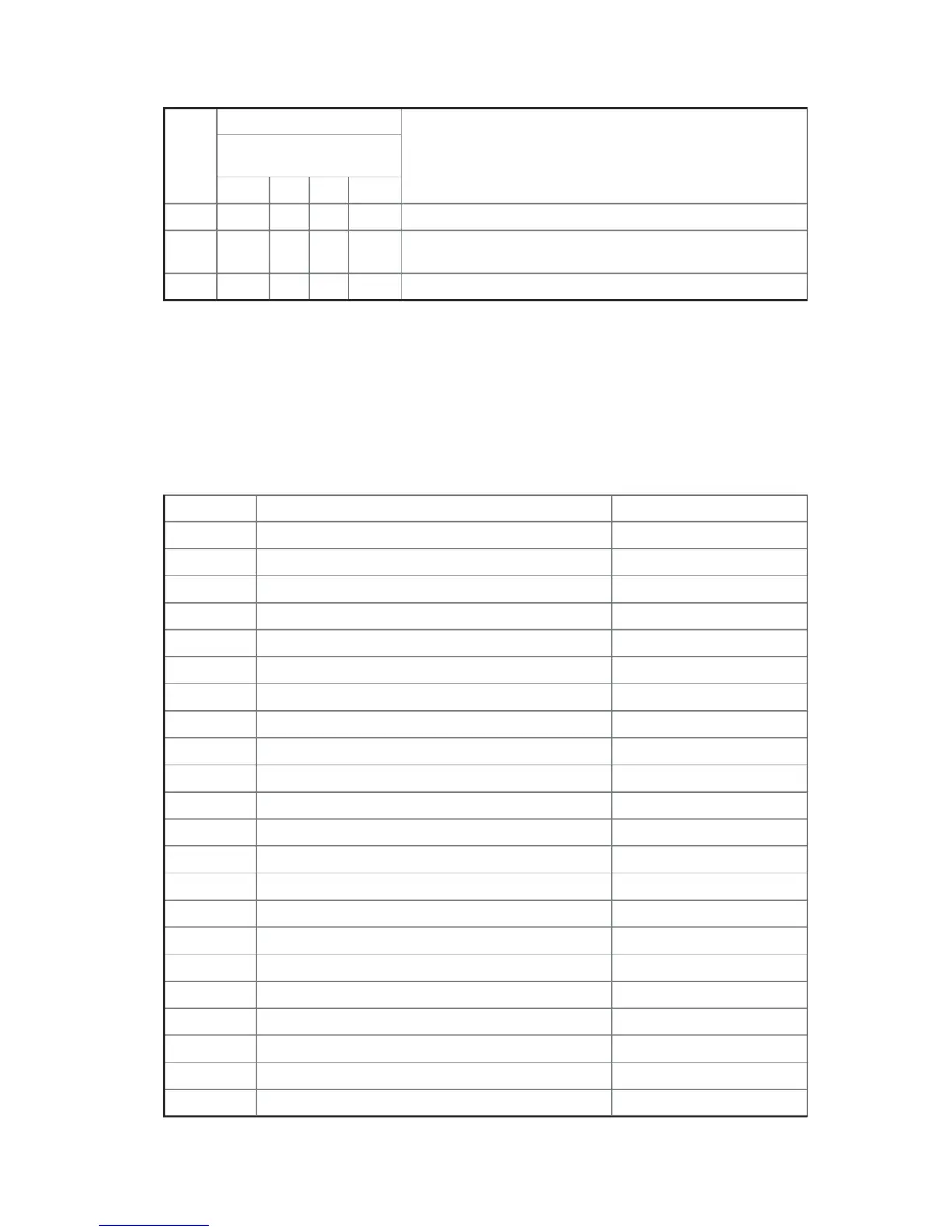
Table 13. Standard POST Error Messages and Codes
Error Code
Error Message
Pause on Boot
100
Timer Channel 2 Error
Yes
101
Master Interrupt Controller
Yes
102
Slave Interrupt Controller
Yes
103
CMOS Battery Failure
Yes
104
CMOS Options not Set
Yes
105
CMOS Checksum Failure
Yes
106
CMOS Display Error
Yes
107
Insert Key Pressed
Yes
108
Keyboard Locked Message
Yes
109
Keyboard Stuck Key
Yes
10A
Keyboard Interface Error
Yes
10B
System Memory Size Error
Yes
10E
External Cache Failure
Yes
110
Floppy Controller Error
Yes
111
Floppy A: Error
Yes
112
Floppy B: Error
Yes
113
Hard disk 0 Error
Yes
114
Hard disk 1 Error
Yes
115
Hard disk 2 Error
Yes
116
Hard disk 3 Error
Yes
117
CD-ROM disk 0 Error
Yes
118
CD-ROM disk 1 Error
Yes
continued

Table of Contents

Other manuals for MAXDATA PLATINUM

Related product manuals